Are you using the right Ethernet port on your router? Here’s how to know
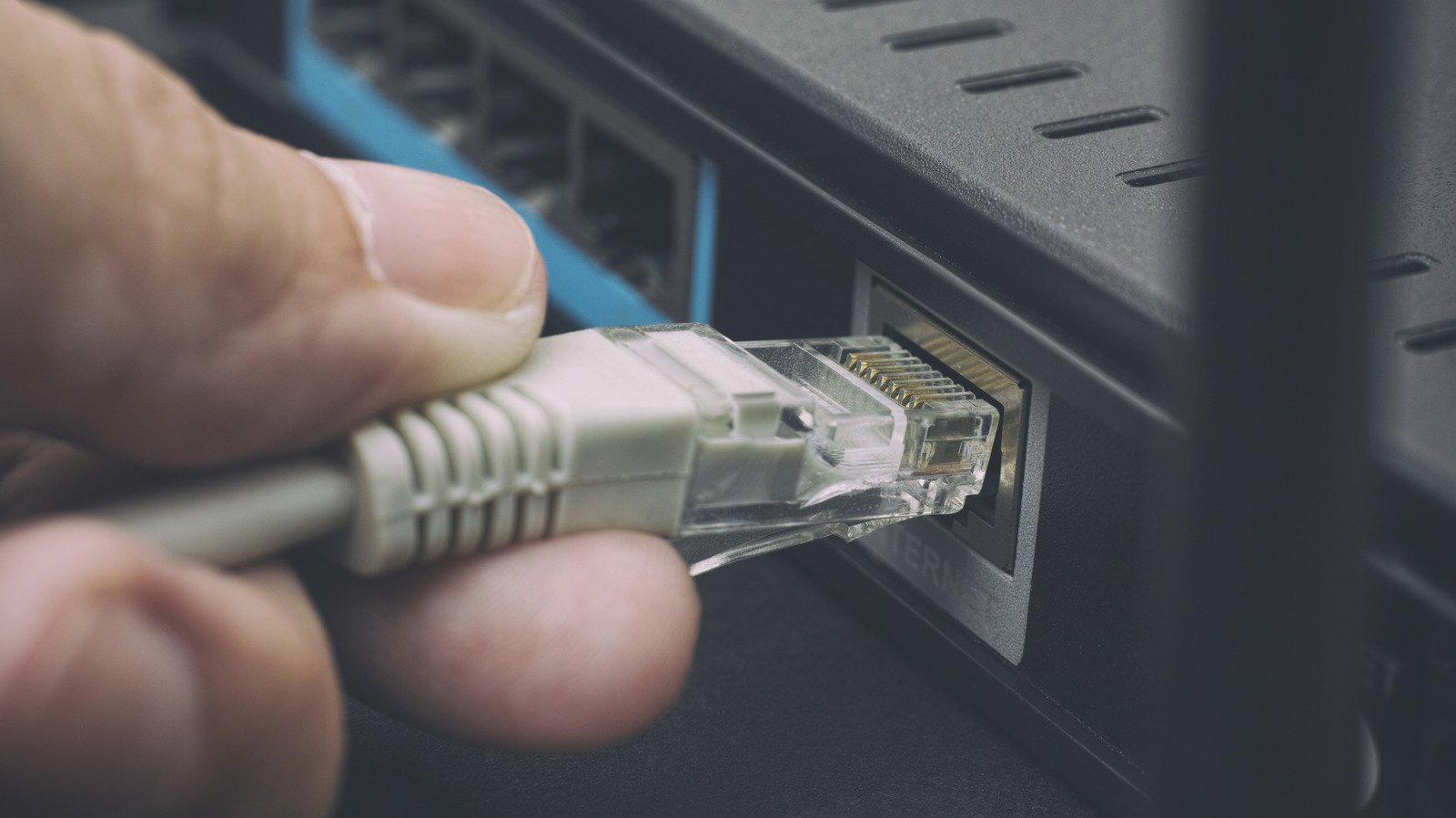
Not every Ethernet port on a router does the same job, and mixing them up can cause confusion or limit performance. The article explains that routers typically distinguish between a WAN (Internet) port, which connects to a modem or fibre terminal, and LAN ports, which link wired devices such as PCs, consoles or NAS units inside the home; combo modem-router units skip the WAN connection since one device handles both roles.
Beyond port type, speed matters: some routers have uniform LAN ports, while others—like the Netgear Orbi 870 or TP-Link Archer BE900—mix speeds such as 1Gbps, 2.5Gbps, 5Gbps and 10Gbps across ports, sometimes labelled with standards like 1000BASE-T or 10GBASE-T. Crucially, plugging a device into a faster port doesn't automatically speed it up, since Ethernet connections auto-negotiate to the slowest common capability of the router port, device adapter and cable; if extra wired connections are needed, an Ethernet switch can expand LAN capacity without adding another router.
- Router ports split into WAN (internet) and LAN (local devices)
- Port speed varies by model; check labels or specs
- Connection speed is capped by the slowest linked component