Before you disable Google Play Protect, here’s what you need to know
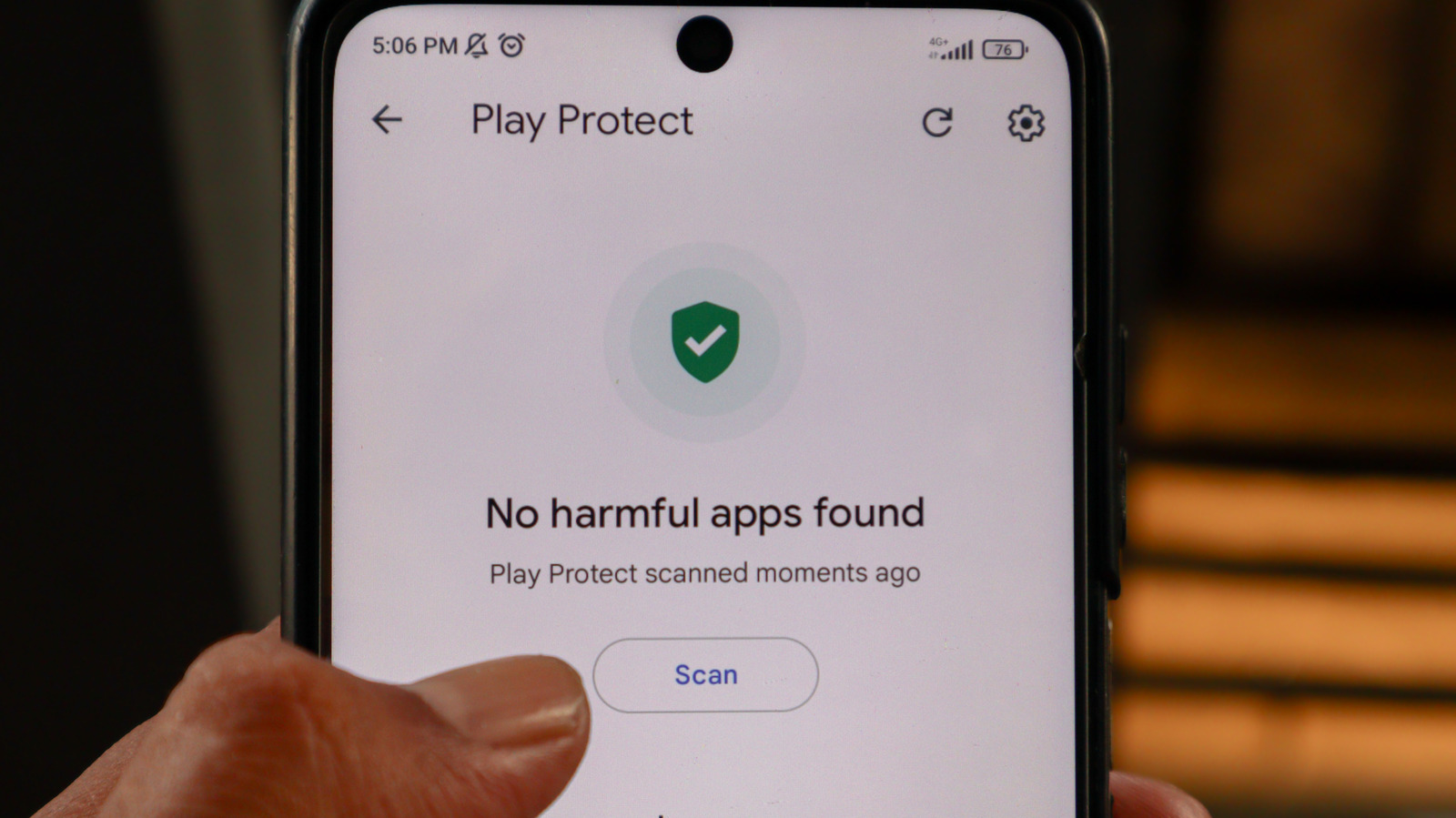
Google has outlined how Android users can disable Play Protect, the built-in security system it launched in 2017, while warning that doing so removes important safeguards against malware and data theft. The feature acts as a free first line of defence, scanning apps both from the Play Store and other sources, flagging privacy risks and deceptive apps, and blocking or removing suspicious installs, so turning it off increases exposure to harmful software, particularly for anyone without third-party antivirus protection.
Google says Play Protect detected more than 27 million new malicious apps in 2025 and blocked 266 million risky sideloading attempts in the same year. Users can switch it off via the Play Store profile menu, though those with school- or work-managed Google accounts, or enrolled in Google's Advanced Protection Program, may be blocked from doing so unless an administrator lifts restrictions or the user unenrolls first. Google has also reportedly removed some sideloaded apps it deems risky even when Play Protect is disabled.
- Google explains how to turn off Android's Play Protect security feature
- Play Protect blocked 266 million risky sideload attempts in 2025
- Disabling it raises malware and data-theft risk; some accounts can't disable it