Entertainment news and discussion on TalkFuse.
Best GTA 6 Navigation Experience – minimap options explained
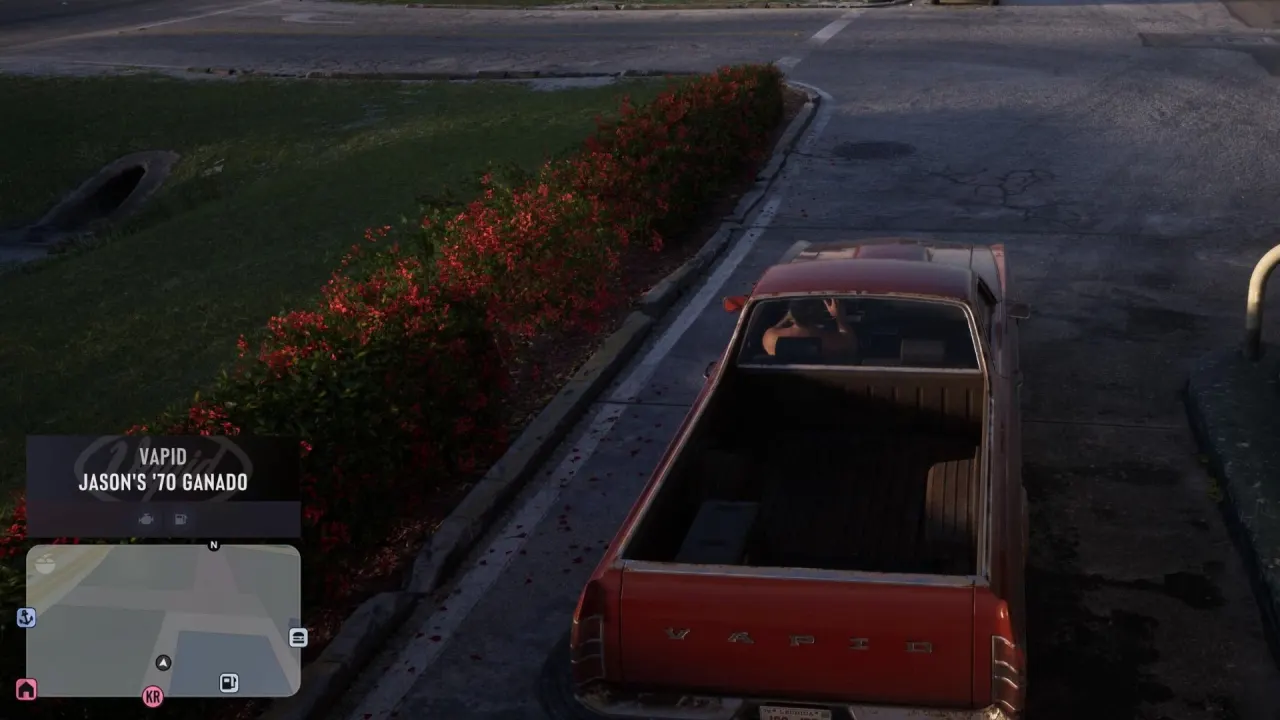
The article recommends setting Grand Theft Auto VI’s navigation experience to Dynamic. This option makes the minimap appear when needed, helping players find their way around the game’s large map while keeping the screen clear during scenes where it could distract.
The game offers three navigation options, though the article does not name all of them. It advises against turning the minimap off completely, which could make exploring harder, and says leaving it visible all the time may intrude on intense or emotional cutscenes. Dynamic is described as switching the minimap on at appropriate moments.
In short
- The article recommends Dynamic minimap settings.
- The minimap appears when players need it.
- This keeps it out of the way during cutscenes.
Steelman: both sides, in good faith
The strongest fair case each way — we don't pick a winner.
The case for
Dynamic navigation offers a practical balance: the minimap can help players orient themselves in a large game world, while disappearing when it might distract from a cutscene. This may preserve useful guidance without keeping an interface element on screen at all times.
The case against
Players who value uninterrupted exploration may prefer the minimap to stay visible, so they can check routes without waiting for it to appear. Others may favour turning it off for a cleaner, more immersive experience and accept the extra challenge of finding their way.