Wireless CarPlay uses Wi-Fi for live iPhone connections
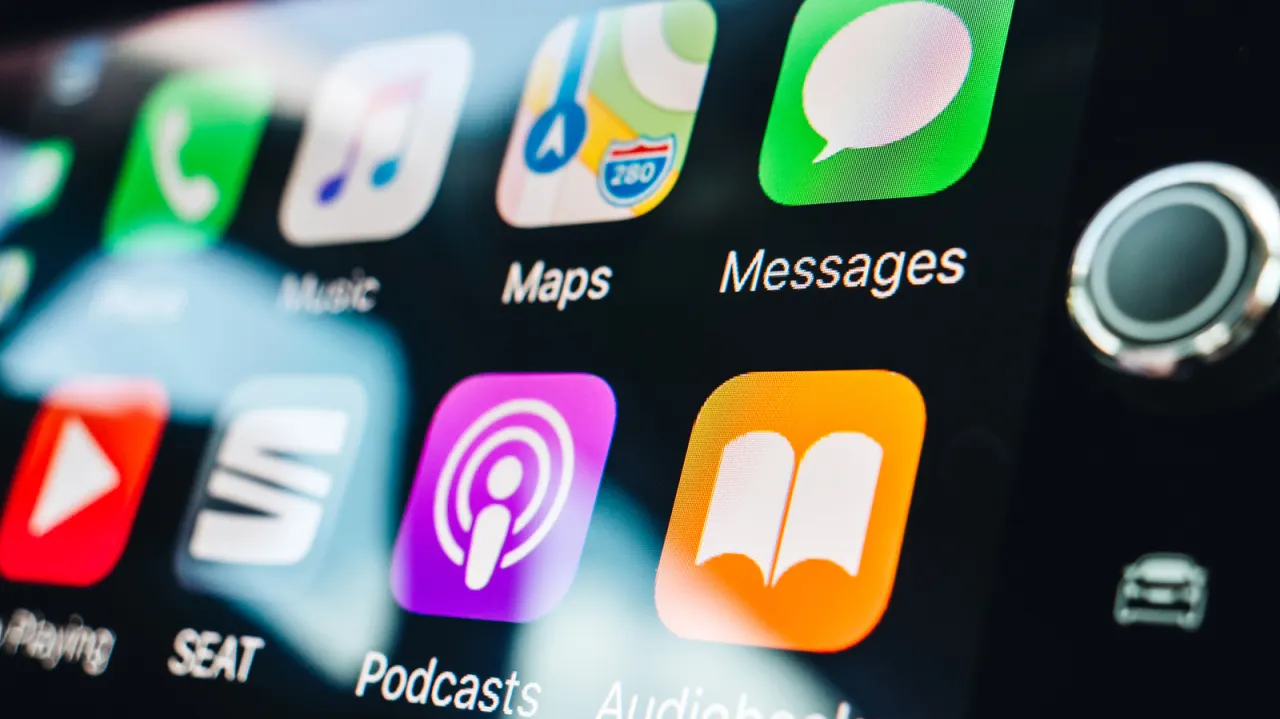
Wireless Apple CarPlay relies on Bluetooth and Wi-Fi for different purposes: Bluetooth handles initial pairing, device discovery and reconnection, while Wi-Fi carries the live CarPlay session. This matters because the system’s display, controls, music and phone-call audio all depend on a local Wi‑Fi connection, even though users may assume Bluetooth does most of the work.
During setup, the car pairs with the iPhone over Bluetooth and provides details for its own Wi‑Fi network; Bluetooth then disconnects while CarPlay operates over Wi‑Fi. Apple generally recommends 5GHz Wi‑Fi, although 2.4GHz can also be used, and the car’s connection does not require home, public or hotspot internet. Wired CarPlay instead uses USB, while wireless adapters usually convert existing wired CarPlay support rather than adding CarPlay to unsupported vehicles.
- Bluetooth pairs and reconnects; Wi‑Fi runs Wireless CarPlay.
- CarPlay uses a local car-to-iPhone Wi‑Fi link.
- Wireless adapters normally require existing wired CarPlay.
New here? Start with this
Apple CarPlay lets drivers use selected iPhone features through a car’s built-in screen and controls. It can show navigation, play music and handle calls, with the iPhone communicating directly with the car.
Wireless CarPlay uses Bluetooth to find and pair the phone, then connects over the car’s own Wi-Fi network. That local connection carries the screen, controls and audio; it does not need internet access. Wired CarPlay uses a USB cable, and wireless adapters generally work only in cars that already support wired CarPlay.
Read the full article at the source →
Originally published by Engadget as “Bluetooth or Wi-Fi: How does wireless CarPlay connect?”.