Technology news and discussion on TalkFuse.
Compact PC builds need careful component planning and assembly order
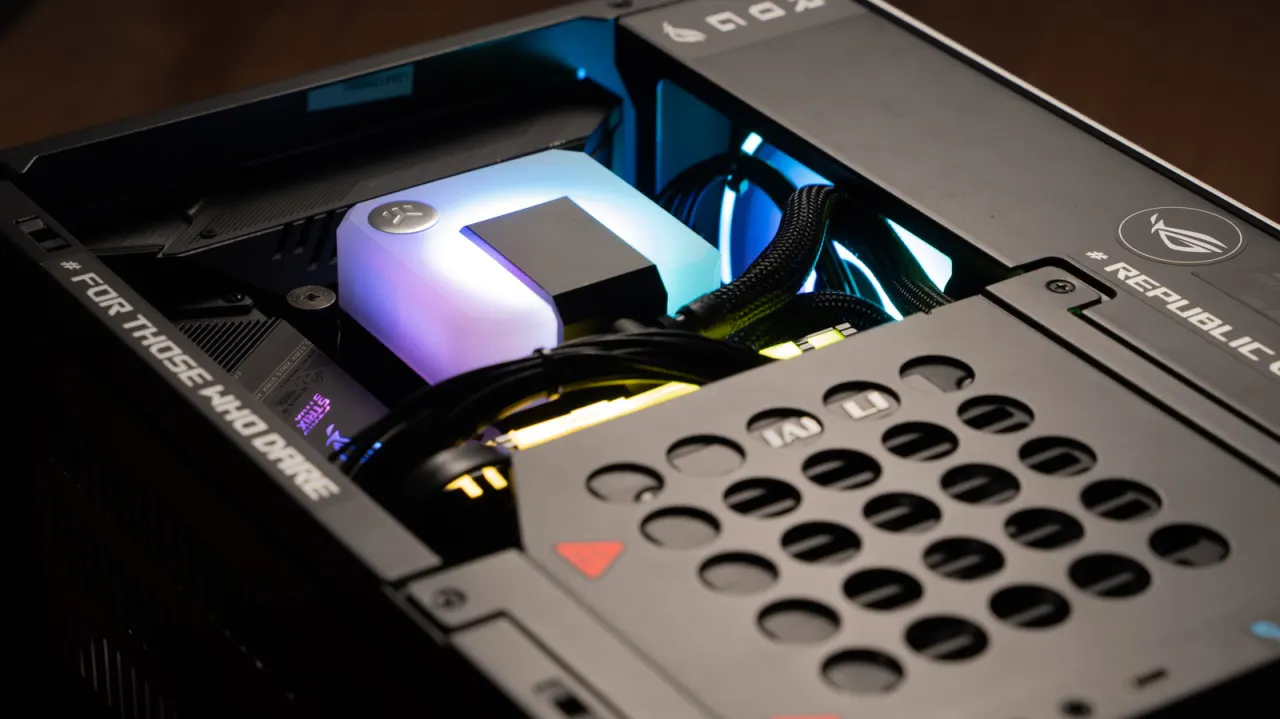
Building a mini PC can be more demanding than assembling a standard tower because its compact case leaves less room for components, airflow and installation. Careful planning is important: parts must fit the case, and the build often needs to follow a specific order.
Mini PC cases commonly use Mini-ITX or microATX motherboards, with microATX cases generally offering compatibility with both sizes. Small-form-factor power supplies, motherboards, coolers and graphics cards can raise the total cost, while choosing a discrete GPU makes space and cooling tighter; checking dimensions and compatibility in advance can help.
In short
- Compact cases leave little room for parts and airflow.
- Small-form-factor components can make builds surprisingly expensive.
- Check compatibility and plan the installation order carefully.
Explained simply
A compact PC is a computer built in a smaller case than a standard desktop tower. Its case has limited room for the motherboard, power supply, cooler and other parts, so their size and layout affect whether they can be fitted together.
Mini-ITX and microATX are motherboard sizes; a case designed for microATX will generally also take a Mini-ITX board. A dedicated graphics card can add space and cooling demands, and parts made for small cases may cost more. These choices matter because checking compatibility in advance can help avoid parts that do not fit or an assembly order that leaves too little room.
Read the full article at the source →
Originally published by Engadget as “Building your own mini PC is harder than you would think”.