Technology news and discussion on TalkFuse.
Can you fix a scratched CD? Here are your options
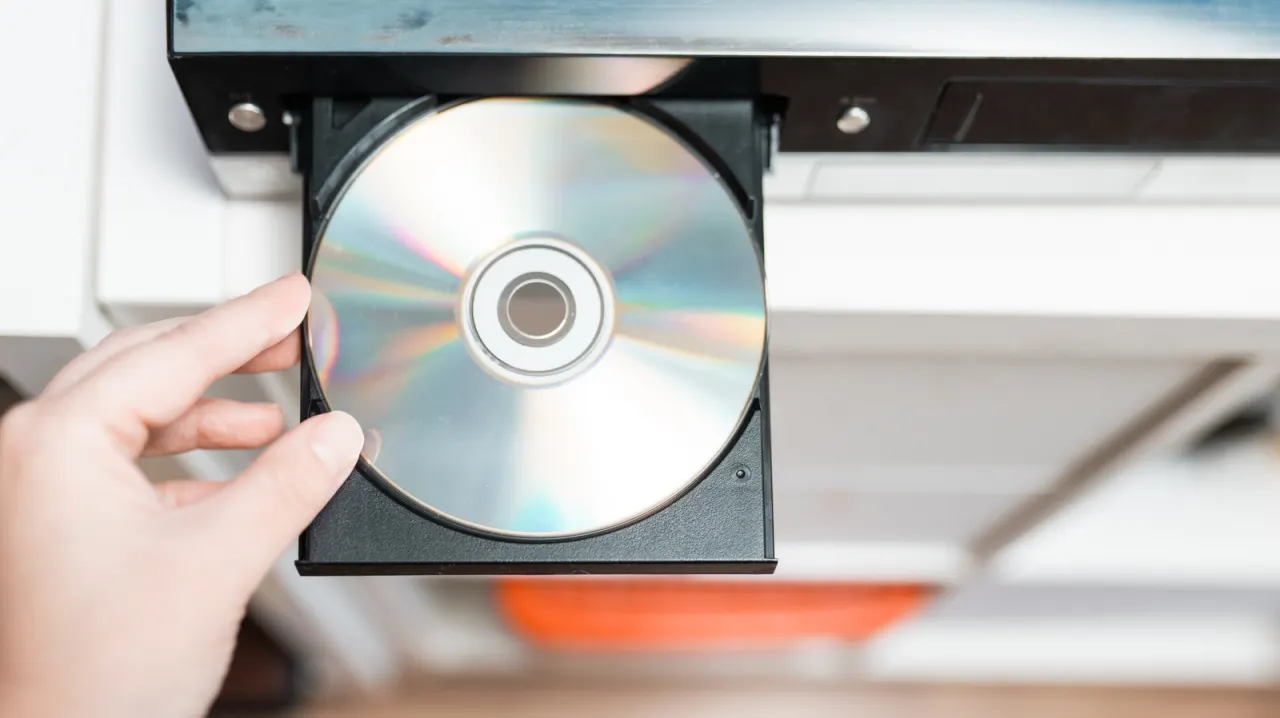
The article sets out ways to deal with a CD that skips or will not play, as CDs attract renewed interest as physical media. It recommends checking for dirt first, since fingerprints and dust can disrupt playback without scratching the disc, and cautions that home repairs may make deeper scratches worse.
Wipe from the centre outwards with a lint-free cloth, using distilled water or 70 per cent isopropyl alcohol on the cloth only if needed. For scratches, plain white toothpaste or rubbing compound may buff the surface, while a thin layer of wax may help seal marks; results depend on the damage. Professional repair can be more reliable but is rare, and repair machines can cost thousands of dollars. A CD burner may also help copy recoverable data, though success is not guaranteed.
In short
- Clean CDs with a lint-free cloth, wiping from the centre outwards.
- Toothpaste or wax may help, but DIY repairs can worsen damage.
- Copy recoverable data with a CD burner to preserve it.
Explained simply
Compact discs, or CDs, store music and other digital information on a reflective surface that a player reads with a laser. Dust, fingerprints or scratches can interfere with that reading, causing a disc to skip or fail to play.
The disc’s condition matters: cleaning may remove dirt, while surface scratches can sometimes be reduced, but deeper damage may be harder to fix. Repair services and machines can polish discs, and a computer may be able to copy data that remains readable; neither option guarantees recovery.