PS5 settings that could improve GTA VI’s visuals and sound
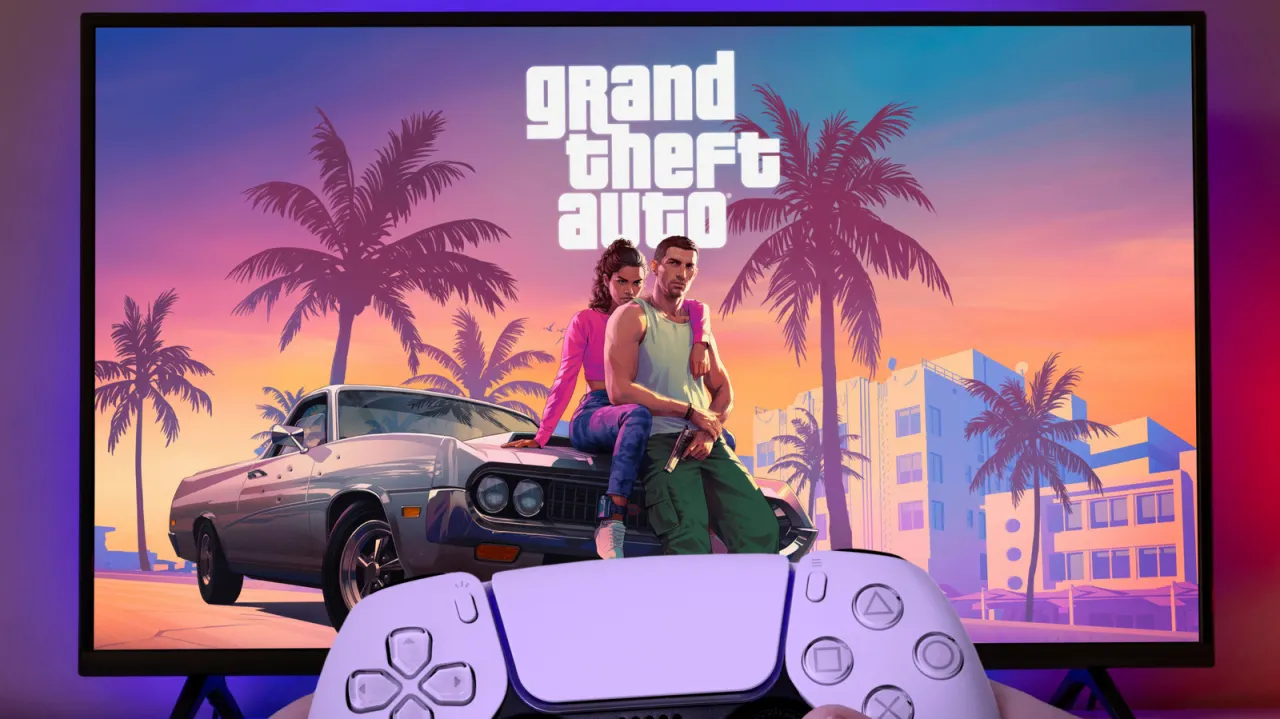
The article recommends adjusting several PlayStation 5 settings ahead of Grand Theft Auto VI to improve how games look and sound. It says these options may help smooth motion, improve HDR picture quality and make directional sounds easier to place, though their benefits depend on the TV and audio equipment.
The suggested changes include enabling VRR and its unsupported-game option, turning on 120Hz output, and setting up HDR with the console’s calibration prompts. For sound, it recommends creating a personalised 3D Audio profile using headphones. VRR and 120Hz require compatible TV support and suitable HDMI ports; the article notes that 120Hz output can still provide even frame pacing if a game runs at 30 frames per second.
In short
- VRR may smooth changes in frame rate.
- Calibrate HDR for your viewing conditions.
- Personalised 3D Audio requires headphones.
Explained simply
The PlayStation 5 is Sony’s games console, and Grand Theft Auto VI is the next instalment in a long-running action game series made by Rockstar Games. How a game looks and sounds can depend on both the console and the television or audio equipment connected to it.
Some PS5 features affect how images are displayed. Variable Refresh Rate (VRR) can help reduce visual tearing, while 120Hz output lets a compatible screen refresh more often; HDR adjusts how bright and colourful images appear. These features need suitable equipment, and their effect varies by setup.
The PS5 also offers 3D Audio, which aims to make sounds seem to come from different directions. Players can create a personal audio profile using headphones, though the result depends on the headphones and the game’s audio.
Read the full article at the source →
Originally published by Engadget as “Change these PlayStation 5 settings before GTA 6 comes out”.