One UI 9 gives Galaxy users more control over phone customisation
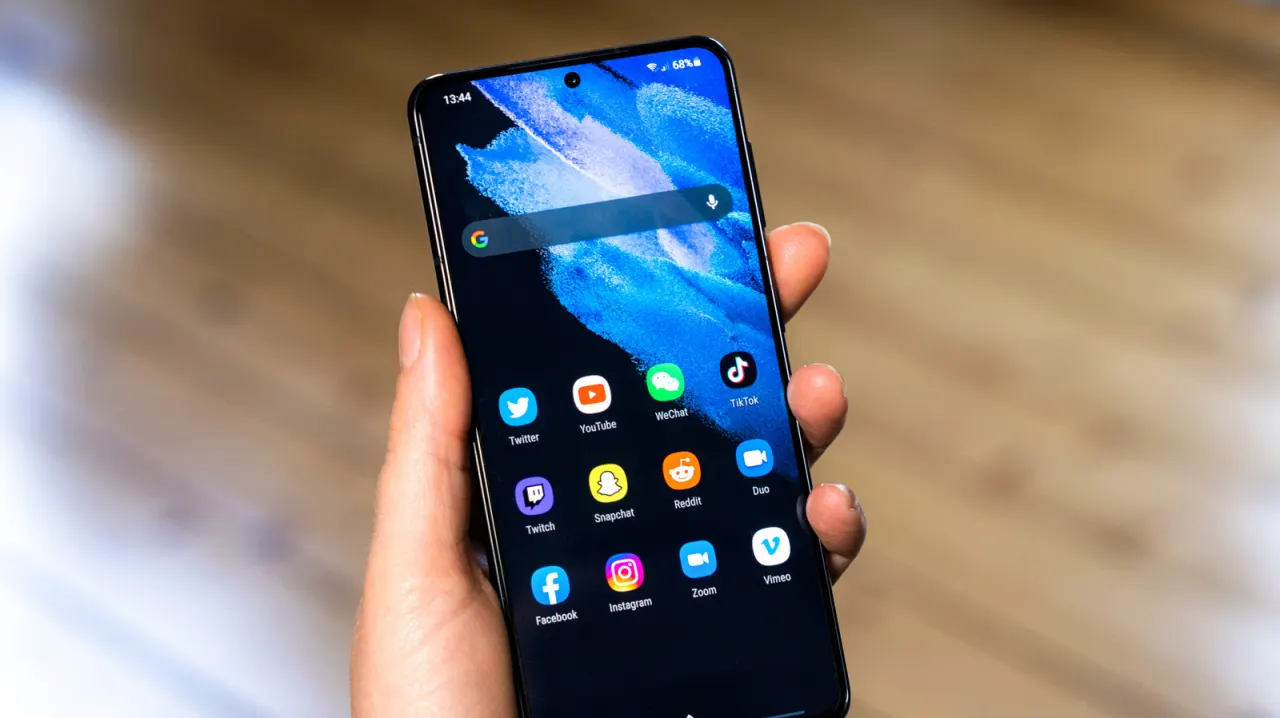
Samsung’s One UI 9 update adds more ways to customise the appearance and controls of Galaxy phones. The changes build on existing Samsung features rather than overhaul the interface, giving users finer control over how their devices look and work.
The Good Lock suite and its Home Up app provide options to style the Favorites area and Edge Panel with different images, colours, blur and shadows. Users can also assign actions to two- through five-finger gestures, while the Quick Panel now lets them rearrange, resize or remove controls, restore deleted toggles, and combine separated panels into one shade.
- One UI 9 expands Galaxy phone customisation.
- Home Up adds styling for Favorites and Edge Panel.
- Quick Panel controls can be freely arranged and resized.
New here? Start with this
One UI is Samsung's custom interface that runs on Galaxy smartphones, determining the phone's appearance and how users access key functions. Customisation has become an important feature for many smartphone users, as it allows people to personalise their devices to suit their preferences and work habits.
Samsung has offered customisation tools for some time through features like Good Lock, which lets users adjust colours, imagery and visual effects across the interface. The company's One UI 9 update expands these capabilities, providing additional options like new gesture controls and the ability to reorganise and resize quick settings panels.
These changes build on existing Samsung features rather than redesigning the interface entirely, meaning the phone remains recognisable to current users. The update gives those who wish to do so finer control over how their device looks and functions, without affecting users who prefer the standard setup.
Read the full article at the source →
Originally published by Engadget as “Customizing your Samsung Galaxy phone is a bit easier with One UI 9”.