exFAT vs NTFS: What’s the difference between these formats?
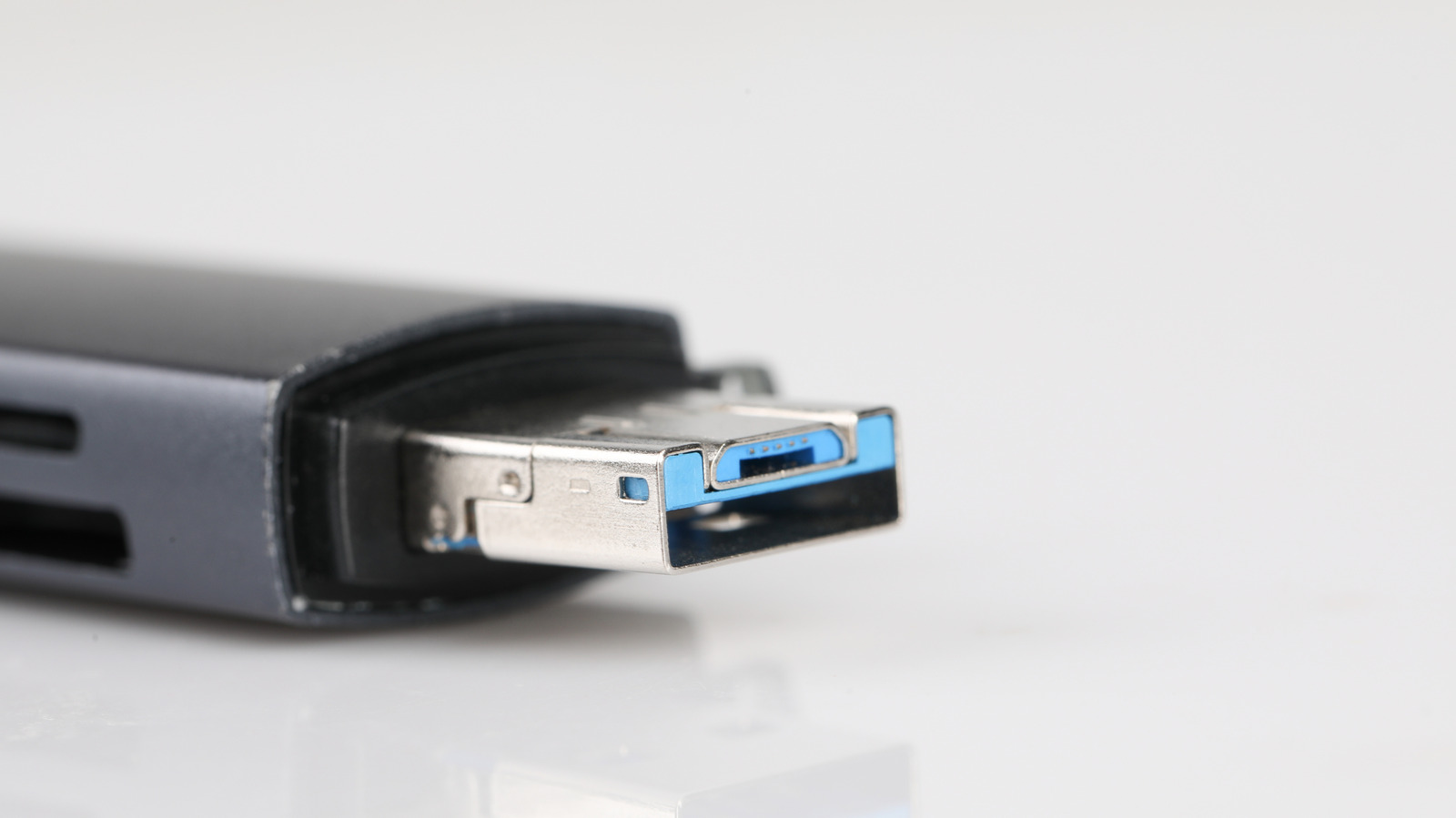
exFAT and NTFS are two Microsoft-developed file systems, but they serve different purposes when it comes to formatting drives such as USB sticks, SD cards or external hard disks. exFAT is a lightweight, cross-platform format introduced in 2006 that is best suited to external or flash-based drives shared between Windows and Mac computers, while NTFS is a more advanced, feature-rich system designed primarily for internal drives within a Windows-only environment. Choosing the wrong format can cause compatibility problems, failed file transfers or a greater risk of data corruption, so the decision matters for anyone setting up a new drive.
NTFS offers advanced features such as file permissions, encryption and journaling, which helps protect data during unexpected interruptions, but it is not fully compatible with macOS, as Macs can read NTFS drives but cannot write to them without third-party software. exFAT, by contrast, handles large files well, such as 4K video or disk images, and works seamlessly across Windows and Mac, though it lacks journaling and encryption, making it more vulnerable to corruption, and it is not compatible with macOS Time Machine backups. In short, exFAT suits general-purpose, cross-platform drives, while NTFS is better for Windows-only setups requiring stronger security and reliability.
- exFAT suits cross-platform drives shared between Windows and Mac
- NTFS offers stronger security but limited Mac compatibility
- Choice depends on intended use and operating systems involved