Technology news and discussion on TalkFuse.
Samsung’s Now bar can move lower only if fingerprint access is disabled
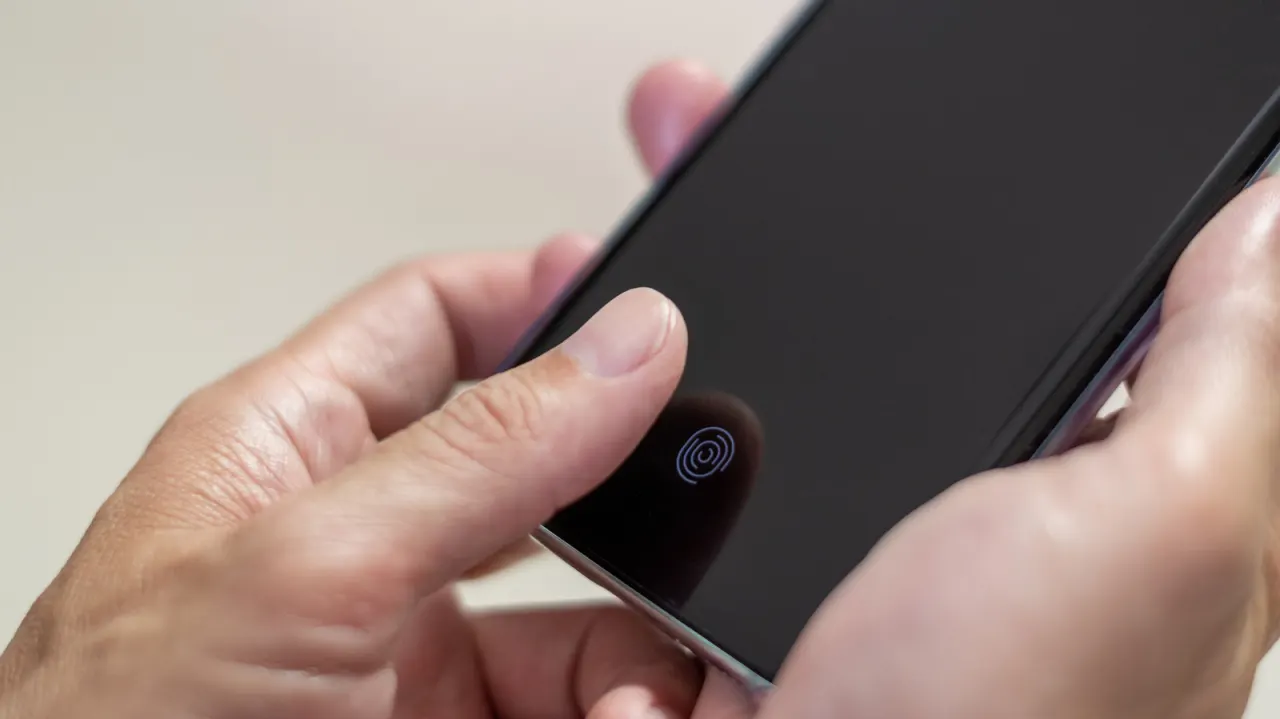
Samsung’s Now bar displays app information such as timers and media controls on the lock screen, but on some phones it sits higher than users expect. When it overlaps other widgets, moving it to the bottom is possible only by disabling the under-screen fingerprint reader, which may make the change inconvenient.
The conflict affects phones where the fingerprint reader is near the bottom of the display: One UI automatically raises the Now bar to prevent the two features overlapping, and neither can be repositioned. Users can remove saved fingerprints in Security and privacy settings and choose a password or face recognition instead. Alternatively, they can disable Now bar access for apps, though it is the only way to show media controls on the lock screen.
In short
- One UI raises the Now bar to avoid the fingerprint reader.
- Moving it down means disabling fingerprint unlocking.
- You can keep media controls by limiting other Now bar apps.
Explained simply
Samsung’s Galaxy phones use One UI, the software that controls how the phone’s screens and features work. The Now bar is a lock-screen panel that can show live information from apps, such as a timer or music controls.
Some Galaxy models have an under-screen fingerprint reader near the bottom of the display. One UI places the Now bar higher on those phones to keep it clear of the reader, and the two features cannot be moved independently. This matters to people arranging their lock screen, because lowering the bar means giving up fingerprint unlocking or turning off the bar for apps.
Read the full article at the source →
Originally published by Engadget as “Fixing this annoying One UI feature is easy, but there’s a catch”.