Here’s how to reset your ASUS router
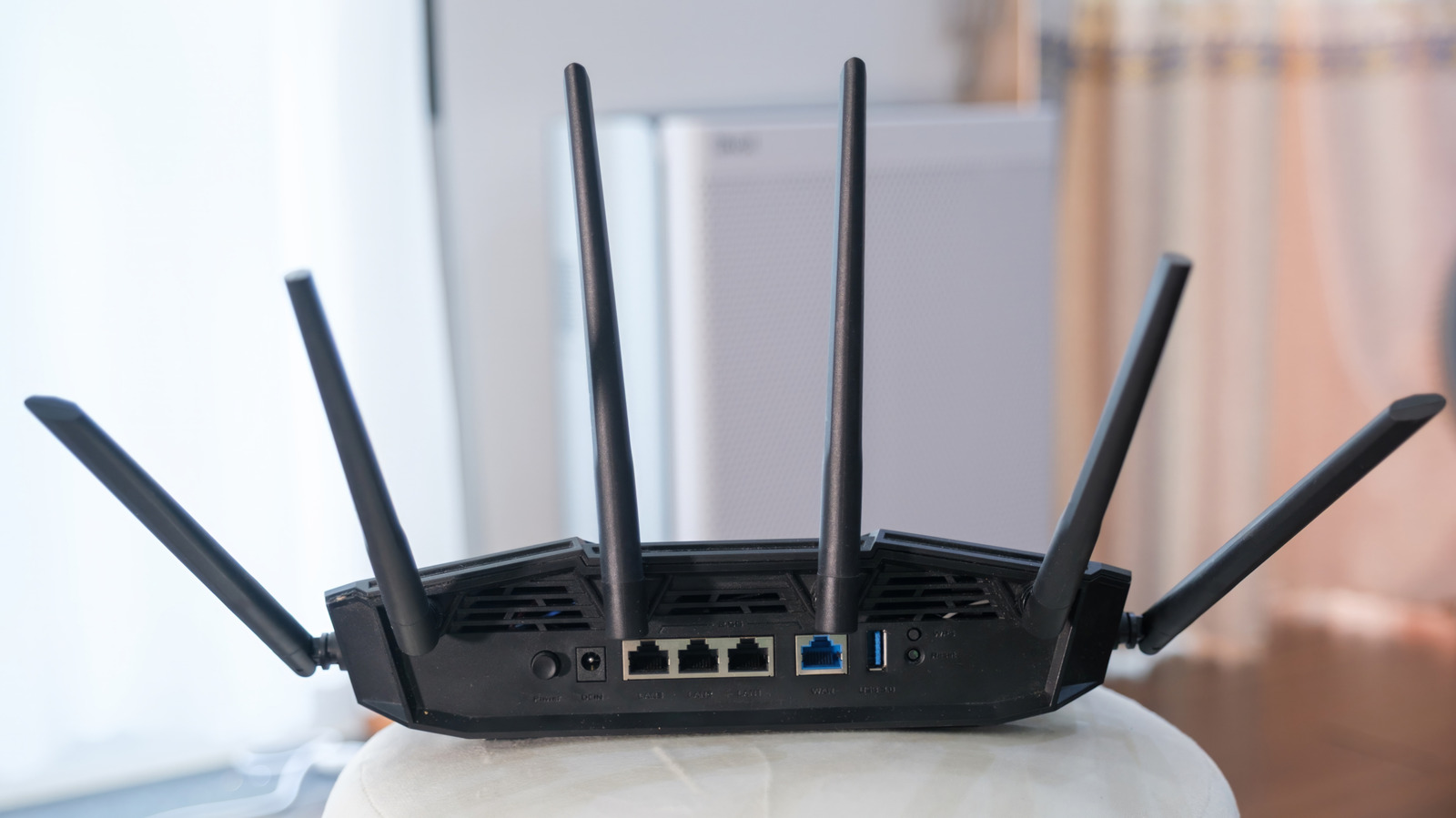
Resetting an ASUS router can resolve common connection and access problems, such as slow internet, lost signals or forgotten login details, but it should be treated as a last resort because it restores factory settings. ASUS offers two main reset methods: using the router’s web portal or app, or pressing the physical reset button; if these fail, a model-specific hard factory reset may be needed.
Before resetting, users should record account credentials and any custom configuration they want to restore, and contact their internet provider if login details are unavailable. A hard reset also deletes AiProtection, Traffic Analyzer and web-history logs, while ASUS has at least eight different hard-reset procedures depending on the router model; the article advises trying a standard reboot first.
- Resetting can fix common ASUS router problems.
- Save settings and credentials before restoring factory defaults.
- Hard-reset instructions vary by router model.