Use a multimeter to check whether a CR2032 battery needs replacing
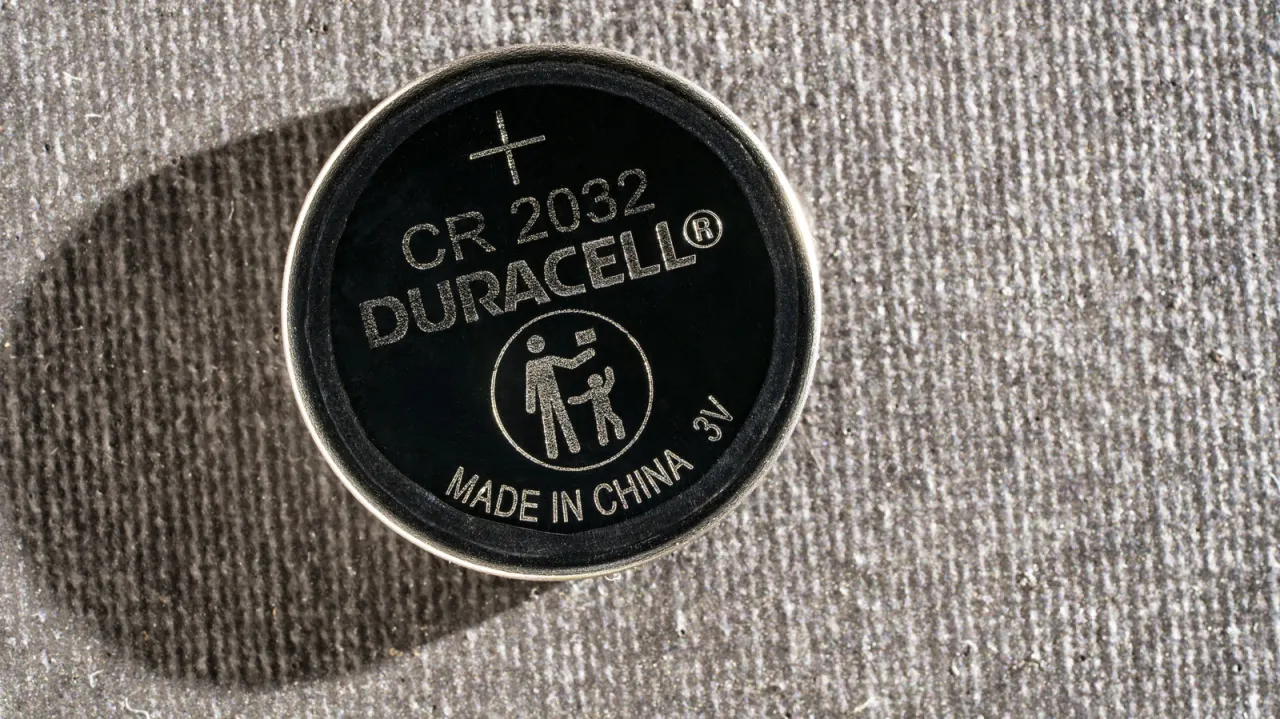
A multimeter can check whether a CR2032 coin cell still has voltage, which may help diagnose a sluggish key fob, tracker or sensor before blaming the device. But a voltage reading alone cannot show whether the battery can deliver enough power when the device is in use.
Inspect the battery and device contacts first, and replace the cell if it is damaged or leaking. A fresh CR2032 reads about 3V; around 2.5V suggests replacement, though persistent problems are best checked with a new battery. An LED can show that a cell supplies some current, while AirTag owners can check for a low-battery warning in Find My. Keep removed coin cells away from children and tape their terminals before recycling.
In short
- A fresh CR2032 typically reads around 3V.
- Voltage alone does not prove the battery works under load.
- Replace damaged cells and keep them away from children.
Explained simply
A CR2032 is a small, flat, 3-volt battery used in devices such as car key fobs, trackers and sensors. These devices can behave erratically as a battery weakens, but a fault may also come from dirty or damaged contacts or from the device itself.
A multimeter measures electrical properties, including a battery’s voltage. Its reading can give a rough indication of charge, but it does not show how well the cell will supply power while a device is working, so a device may still fail even when the reading seems reasonable.
Coin cells can be dangerous if swallowed, particularly by children. A battery that is damaged or leaking needs replacing, and used cells should be kept safely until they can be recycled.
Gadgets Geopolitics Politics Technology
Read the full article at the source →
Originally published by Engadget as “Here’s how to test a CR2032 battery to see if it’s good”.