How smartphone sensors power calls, face recognition and contactless payments
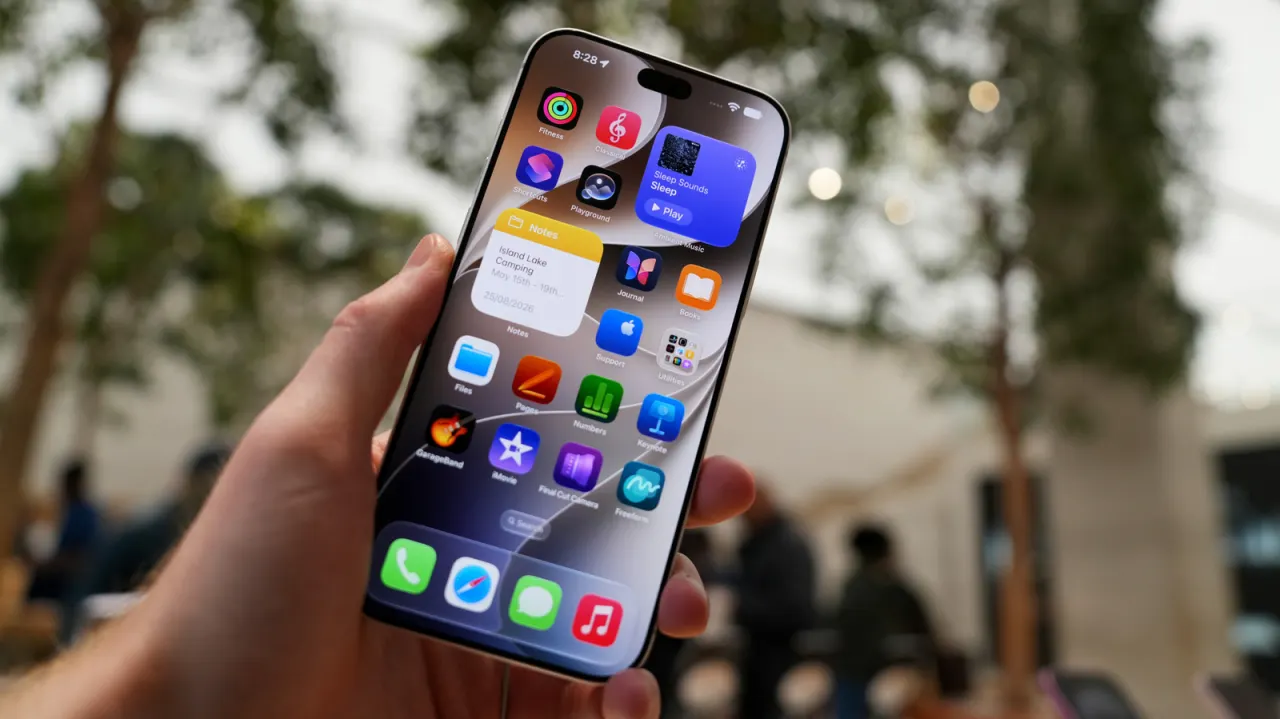
Proximity sensors help smartphones detect nearby objects, people and devices, enabling features that are central to everyday use. They switch off the screen during calls, support face recognition, allow contactless payments and help touchscreens respond to gestures.
The article describes several technologies that can serve this role, including infrared, capacitive touch, NFC, Bluetooth Low Energy and LiDAR. Their uses range from preventing accidental touches and saving battery life to unlocking phones and pairing with nearby devices; sensitive functions such as facial recognition and payments rely on safeguards to protect access to personal information.
- Sensors help phones respond to nearby people and devices.
- They support calls, face recognition, payments and touchscreens.
- Some features can be disabled, but not every sensor can.
New here? Start with this
Smartphones use small sensors to detect objects and devices nearby. Some measure reflected light or changes in an electrical field; others use radio signals to communicate over short distances.
These technologies support everyday tasks such as switching off the screen when a phone is held to the ear, unlocking it with a face scan and making contactless payments. They can also help phones respond to gestures or connect with nearby devices.
Because face scans and payments involve personal information or money, phones use security checks to control access. Different sensor technologies have different ranges and capabilities, so a phone may use several for separate tasks.
Read the full article at the source →
Originally published by Engadget as “Here’s why your phone’s proximity sensors are so important”.