How long is too long for an HDMI cable?
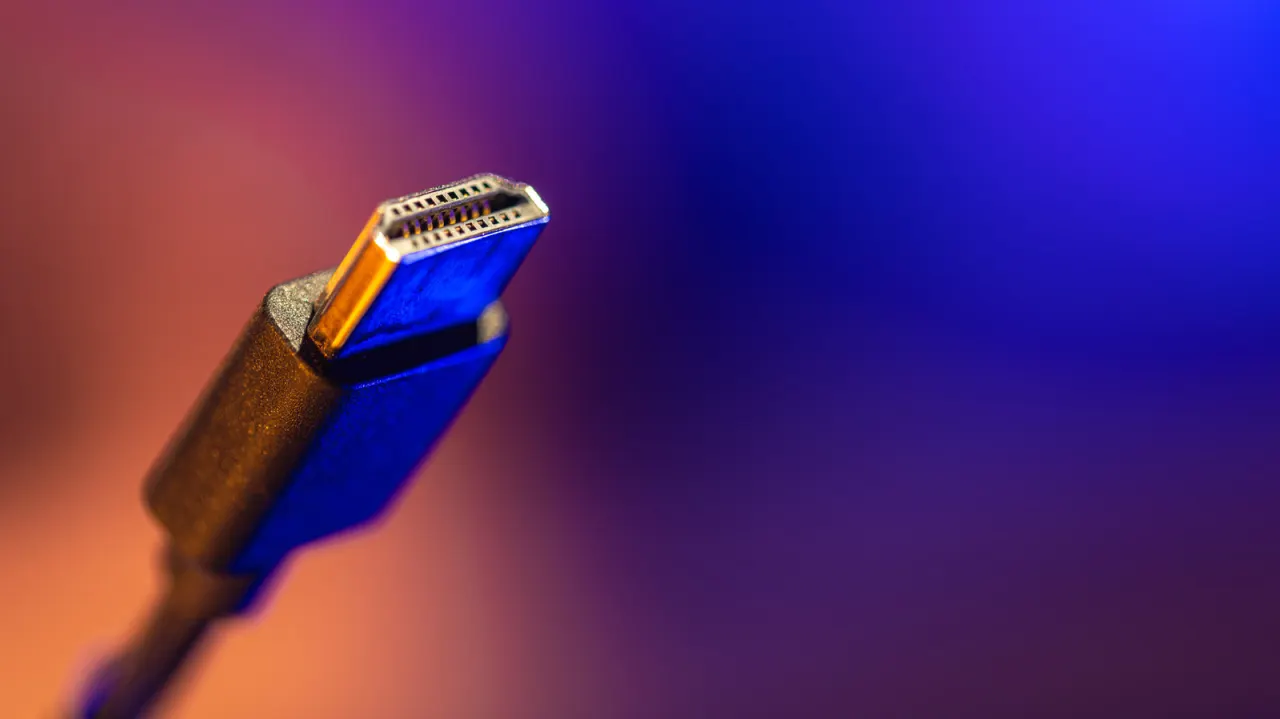
There is no fixed maximum length for an HDMI cable: whether a connection works depends on the cable, signal bandwidth and devices at each end. Long runs matter because higher resolutions and refresh rates need more bandwidth, making signal loss more likely and potentially disrupting a home theatre or projector setup.
Passive copper cables become less reliable as distance and bandwidth rise, though there is no single point where they stop working. Certified Premium High Speed cables support up to 18Gbps, Ultra High Speed up to 48Gbps, and Ultra96 up to 96Gbps; active optical cables can reach well over 100 feet in some applications. Faults may show up as flickering, audio glitches or a black screen, so test the cable at the intended resolution and refresh rate before installing it, and check the direction of active or optical cables.
In short
- HDMI has no official maximum cable length.
- Higher bandwidth and longer runs make connections less reliable.
- Test the full setup before routing a cable through walls.
Explained simply
HDMI carries picture and sound from a source, such as a games console or TV box, to a screen. The cable’s job is to move that digital signal between devices, whether they are close together or in different parts of a room.
The amount of information sent depends on the picture quality and how often the image refreshes. Higher resolutions and faster refresh rates need more bandwidth, so the cable and both connected devices must support the signal being used.
A long cable run can make the signal less reliable, but the result depends on the cable type and the equipment at each end. Problems can include a flickering picture, interrupted sound or no picture, which can affect home theatre or projector setups.