How often should you restart your Apple Watch?
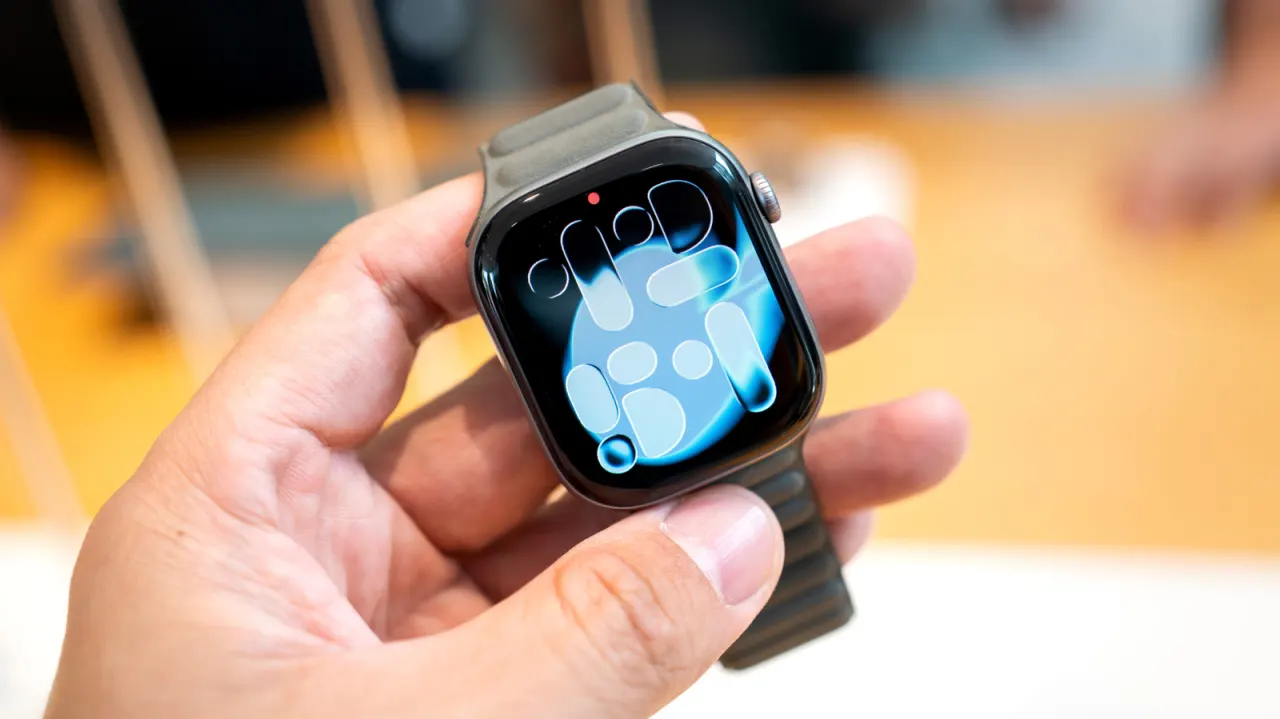
Apple Watch owners generally do not need to restart their devices on a regular schedule. Restarting can clear stuck processes and cached data, so it is a useful first step if the watch freezes, develops bugs or slows down; Apple also recommends it when there is not enough storage for an update.
The article says watchOS is designed to run with limited background activity and to manage its own resources, while installing system updates already involves reboots. The author reports using some watches for years without manually restarting them and seeing no serious performance problems. For a frozen watch, hold the side button and Digital Crown until the Apple logo appears; otherwise, use the shutdown slider and restart once the watch is off.
- Routine Apple Watch reboots are usually unnecessary.
- Restart if it freezes, slows down or has bugs.
- Keep watchOS updated and leave enough storage for updates.