How to block and unblock a number on your Android phone
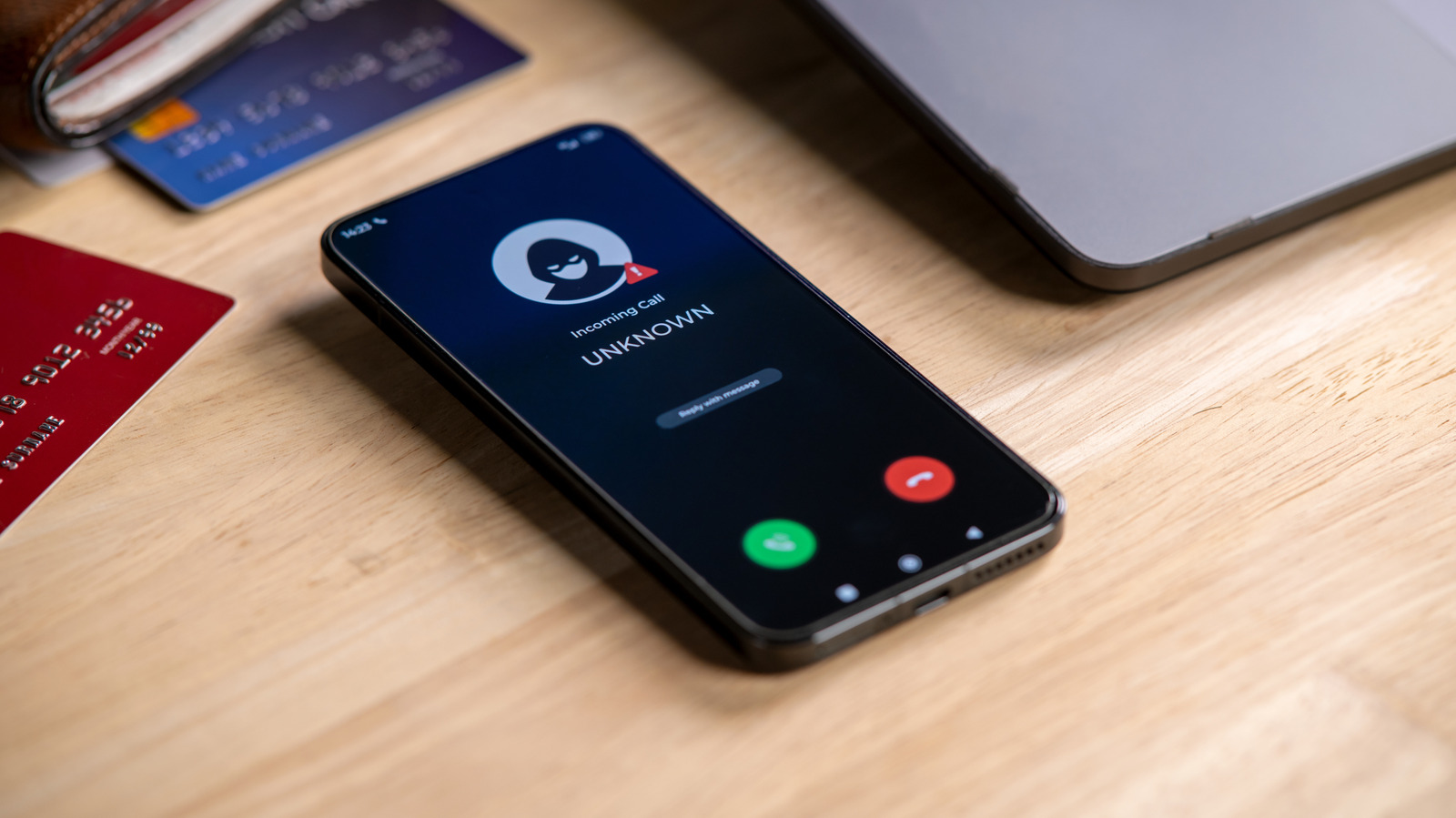
Android users can easily block unwanted calls and text messages from scammers and spammers using their device's built-in Phone or Contacts app. Blocking is particularly important as smartphones, whilst highly useful, have enabled unwanted contact from various sources. The exact process varies slightly depending on the device manufacturer, but the feature is straightforward and reversible for all major Android phones.
The blocking process differs slightly for Samsung phones, Google Pixel phones and stock Android devices. For Samsung, users can block numbers through either the Contacts app or the Phone app, accessing the number and selecting the block option; for Pixel and stock Android, tapping on a recent call and choosing to block is the simplest method. Once blocked, calls are automatically declined before they ring and texts are filtered into spam folders. Importantly, blocking occurs on the device itself rather than through the carrier, so the block won't transfer if the SIM is moved to another phone. Unblocking follows a similar process and allows the contact to resume normal communication, though calls made during the blocking period are permanently deleted from the call log.
- Easily block unwanted calls and texts using Phone or Contacts app on Android
- Blocking happens on device, not carrier, so transfers require re-blocking
- Unblock anytime, but calls made whilst blocked are permanently lost