How to cancel your Whoop membership (and why you may want to)
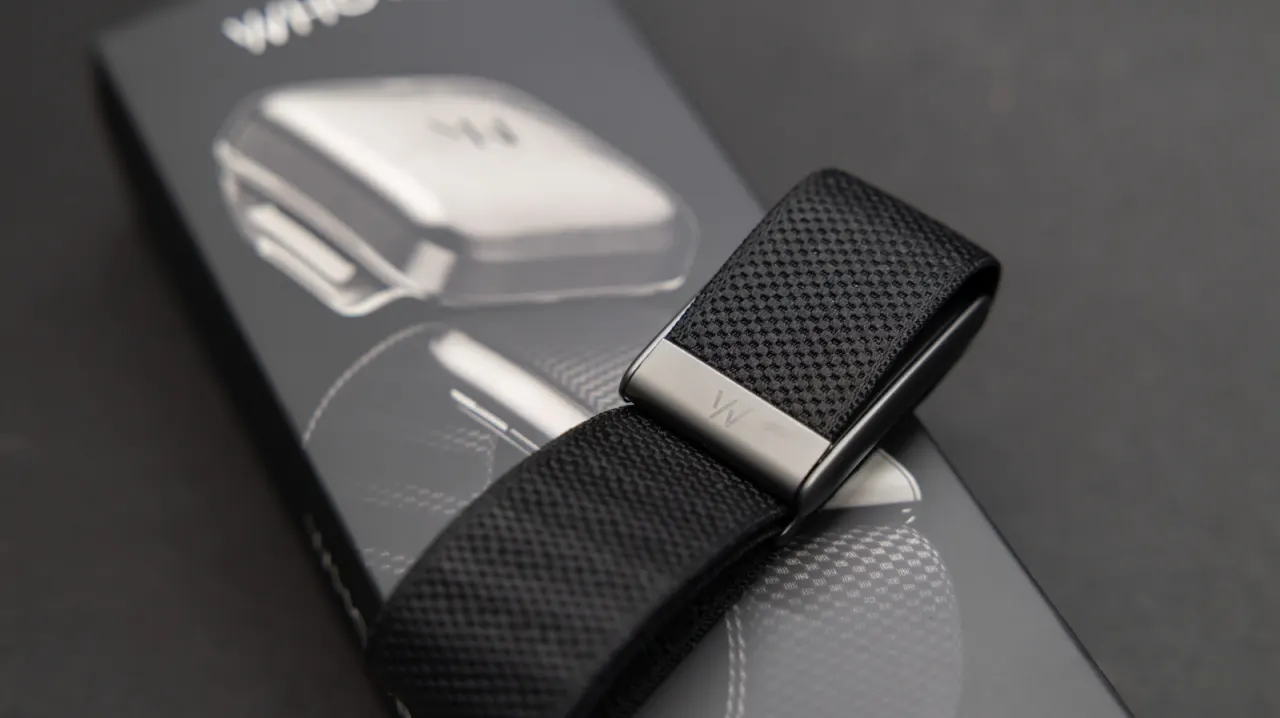
Whoop users looking to cut recurring costs can cancel their membership fairly easily via the brand's web app, a step made more appealing now that the company's Advanced Labs blood-testing screenings no longer require a subscription. Unlike rival wearables such as the Oura Ring, which retain some free functionality, a Whoop band becomes largely useless without an active paid plan, making cancellation worthwhile for anyone switching to a subscription-free alternative or simply trimming their monthly outgoings.
To cancel, users visit app.whoop.com, go to the Membership tab in their account dashboard, and select "Cancel Your Membership", with options varying depending on whether they are on a monthly, annual or trial plan; new owners within 30 days can get a full refund and hardware return, though a $110 restocking fee applies if devices aren't sent back promptly. Whoop's cheapest tier, Whoop One, costs from $149 in its first year (rising to $199 on renewal, or $199 upfront with the newer 5.0 Sensor), while higher tiers Peak and Life cost $239 and $359 respectively. Subscription-free rivals highlighted include the Amazfit Helio Strap, Garmin Cirqa and the Fitbit Air, the latter offering core health metrics for a one-off $100 fee.
- Whoop membership can be cancelled easily via its web app
- Whoop devices are largely unusable without a paid subscription
- Subscription-free rivals like Fitbit Air offer cheaper alternatives
New here? Start with this
Whoop sells wrist-worn bands that track health and activity data, but access to most of that information depends on a paid membership. This differs from some other wearable brands, which keep certain features available without a subscription.
Membership plans can be monthly, annual or trial-based, and the terms for ending them may differ. Whoop is one option among several wearable devices, so people comparing costs may also consider what each alternative offers and whether it charges an ongoing fee.
The issue matters because the price of a wearable can include both the device and recurring access to its features. Understanding those costs helps readers judge how a membership fits their budget and what they might lose or gain by switching.
Both sides, in good faith
The strongest fair case each way — we don't pick a winner.
The case for
Cancelling can be a sensible way to cut recurring costs, especially if you are switching to a device that works without a paid plan or no longer need Whoop’s features. The case is stronger now that Advanced Labs screenings do not require a subscription, and eligible new owners may be able to return their hardware for a refund.
The case against
Keeping the membership may be worthwhile for users who value Whoop’s tracking features and ongoing service enough to justify the fee. Because the band becomes largely unusable without an active plan, cancelling means giving up much of its utility; users should also check their plan’s terms and any return or restocking charges before deciding.