How to change and customize your Apple Watch face
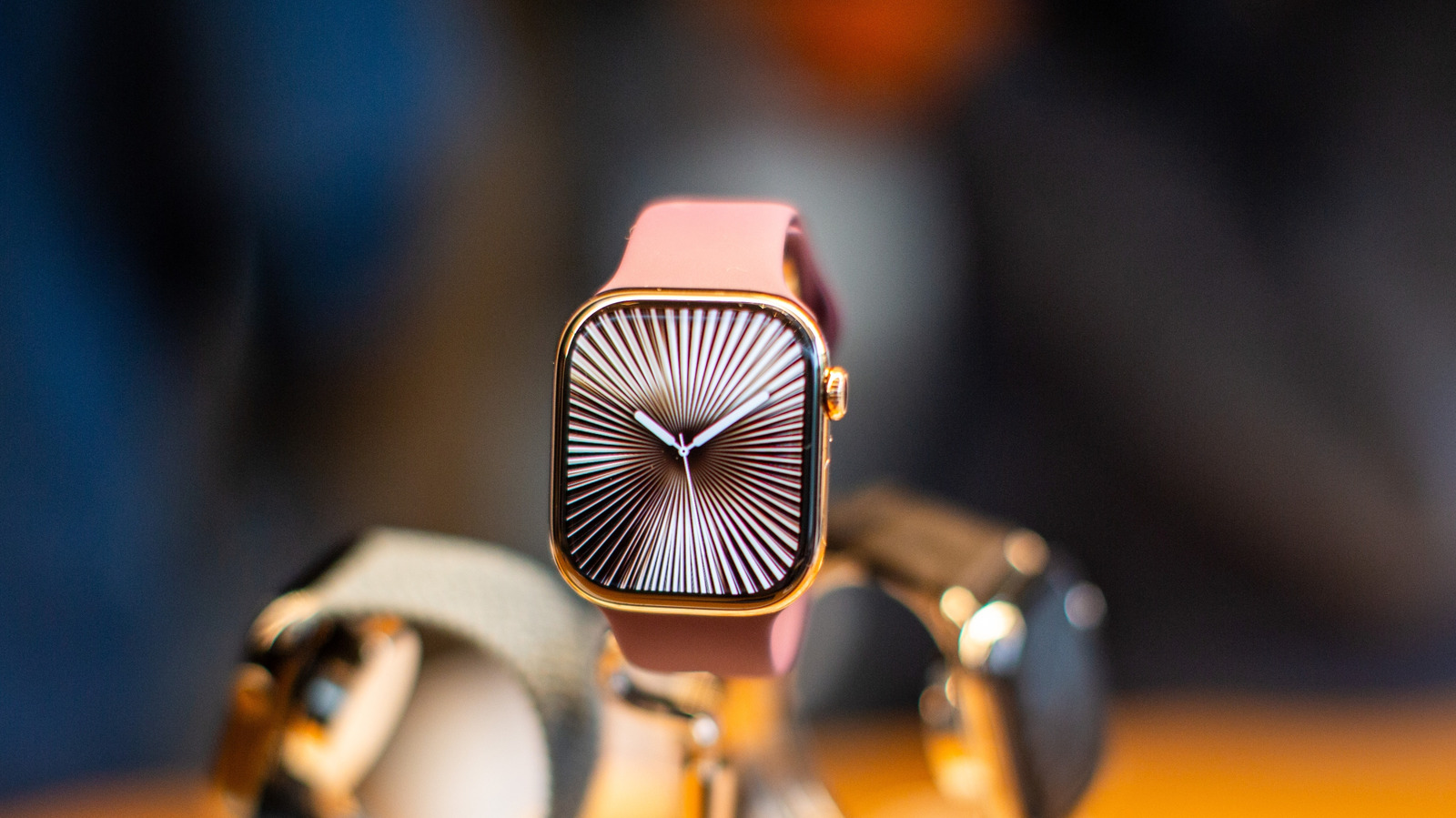
Engadget has published a how-to guide explaining the various ways owners can change and personalise the face of their Apple Watch, going beyond simply switching between pre-set designs. The article notes that while accessories such as watch bands offer some scope for personalisation, the watch face itself is where most of the customisation options lie, with Apple offering hundreds of faces, features and colour schemes via the companion Watch app on the iPhone.
The guide explains that the Watch app, which comes preinstalled on iPhone, is the central hub for customisation and requires the watch and phone to be paired, with syncing enabling calendars, contacts, email and notifications to appear on the wrist. Users are directed to the Face Gallery tab, which includes categories such as Health & Fitness, Photos and Data Rich, plus a "See All Watch Faces" option covering designs from brands like Nike and Disney. The article also details how to add personal photos, allowing users to select up to 24 images for the watch to shuffle through, with Apple rotating 16 photos from the chosen collection each day.
- Apple Watch faces can be customised extensively via the iPhone's Watch app.
- Face Gallery offers categories including Health & Fitness, Photos and Data Rich.
- Users can add up to 24 personal photos for the watch to shuffle daily.