How to change your color in Big Walk
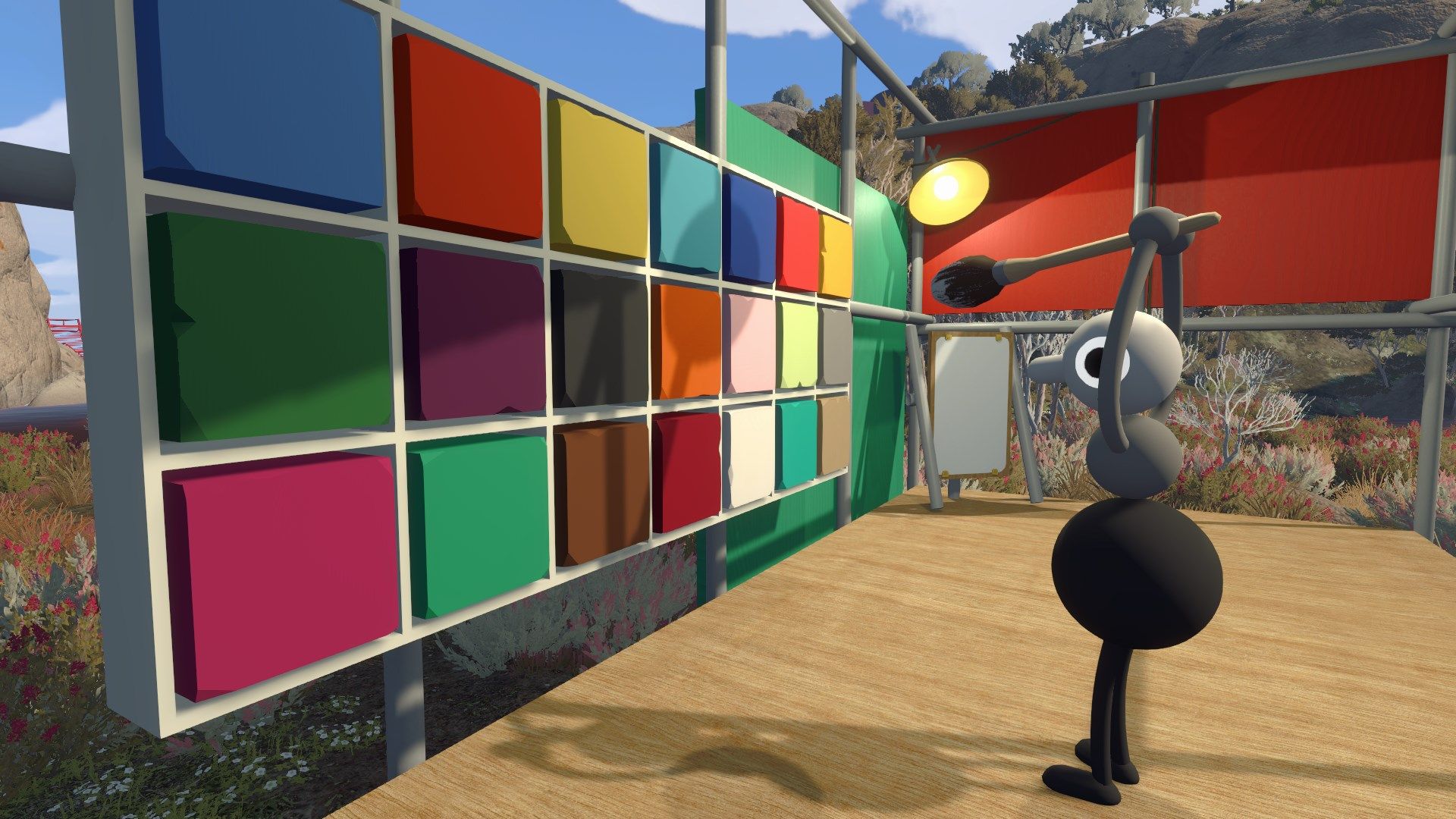
Polygon has published a guide explaining how to change your character's colours in the co-operative game Big Walk. Unlike many customisation systems, players cannot alter their own colours directly; instead, the mechanic relies on other players in the session to do the painting, reinforcing the game's emphasis on teamwork and social interaction.
To change colours, players must leave the tutorial room and reach an open field containing a structure with coloured squares and a paintbrush. One player picks up the brush, selects a colour from the wall, and then applies it to a friend's body segment, repeating until everyone is painted. A second method exists later in the game, tied to the "Big Makeover" achievement, though Polygon notes this involves spoilers covered in a separate "get shiny" guide.
- Big Walk players can't change their own colours directly.
- Friends must use a paintbrush to colour each other's segments.
- A later "Big Makeover" achievement unlocks a second colour-change method.