How to clean your PlayStation 5 without damaging it
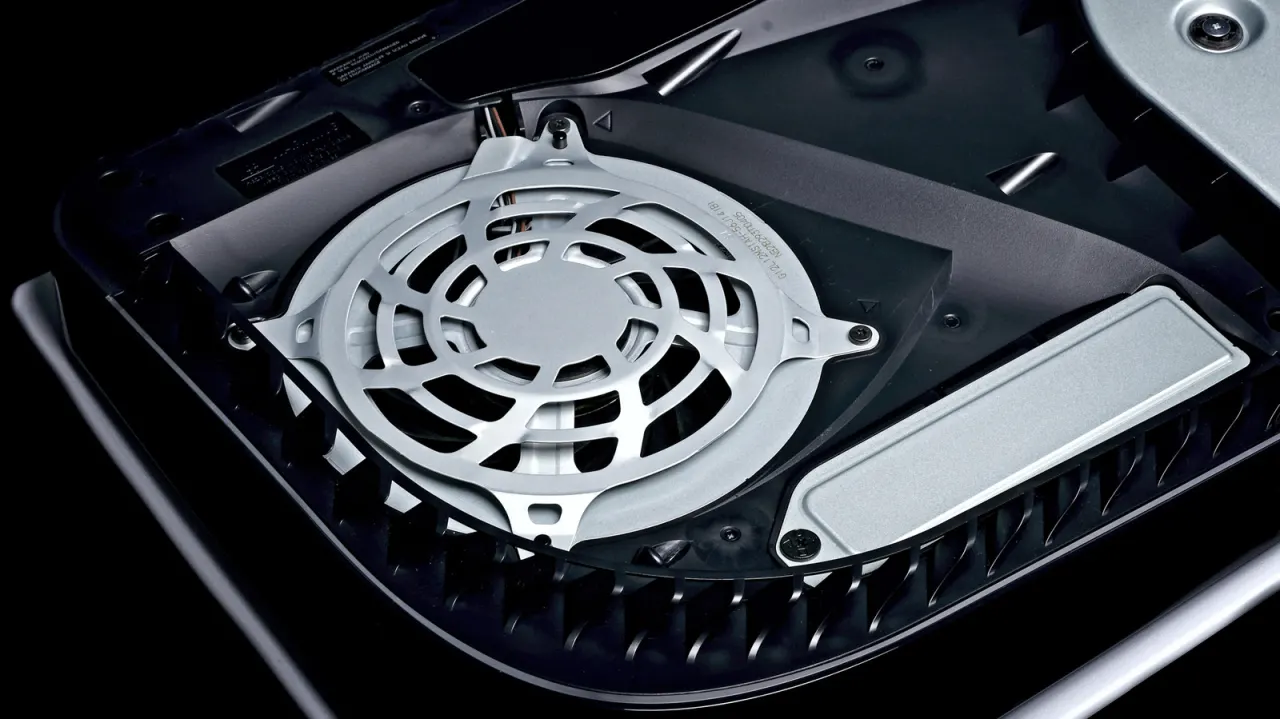
The article explains how to clean a PlayStation 5 safely, noting that dust can restrict airflow and make the console work harder to cool itself. It recommends occasional basic maintenance while warning that harsh cleaners or unnecessary disassembly could damage the system.
Shut the console down, unplug it and let it cool before wiping it with a soft cloth. Clean the vents with a small handheld vacuum, soft brush or cotton swab; avoid alcohol and bleach. The covers can be removed to reach accessible dust, but the fan and internal screws need not be disturbed. Deeper work may risk damage and is excluded from Sony’s warranty when caused by unauthorised work; refit the covers correctly and use the stand in either orientation.
In short
- Dust can restrict airflow, so occasional cleaning helps.
- Use a soft cloth and small handheld vacuum.
- Avoid alcohol, forceful cleaning and unnecessary disassembly.
Explained simply
The PlayStation 5 is a home games console made by Sony. Like other electronic devices, it draws in air to help keep its components cool, and dust can build up around its vents over time.
Cleaning usually means removing dust from the outside and from areas designed to be reached without taking the console apart. The covers can be removed for basic access, but the fan and other internal parts are more delicate.
Sony’s warranty may not cover damage caused by unauthorised work, so the distinction between routine cleaning and deeper repairs matters. Keeping the vents clear can help the console cool itself, while careful handling reduces the risk of damage.