How to clear the cache on your iPhone
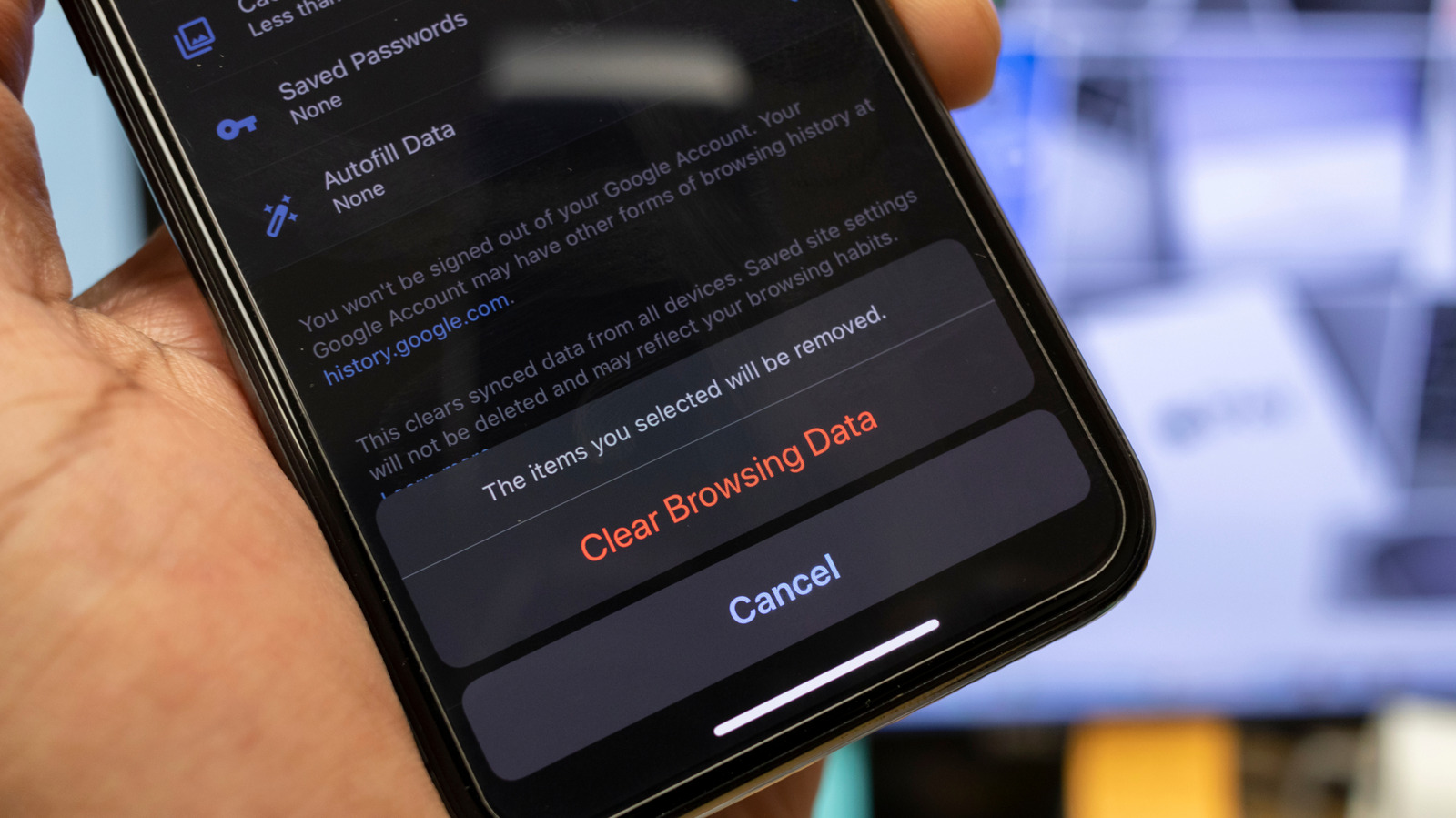
An iPhone cache stores temporary data so websites and apps load more quickly, and it usually does not need regular attention. Clearing it can help resolve misbehaving apps or reclaim a small amount of space, but it is only a short-term measure because the phone will rebuild cached data.
Safari’s cache can be cleared through its history controls, though this also removes browsing history, cookies, permissions and saved sign-ins; Chrome allows users to delete cached images and files more selectively. iOS has no direct system-cache control, so restarting the phone clears temporary system files without deleting permanent data, while some apps such as Spotify, TikTok, Discord and Telegram include their own cache-clearing settings.
- Clearing cache can fix app or browser problems.
- Safari clearing also removes cookies and sign-ins.
- Restarting clears temporary iPhone system files.