Entertainment news and discussion on TalkFuse.
Unplugging an Xbox Series X can clear cache without deleting saves
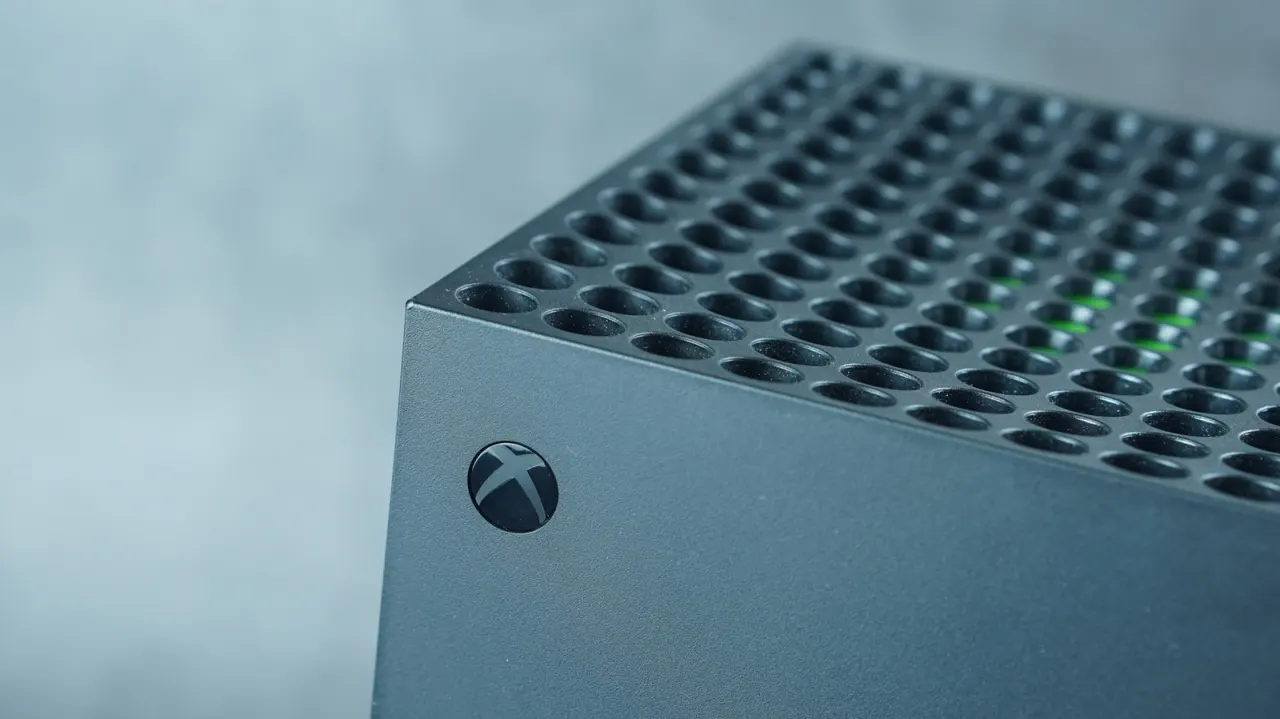
The article explains that clearing an Xbox Series X’s cache may help with sluggish menus, loading errors or connectivity problems when restarting the console has not worked. Cache files help the system load frequently used elements, but some may build up or become corrupted over time.
To clear it, turn off and unplug the console for two minutes, press its power button several times, then reconnect it and switch it on. The process should not affect games or saved data, though loading performance may vary afterwards; there is no fixed schedule for clearing the cache. If problems continue, the article suggests syncing saves online before considering a reset, including an option that keeps games and apps.
In short
- Power-cycle the Xbox to clear its cache.
- The process should leave games and saves intact.
- Consider a reset if problems persist.
Read the full article at the source →
Originally published by Engadget as “How to clear the cache on your Xbox Series X”.