How to connect Bluetooth headphones to your PS5
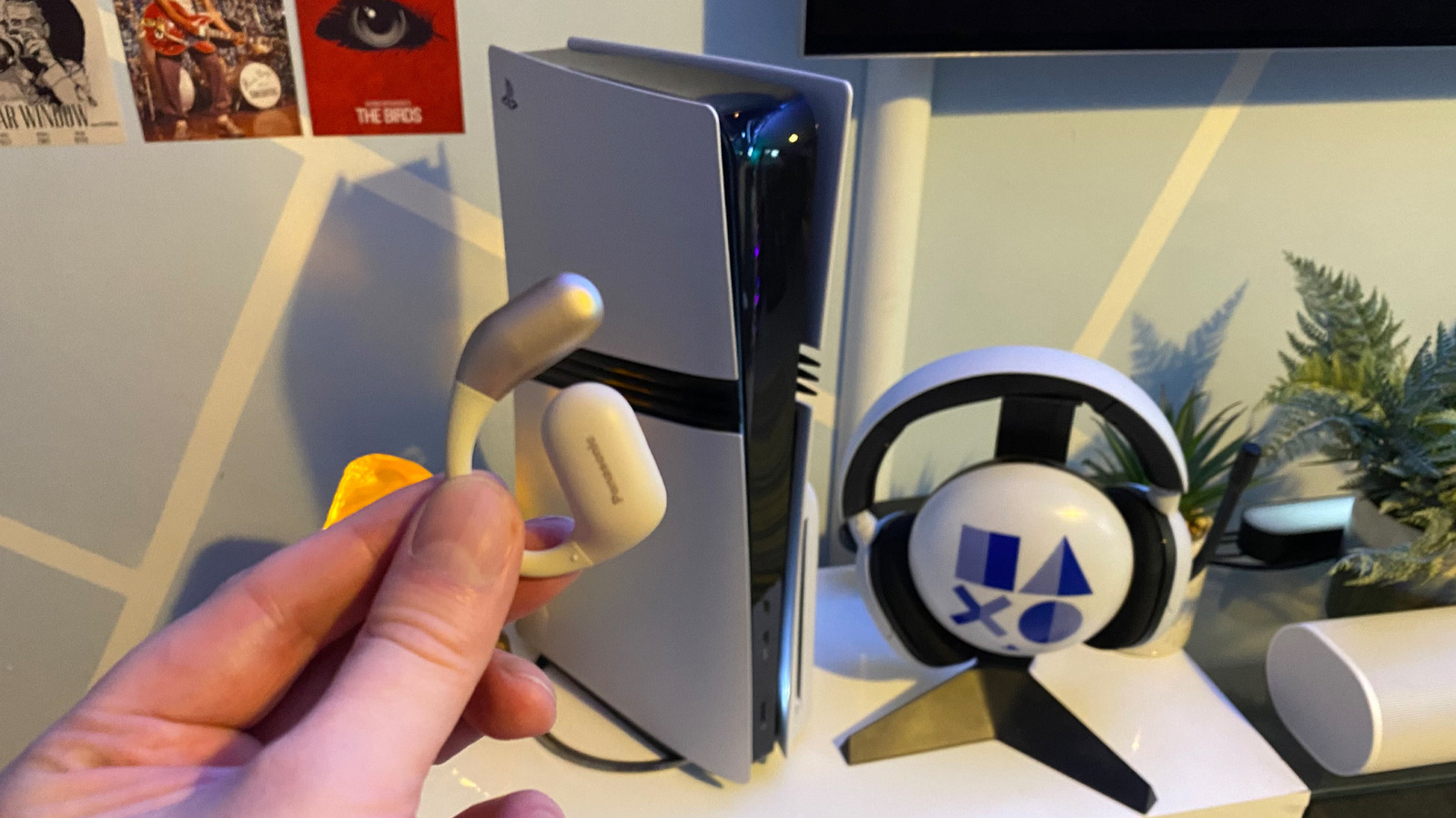
The PS5 does not natively support Bluetooth audio, meaning most Bluetooth headphones cannot be paired directly with Sony's console. This matters for players who prefer wireless headphones over dedicated gaming headsets, as it means an extra accessory is required to get sound working, and even then the experience has drawbacks compared to purpose-built gaming audio gear.
Sony omits Bluetooth audio support largely because the technology was not designed for the low latency needed in fast-paced games, alongside concerns about connection dropouts and mic quality. A workaround exists using a USB-C Bluetooth adapter, such as a UGREEN transmitter, plugged into the PS5 or PS5 Pro, followed by pairing the adapter with the headphones and selecting it as the output device in the console's sound settings. However, this method still introduces higher latency than a dedicated headset, so those seeking the best audio experience, including support for PS5's Tempest 3D AudioTech, are advised to buy a proper gaming headset instead.
- PS5 lacks native Bluetooth audio support due to latency issues
- A USB-C Bluetooth adapter offers a workaround for pairing headphones
- Dedicated gaming headsets still give better, lower-latency audio