How to connect your Ring doorbell camera to your smart TV
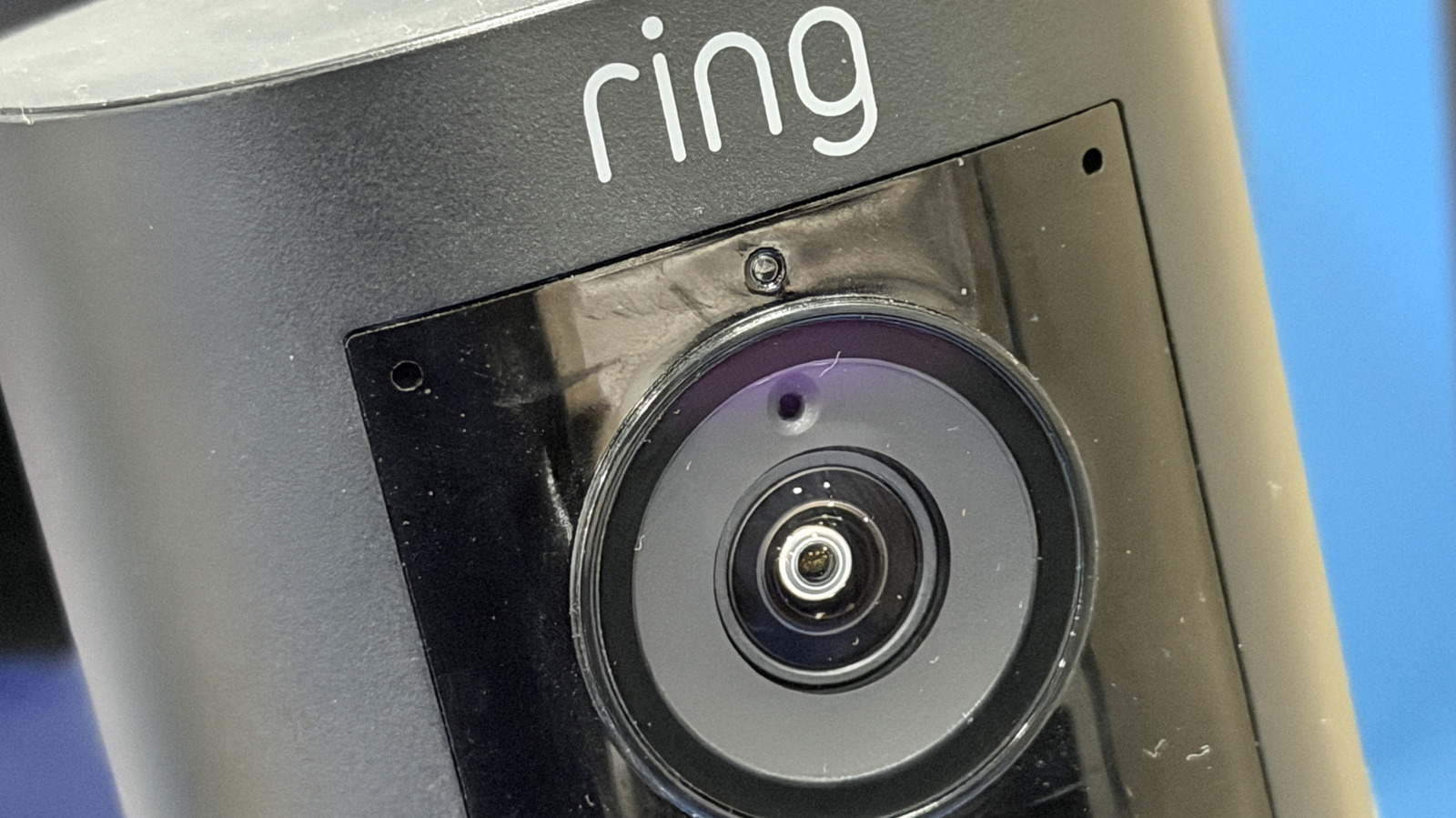
An Engadget guide from 21 July 2026 explains how to link a Ring video doorbell to a smart TV, so a live feed of the front door appears on screen automatically when someone rings the bell or triggers motion detection, rather than requiring users to check their phone. This matters for anyone using Ring's popular smart doorbell system, as it offers a more convenient way to monitor visitors without interrupting whatever is being watched, though the ease of setup depends heavily on which television brand and operating system is involved.
The smoothest integration is on devices running Amazon's Fire OS, including Fire TV Sticks and Cubes and TV brands such as Panasonic, TCL, Hisense, Toshiba and Insignia, set up via the Alexa app by enabling the Ring skill and toggling on doorbell and motion announcements. Samsung Smart TVs from 2022 onwards work through the SmartThings platform instead, requiring users to link Ring as a partner device and enable notifications separately in both apps. Those without compatible hardware can still buy an inexpensive Fire TV Stick or Cube to add the same functionality to any TV via HDMI, or fall back on screen mirroring from the Ring phone app, albeit less efficiently.
- Ring doorbells can show live video feeds directly on smart TVs
- Fire TV devices and Samsung SmartThings TVs offer native support
- Others can add a Fire TV Stick or use screen mirroring instead