
How to customize armor appearance with Palworld’s transmog system
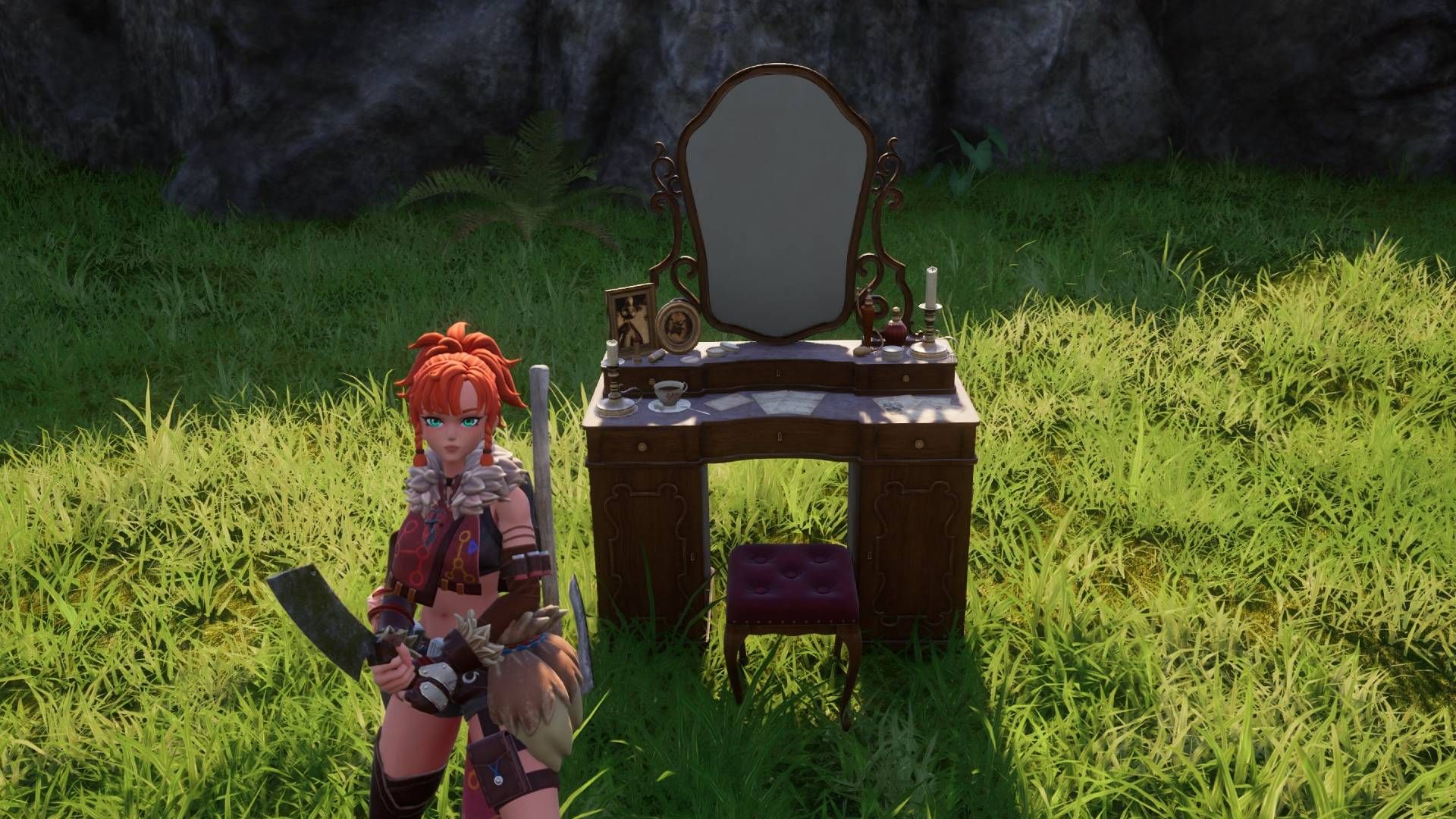
Polygon has updated its guide explaining how players can customise the appearance of their armour in the survival game Palworld using its cosmetic "transmog" system, first introduced in the March 2025 v0.50 update alongside crossplay and the Global Palbox feature. The system lets players alter how their equipment looks without changing its underlying stats, though it has notable limits: armour colours cannot be changed, and pieces can only take on the appearance of another armour item already held in the player's inventory. The guide's latest update reflects changes introduced in Palworld's 1.0 release.
To use the feature, players must build an Antique Dresser, which unlocks at level 22 for one ancient technology point and requires 20 wooden boards, 20 fibre and 30 stone to craft. Interacting with it and selecting "Edit Character Outfit" opens a menu for customising the head, body and glider slots, with the desired look requiring the relevant armour piece to be in the player's inventory at the time. Once set, the chosen appearance persists even if the underlying equipment or cosmetic items are later changed or discarded, and players can revisit the dresser at any time to alter their look again.
- Palworld's transmog system lets players restyle armour without affecting stats
- Requires crafting an Antique Dresser, unlocked at level 22
- Guide updated to reflect changes in the Palworld 1.0 release