Disable Android absolute Bluetooth volume to fix uneven audio levels
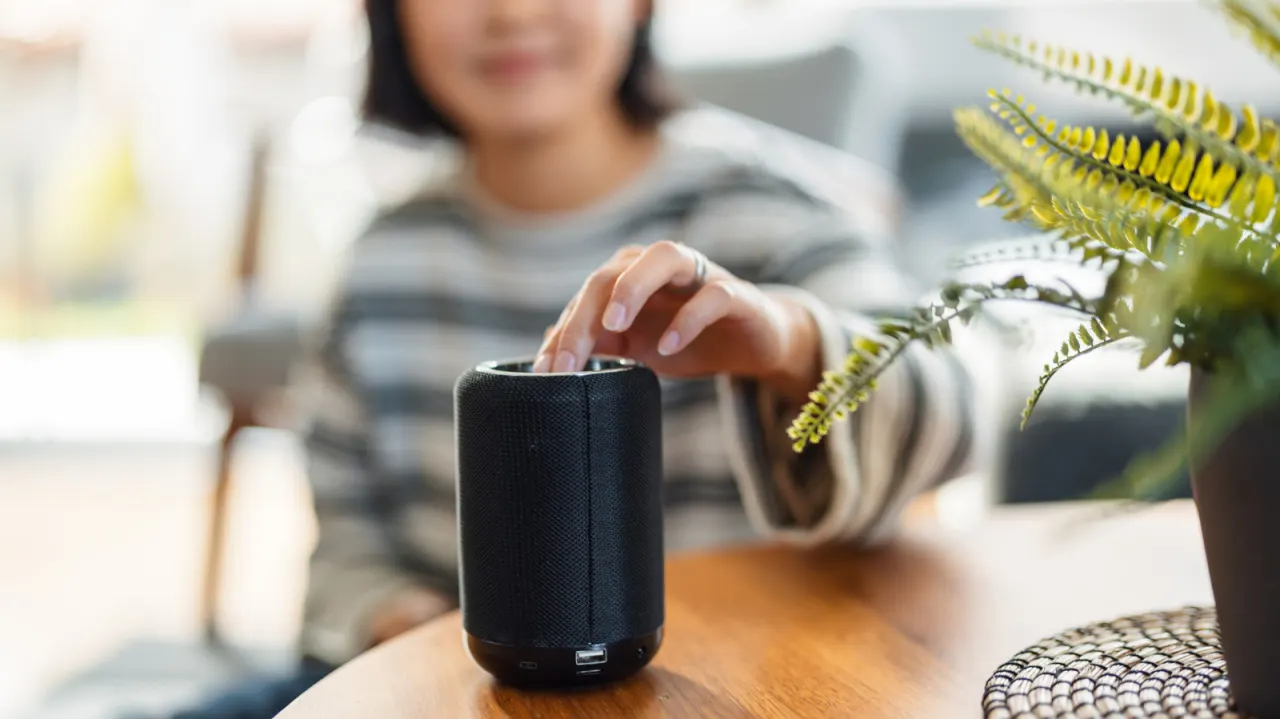
Android phones have included a feature called Absolute Bluetooth Volume since Android 6.0, which syncs the phone's volume controls with those of a connected Bluetooth device such as headphones, speakers or a car stereo. While designed to simplify volume control by letting one set of buttons manage both devices, it often breaks down because manufacturers implement the standard inconsistently, causing dead zones where volume buttons appear unresponsive followed by sudden, jarring jumps in loudness.
The mismatch typically arises because a phone might have 15 volume steps while a paired speaker has 100, meaning Android's calculations do not translate cleanly between the two scales. Some devices also impose hearing-protection limits when paired via absolute volume, capping output below their true maximum. Android allows users to disable the feature without third-party apps by enabling Developer Options (tapping the Build Number seven times under About Phone) and then turning off the setting within the Developer menu, though this means managing two separate volume levels and carries a risk of accidental loud playback if both devices are left at maximum.
- Android's Absolute Bluetooth Volume feature can cause volume glitches and sudden loudness jumps
- Mismatched volume scales between phones and Bluetooth devices are the root cause
- It can be disabled via Developer Options for more direct, independent volume control
New here? Start with this
Bluetooth devices such as headphones, speakers and car stereos have their own volume controls, while Android phones also control sound levels. Absolute Bluetooth Volume links the two, so changing the volume on the phone also changes it on the connected device.
The feature has been part of Android since version 6.0, but phones and audio devices do not always handle the link in the same way. Their volume controls may use different numbers of steps, which can make adjustments feel uneven, and some devices may limit how loud the sound can get.
Android lets users switch the feature off in Developer Options, a menu intended for advanced settings. With it off, the phone and Bluetooth device have separate volume levels, so both need to be checked when adjusting the sound.
Read the full article at the source →
Originally published by Engadget as “How to disable absolute Bluetooth volume on Android (and why you might want to)”.