How to disable your digital wallet if you lose your phone
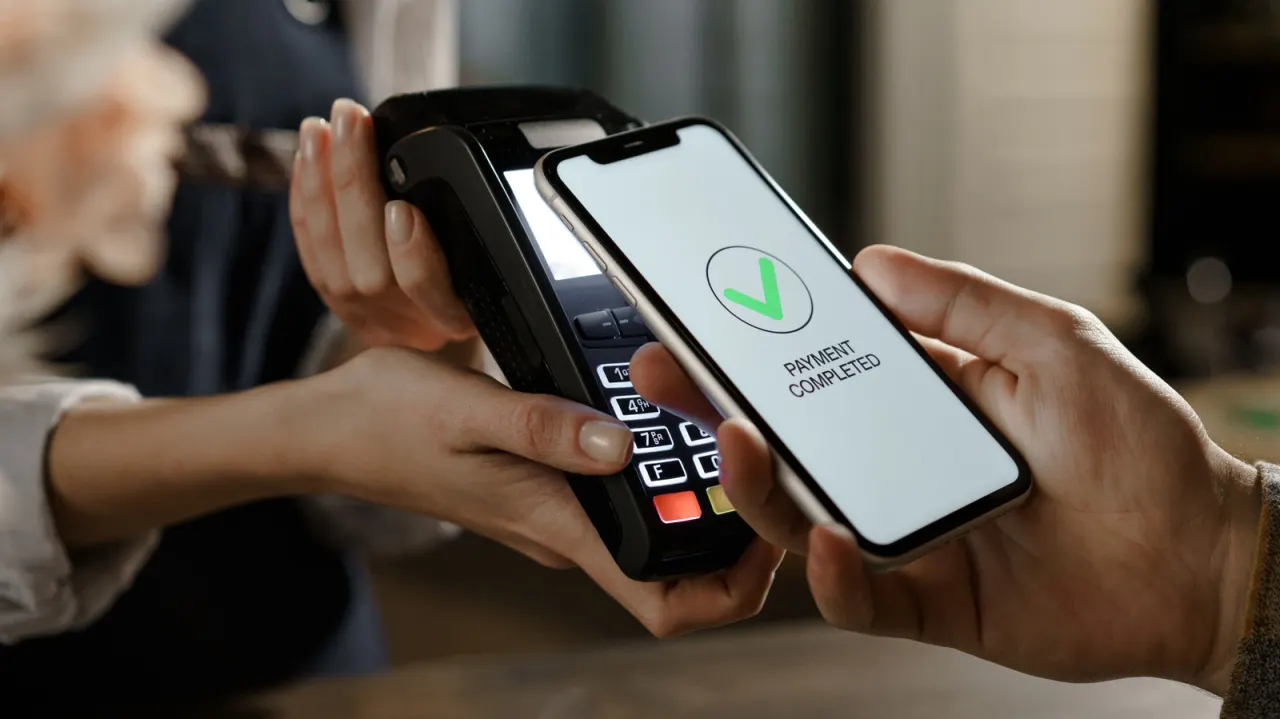
Losing a smartphone is a common but stressful experience, and one of the biggest risks is that the device's digital wallet gives an unauthorised person access to payment cards, loyalty accounts, tickets, car keys and even a digital ID. Fortunately, users can remotely disable this access from another device such as a tablet, laptop or a family member's phone, without needing to physically recover the lost handset immediately.
The exact steps depend on the operating system. Android users can mark the device as lost via Google's Find Hub, which logs it out of the Google account and clears Google Wallet, or use Remote Lock at android.com/lock; Samsung Galaxy owners with SmartThings Find get similar protection for Samsung Wallet. iPhone users can enable Lost Mode through Find My to block Apple Pay, or remove Wallet items entirely via device settings. The article also recommends checking account sign-in activity and contacting banks to freeze digital cards if the phone cannot be recovered quickly, since reissuing a physical card is far more disruptive than re-adding a digital one.
- Lost phones can be remotely locked to protect digital wallets
- Google, Samsung and Apple each offer separate remote-lock tools
- Freezing digital cards via your bank is easier than replacing physical ones
New here? Start with this
A digital wallet stores payment cards and other items on a smartphone, such as tickets, loyalty cards, car keys or digital identification. It can make everyday tasks quicker, but losing the phone may leave those items accessible to whoever finds it.
Apple, Google and Samsung each provide services for locating or securing a missing device. These let the owner use another device to lock the phone or disable wallet access, though the steps vary by phone and provider.
Banks can also freeze digital versions of payment cards, and account sign-in records can help reveal suspicious activity. Knowing these options matters because a physical bank card can be replaced, while access to other wallet items may need separate attention.