How to fix scaling and app size issues on your Samsung Galaxy Z Fold 8
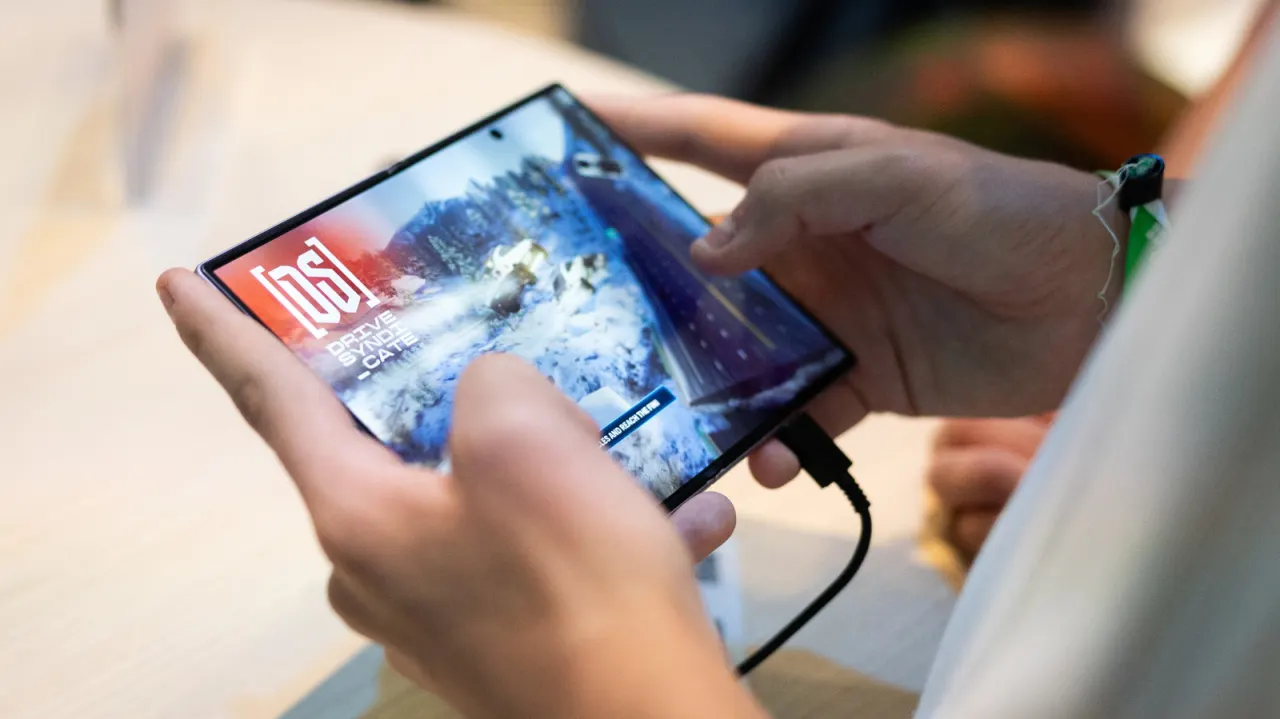
Some Galaxy Z Fold 8 owners have found that apps do not fit the phone’s 4:3 inner display properly, making the foldable’s larger screen less convenient to use. Samsung lets users set an aspect ratio for each app, which can improve how it appears when opened.
With the phone unfolded, go to Settings > Display > Aspect ratio, or find the option through Settings > Apps, then choose an app and set it to full screen, 4:3 or 16:9. You can also reach the setting by pressing and holding an app icon and opening its app information. Apps running in the background may need to restart, and apps that are not optimised for the display can still appear cropped or awkwardly positioned.
- Set a display ratio for individual apps.
- Choose full screen, 4:3 or 16:9.
- Some apps may still look poorly fitted.