Technology news and discussion on TalkFuse.
Enable speed camera alerts in Google Maps or Waze for Android Auto
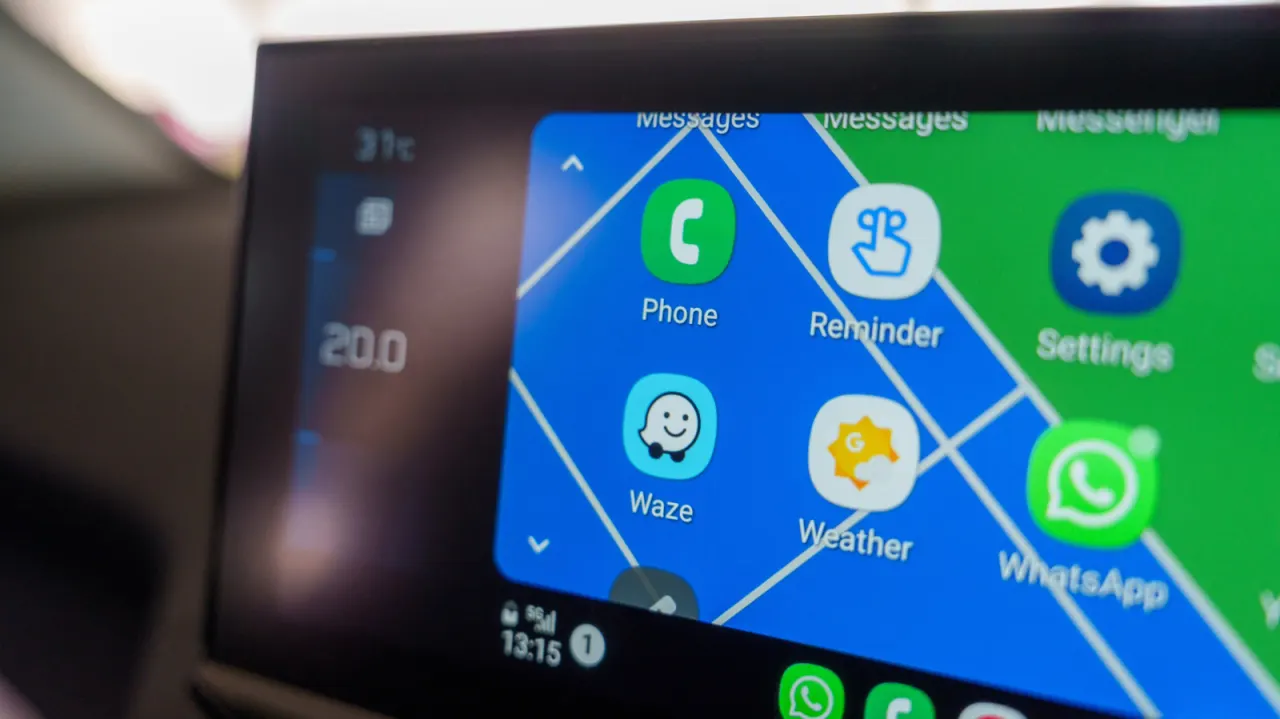
Drivers can enable reported speed camera warnings in Google Maps or Waze and view them through Android Auto. The alerts can help people driving in unfamiliar areas anticipate enforcement points, though they rely on reports from other drivers and may not cover every camera.
In Google Maps, open Settings, then Navigation, and turn on alerts for reported incidents and conditions. Waze offers more specific controls under Settings > Alerts and reports > Reports > Cameras, including alerts for speeding, red light and mobile police cameras; it is generally considered more frequent in its camera warnings. Both apps can show speed limits and GPS-based speed readings, while Waze can also alert drivers when they exceed a chosen threshold.
In short
- Android Auto can show reported camera alerts from Google Maps or Waze.
- Waze offers alerts for five camera types and may report more often.
- Both apps can display speed limits and GPS-based speed readings.
Read the full article at the source →
Originally published by Engadget as “How to get warnings about speed cameras in Android Auto”.