Improve Android headphone sound by choosing apps and adjusting settings
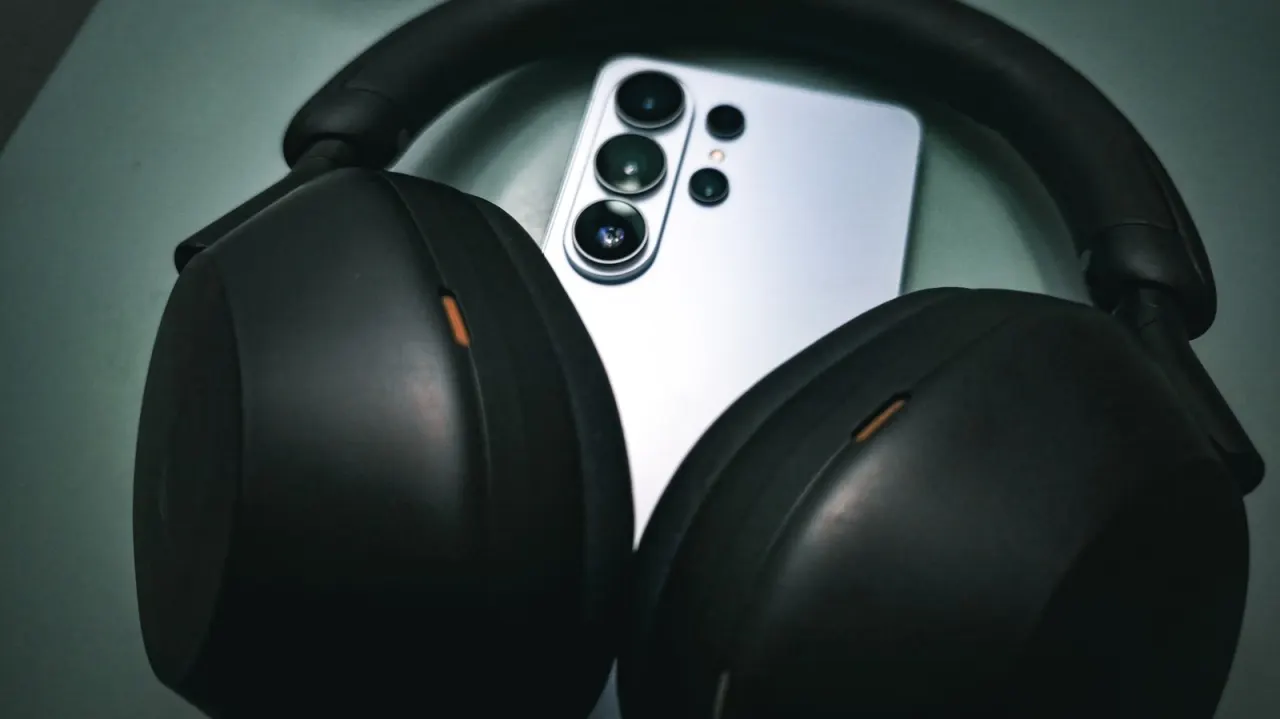
The article explains how to improve audio from an Android phone using wired or Bluetooth headphones, from choosing a capable music app to adjusting headphone equalisation. It says that simply buying better headphones may not be enough, because Android can process audio between the app and the listening device.
Android routes sound through system components that can mix, resample or apply effects; audio is generally output at 48kHz with 16- or 24-bit depth. Android 14 allows compatible apps and devices to bypass the mixer for lossless USB audio, but every part of the audio chain must support it. The article recommends disabling unwanted phone audio effects, while noting that equalisation deliberately changes the signal and may suit listeners seeking a tailored sound.
In short
- Android may alter audio before it reaches your headphones.
- Turn off unwanted sound effects and enhancements.
- Lossless USB playback needs compatible software and hardware.
Steelman: both sides, in good faith
The strongest fair case each way — we don't pick a winner.
The case for
Listeners who value the most faithful reproduction can argue that Android’s audio processing may alter or resample music, so compatible apps and equipment should use lossless USB output where possible. Disabling unwanted effects and choosing a capable music app can help preserve the recording as intended.
The case against
Listeners who prioritise enjoyment and practicality can argue that a technically untouched signal is not necessarily the best sound for every person or pair of headphones. Equalisation and other audio effects can tailor playback to individual hearing, preferences or equipment, even though they intentionally change the signal.
Explained simply
Android phones process sound between a music app and your headphones. The system may mix audio or change its sampling rate and bit depth, so the headphones alone do not determine what you hear.
Music apps, Android’s sound settings and the headphones all affect the result. Some apps and compatible devices can send lossless audio over USB, but the whole connection must support it; equaliser settings can also reshape the sound to suit a listener’s preference.
These differences matter when comparing apps or trying to improve playback, whether headphones are wired or Bluetooth. Knowing which parts of the audio chain are involved can help explain why changing headphones may not be the only option.
Read the full article at the source →
Originally published by Engadget as “How to improve audio quality on your Android phone with Bluetooth or wired headphones”.