How to improve your audio quality on Apple CarPlay
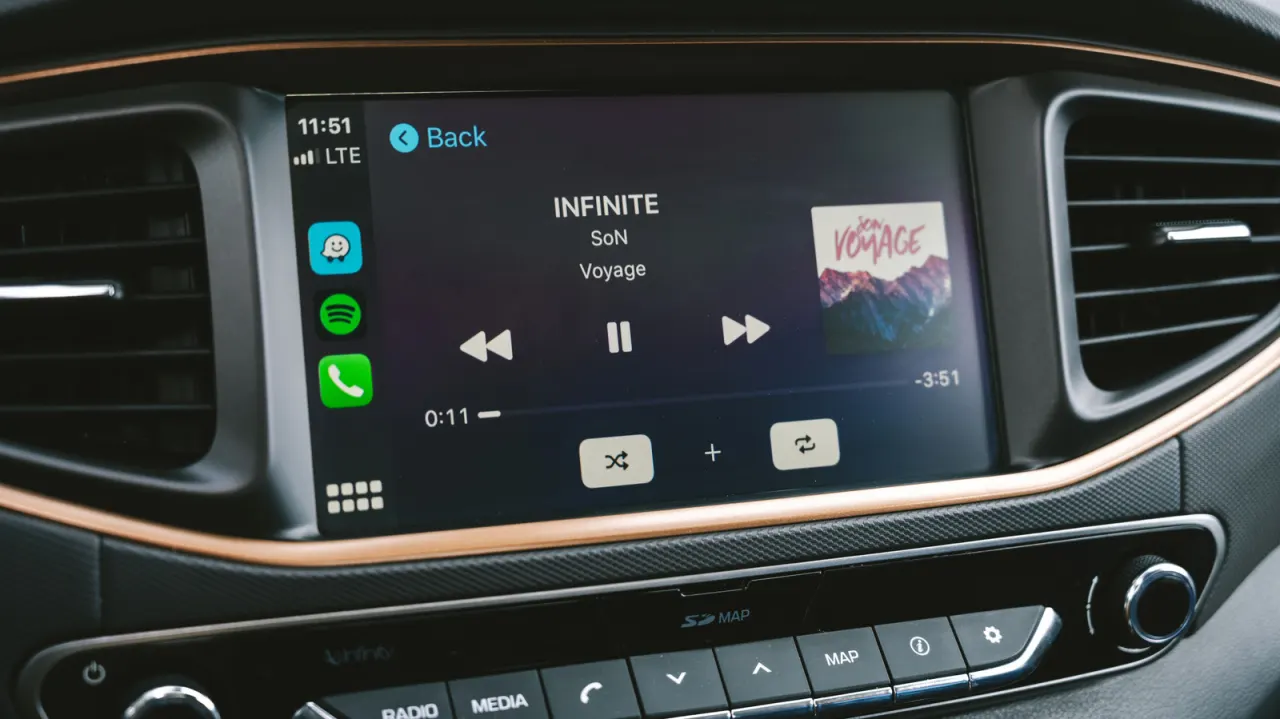
Apple CarPlay lets drivers stream music from services like Apple Music and Spotify, but the audio quality it delivers isn't always as good as it could be, and a handful of simple adjustments can noticeably improve the sound in-car. This matters because many drivers assume CarPlay automatically delivers the best possible audio, when in fact the connection method, streaming settings and even mobile signal strength all affect what actually reaches the car's speakers.
A wired USB connection is the single biggest factor, since Apple only supports lossless audio over a cable: wired CarPlay uses the uncompressed LPCM codec, while wireless CarPlay compresses audio using lossy AAC-LC. Downloading playlists in advance (Apple Music offers lossless downloads at 24-bit/48kHz, Spotify Premium offers FLAC at 24-bit/44.1kHz) avoids quality drops caused by patchy mobile signal while driving, though this requires extra phone storage and will use more data if not pre-downloaded. Checking equalizer and volume settings within the streaming app can also help correct thin or bass-heavy sound before considering a hardware upgrade.
- Use a wired USB connection for lossless Apple CarPlay audio.
- Wireless CarPlay compresses sound via AAC-LC, reducing quality.
- Download playlists beforehand to avoid mobile signal quality drops.