How to improve your PC’s airflow for better cooling
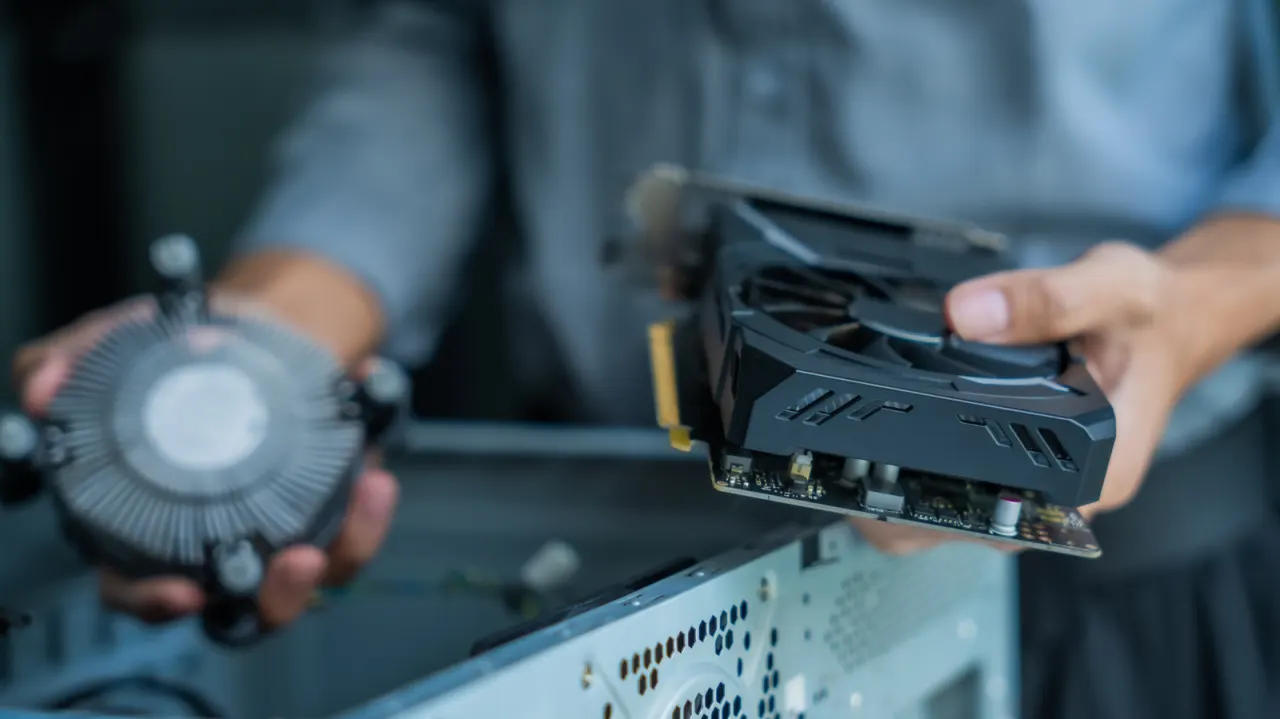
Good PC airflow helps prevent components from overheating, which can reduce performance. The article explains that sensible fan placement, case positioning and maintenance can improve cooling in most builds.
Place the PC where air can circulate, and arrange fans to draw cool air in from the front and bottom and exhaust warm air through the top and back. Aim for slightly positive case pressure to limit dust entering through gaps; choose fan size and speed with airflow and noise in mind, and keep filters, fans and cables clear.
In short
- Airflow helps prevent heat from reducing PC performance.
- Draw air in at the front and bottom; exhaust it at the top and back.
- Slightly positive pressure, clean filters and tidy cables can help.
Explained simply
A desktop PC generates heat as its processor, graphics card and other parts work. If that heat builds up, some components may slow down to protect themselves.
Fans move cooler air into the case and push warm air out. Their position, speed and size affect how well this works, while filters and clear paths inside the case help air circulate and limit dust.
The case also needs space around it for air to enter and leave, so placing it against a wall or on thick carpet can restrict airflow. Better cooling can help a PC maintain performance, and balancing fan speed with noise may make it more comfortable to use.