Check your router’s support status before security updates end
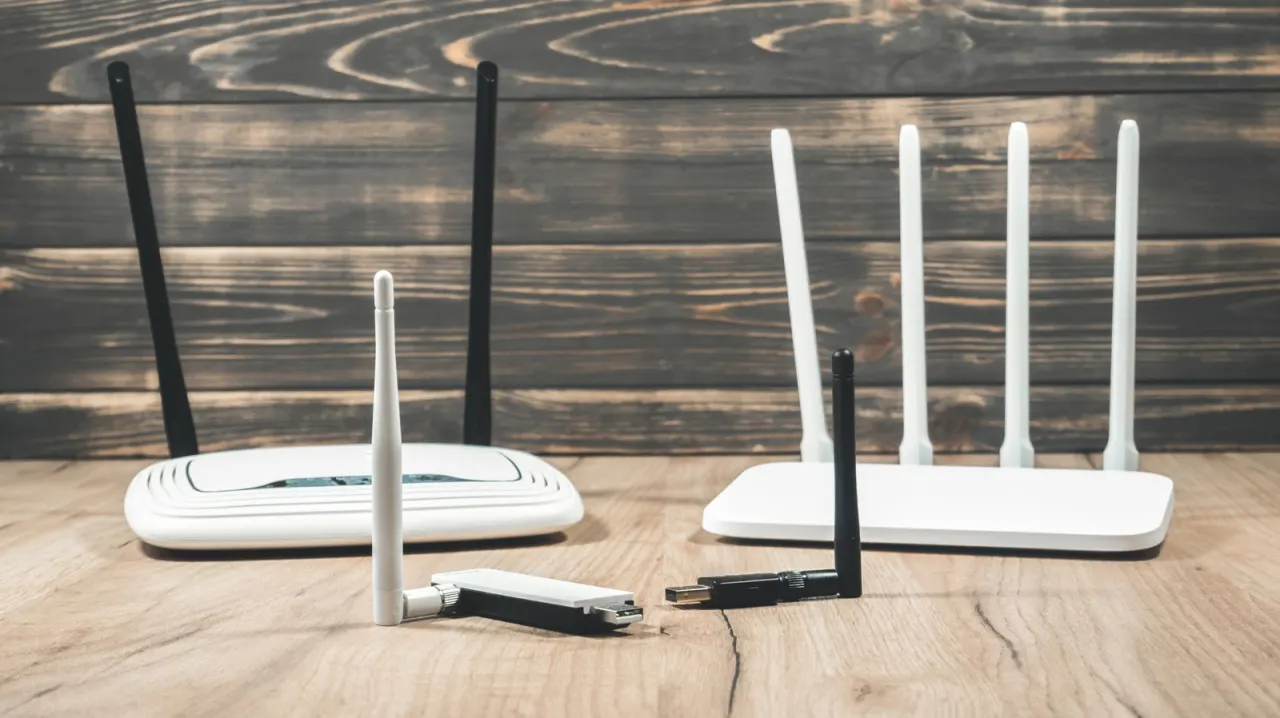
Routers often stay in use for years, but missing security updates can leave every device on a home network exposed to vulnerabilities that will no longer be fixed. The article says checking a router’s support status is as important as noticing slow Wi-Fi, especially because newer standards and features may also benefit connected devices.
For a personally purchased router, check the model and hardware revision against the manufacturer’s end-of-life information, or ask the company whether updates are still available; several years without a firmware release may be a warning sign. Install any available updates through the router’s app or administration page. Repeated disconnections, freezing that needs a power cycle, or failure to power on can indicate hardware trouble, though interference or a faulty device may explain disconnections; testing internet speed over Ethernet can help isolate the cause.
- End-of-life routers may miss fixes for security vulnerabilities.
- Check manufacturer support and install available firmware updates.
- Repeated disconnections or freezing can signal router problems.
New here? Start with this
A router connects devices such as phones, computers and televisions to the internet, usually through a home Wi-Fi network. Its software, called firmware, helps manage that connection and can also contain fixes for security weaknesses.
The router maker decides how long a model receives software updates, and support can vary by model and hardware version. When support ends, newly discovered weaknesses may remain unfixed, which can put devices using the network at risk.
Internet providers sometimes supply routers to their customers, while others are bought separately. In either case, the router’s age or performance alone may not show whether it is still supported, so the maker or provider is a key source of that information.
Read the full article at the source →
Originally published by Engadget as “How to know it’s time to replace your router”.