Technology news and discussion on TalkFuse.
How to make your USB-C cables last longer
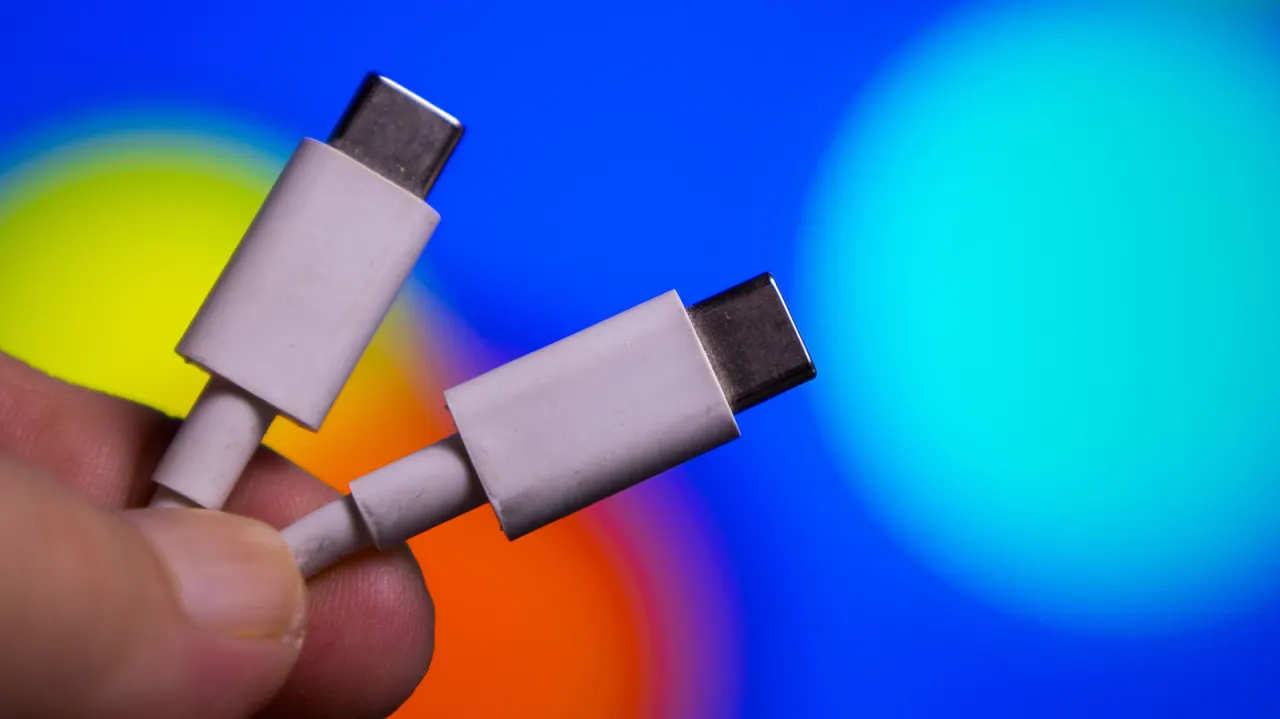
USB-C cables often fail because the wire is damaged where it meets the connector, usually through everyday strain rather than wear on the plug itself. Careful handling, cleaning and storage can reduce damage and help avoid replacing cables as often.
The USB-IF’s durability standard is 10,000 connection cycles, though actual cable life varies. Unplug by holding the plug, avoid sharp bends and heavy strain, and keep cables away from foot traffic and extreme temperatures. Clear dust and lint with short bursts of compressed air, store cables in loose loops in a cool, dry place, and choose reputable brands with reinforced ends.
In short
- Hold the plug when disconnecting.
- Store cables loosely in a cool, dry place.
- Quality cables with reinforced ends may last longer.
Explained simply
USB-C is a common type of connection used to charge phones, tablets and other devices, and to transfer data. A cable joins the device to a charger or another piece of equipment.
The cable can be weakened where its wire meets the plug, especially if it is pulled or bent sharply during everyday use. The USB Implementers Forum, which sets standards for USB technology, specifies 10,000 connection cycles for durability, though the lifespan of an individual cable varies.
Holding the plug when unplugging, keeping the cable clear of strain and storing it in loose loops can help reduce damage. Keeping the connectors free of dust and choosing cables from reputable manufacturers may also help them last longer.