How To Reset The Camera Settings On Your iPhone
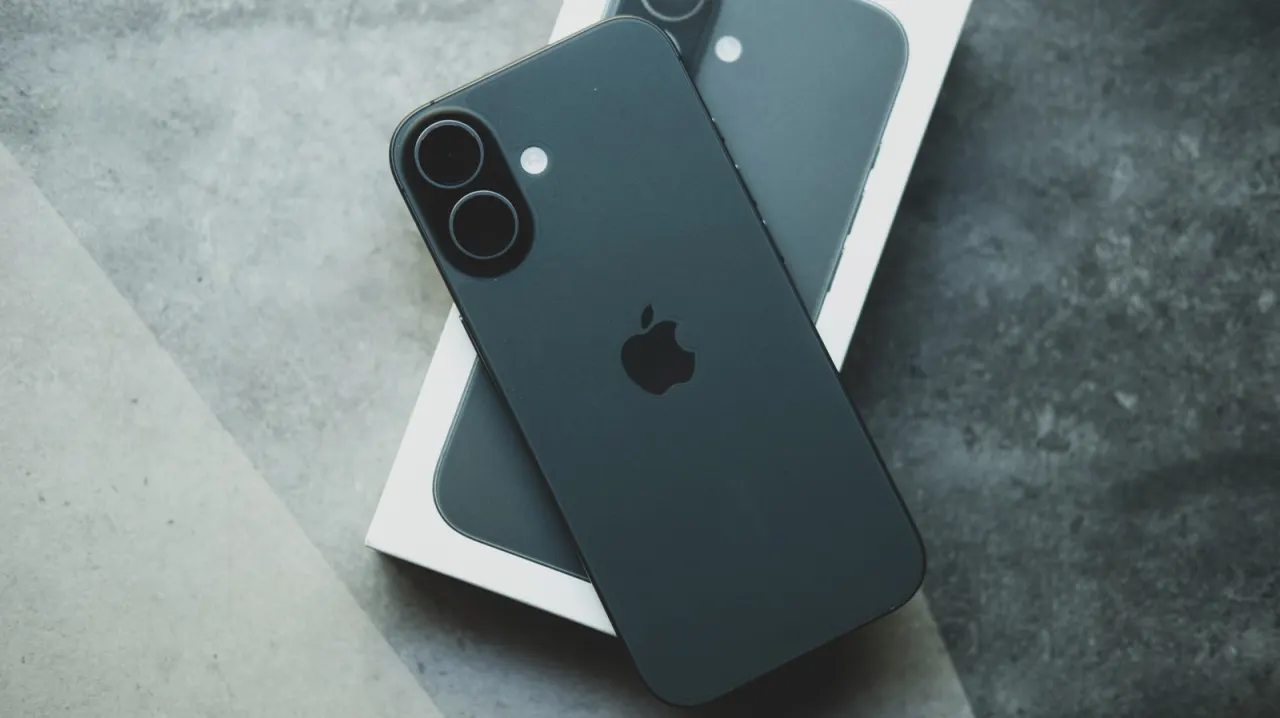
An Engadget how-to guide explains that while iPhone camera settings can be extensively customised to improve photo and video quality, there's no single button to revert everything back to the factory defaults. This is useful for users who have heavily tweaked their settings and want a clean baseline to compare against, or for anyone who has bought a second-hand iPhone with unfamiliar settings already applied. Resetting to default allows for a clearer, more consistent starting point before making further adjustments.
The guide notes that most of the relevant toggles are found under Settings > Camera > Preserve Settings, and that all of these are off by default except Live Photo, meaning the app largely resets itself on exit already. Specific defaults include 1080p at 30fps video (240fps for Slo-mo), Stereo or Spatial Audio sound recording, High Efficiency formats, Grid and Level off, and Smart HDR and Prioritise Faster Shooting on; iOS 26-compatible phones also default to Lens Correction, Macro Control and Scene Detection enabled, and 24MP resolution. For those who don't want to adjust each toggle individually, a full device reset via Settings > Transfer or Reset iPhone restores all settings to default, though this also removes Apple Pay cards, keys and passes.
In short
- No single toggle resets iPhone camera settings to default.
- Settings > Camera > Preserve Settings holds most relevant toggles.
- Full device reset restores defaults but wipes Apple Pay and passes.
Explained simply
iPhone users can change camera settings for photos and videos, including whether choices stay in place after the Camera app closes. These options are spread across the phone’s settings, and their defaults vary by feature and iPhone model.
The key players are the iPhone’s Camera app and the settings that control its image quality, recording format and other features. Knowing the default settings gives users a baseline for comparing changes, which can help when they have customised a phone or are using one with settings chosen by someone else.
Some camera options can be returned to their defaults individually, while a full iPhone settings reset affects other parts of the device too. That distinction matters for anyone seeking a fresh camera setup without changing unrelated settings or removing stored items such as payment cards and passes.