How to safely clean your USB ports
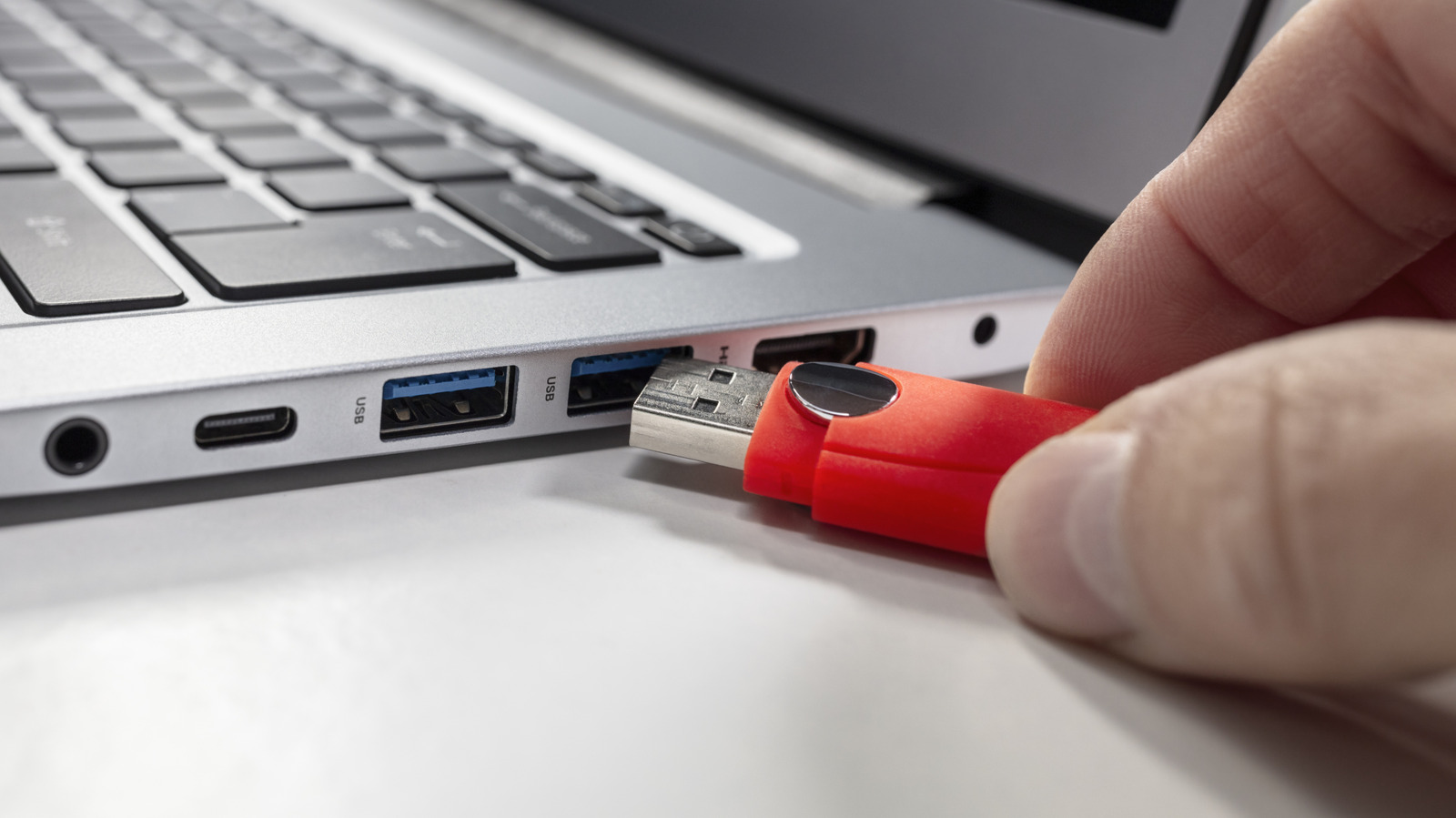
Dirty USB or charging ports are a common but overlooked cause of unstable connections, intermittent charging and undetected accessories, according to a guide from Engadget. Fortunately, the fix is usually simple and cheap, requiring only household items rather than professional cleaning, provided the correct technique and materials are used.
Before cleaning, devices should be powered off, and desktop PCs unplugged from the mains. A plastic or wooden toothpick used gently is recommended for dislodging lint, with short bursts of compressed air as an optional extra to clear stubborn dust; ports should only be cleaned when there's visible dirt or charging and connection problems, such as after a trip to the beach. Certain items should be avoided entirely: WD-40 and other lubricants or cleaning sprays can permanently damage electronics or cause short circuits, cotton buds can leave fibres that harm connector pins, and metal objects like paperclips or safety pins risk damaging the pins altogether.
- Dirty USB ports can cause charging and connection problems
- Use a toothpick or compressed air to clean them gently
- Avoid WD-40, cleaning sprays, Q-tips and metal tools