Drivers unlock restricted Android Auto features through unofficial app sideloading
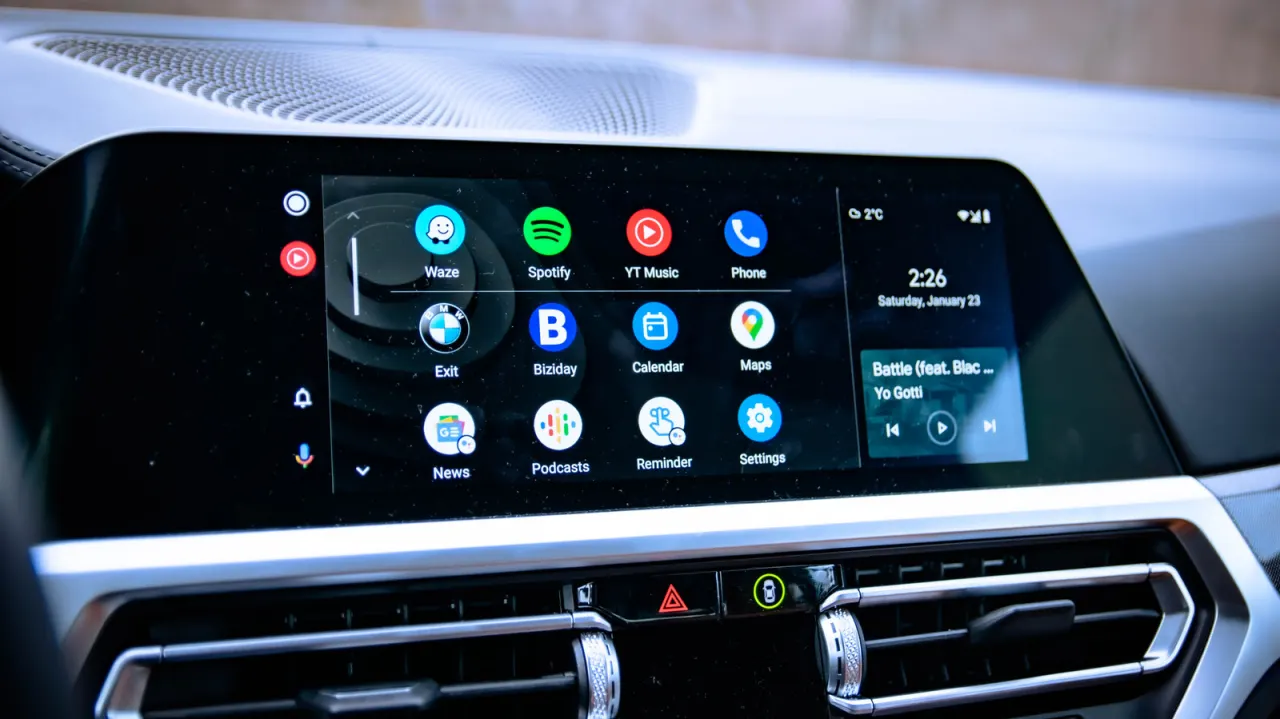
Android Auto users can "sideload" unofficial apps onto their car's dashboard display, enabling features Google deliberately blocks—such as YouTube video playback, screen mirroring and web browsing—without needing to root their phone. Google restricts these functions by default to reduce driver distraction, but the workaround appeals to drivers who feel their in-car displays are more capable than the platform allows, even though the method carries real safety and security trade-offs.
Setting it up involves enabling Developer Mode on the phone and within Android Auto's settings, then allowing installation from "Unknown sources" to load apps such as CarStream, AAMirror or Fermata Auto from open-source repositories. The main risks are safety, since watching videos while driving is illegal in most places and should only be done when parked, and malware, given Google's claim that sideloaded apps carry over 50 times more malware than those on the Play Store. Google plans to introduce developer identity verification for sideloaded apps from late 2026, rolling out gradually by country, and the article advises most drivers to stick with the standard, officially supported experience.
In short
- Sideloading unlocks YouTube, mirroring and browsing on Android Auto dashboards
- Requires Developer Mode; risks include malware and driving distraction
- Google will require sideloaded app verification from late 2026
Steelman: both sides, in good faith
The strongest fair case each way — we don't pick a winner.
The case for
Drivers may argue that they should be able to use the capabilities of hardware they own, especially for parked use, passenger entertainment or apps that Google does not officially support. Sideloading can offer useful flexibility and customisation, while informed users can weigh the safety and security risks for themselves.
The case against
Google and safety advocates can argue that video, mirroring and browsing on a dashboard create serious opportunities for driver distraction, with risks to passengers and other road users as well as the driver. Restricting these features by default, and warning about the added malware exposure from unofficial apps, is a reasonable way to reduce foreseeable harm.
Explained simply
Android Auto brings selected phone apps and services to a car’s dashboard display. Google limits which apps can appear there, particularly video players and web browsers, because screens that draw a driver’s attention can increase the risk of a crash.
Some drivers install apps from outside Google’s Play Store to add functions Android Auto does not officially support. This is called sideloading; it can involve apps made by independent developers, rather than Google or the car maker.
The issue matters because these apps can create safety and security risks: watching videos while driving is illegal in many places, and apps from unofficial sources may contain harmful software. Google is also planning to introduce identity checks for developers whose apps are sideloaded, with changes expected to roll out gradually from late 2026.
Read the full article at the source →
Originally published by Engadget as “How to sideload apps onto Android Auto”.