How to soft and hard reset your iPhone
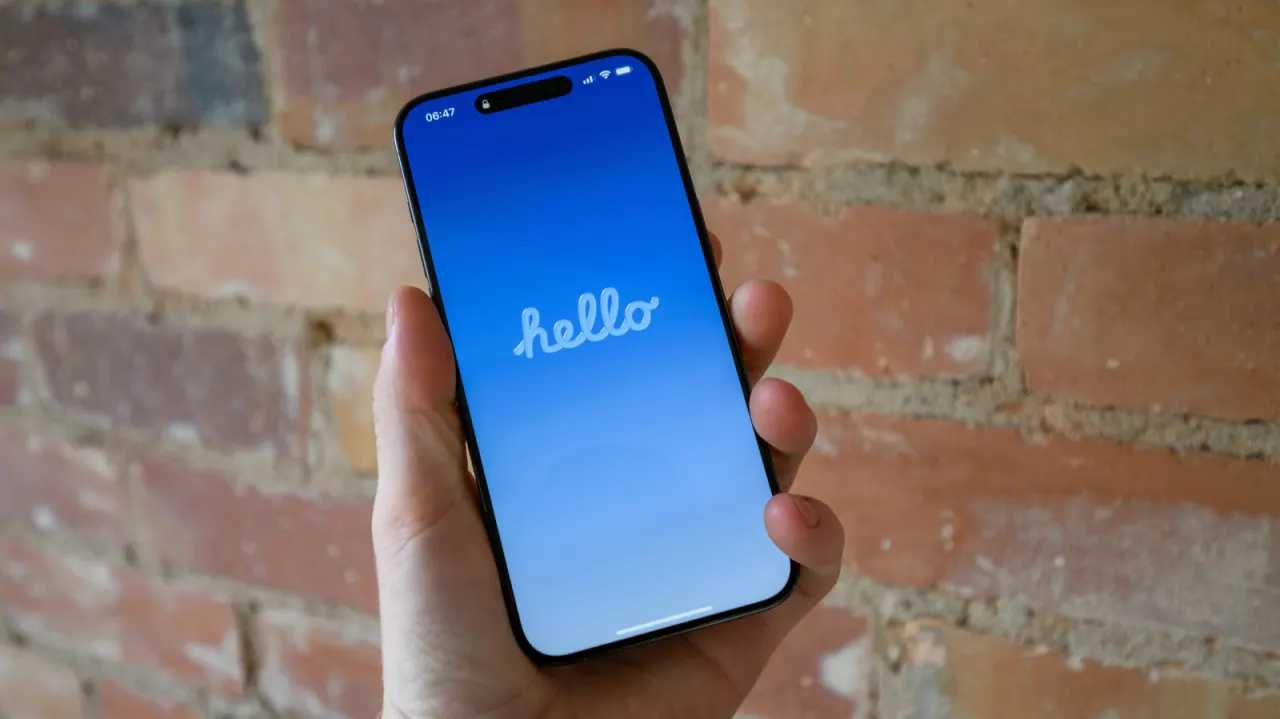
This guide explains how to troubleshoot a misbehaving iPhone or prepare one for transfer by escalating through three levels of reset: restarting, a soft reset and a hard reset. It notes that the tech community has long disagreed on precise definitions of "soft" and "hard" resets, so the article sets out its own working definitions to avoid confusion before walking through each method.
Restarting simply reboots the phone without losing data and is recommended as the first troubleshooting step, clearing RAM and closing problematic apps; if the usual button combination fails, a forced restart can be triggered via the volume buttons and side button. A soft reset clears all settings, such as Wi-Fi, Bluetooth, Apple Pay cards, permissions and display preferences, without erasing personal data, and can be done selectively via the Reset menu. A hard reset, or factory reset, is the last resort and wipes all data entirely, requiring an Apple Account password and passcode; the article advises backing up to iCloud first and notes the option to keep or delete an eSIM during the process.
- Guide explains three iPhone reset levels: restart, soft reset, hard reset.
- Soft reset clears settings without deleting personal data.
- Hard reset erases everything; back up to iCloud first.
New here? Start with this
An iPhone can be reset in different ways, and the terms “soft reset” and “hard reset” are not used consistently. In this guide, restarting means turning the phone off and on, a soft reset clears settings, and a hard reset returns the phone to its factory state.
Restarting may help when an app or the phone is not working properly, while a settings reset can address connection or preference problems without deleting personal files. A factory reset removes the phone’s data and is generally used before transferring it to someone else or as a last troubleshooting step; backing up first can help preserve personal information.