How to prevent Android Auto from resuming audio automatically
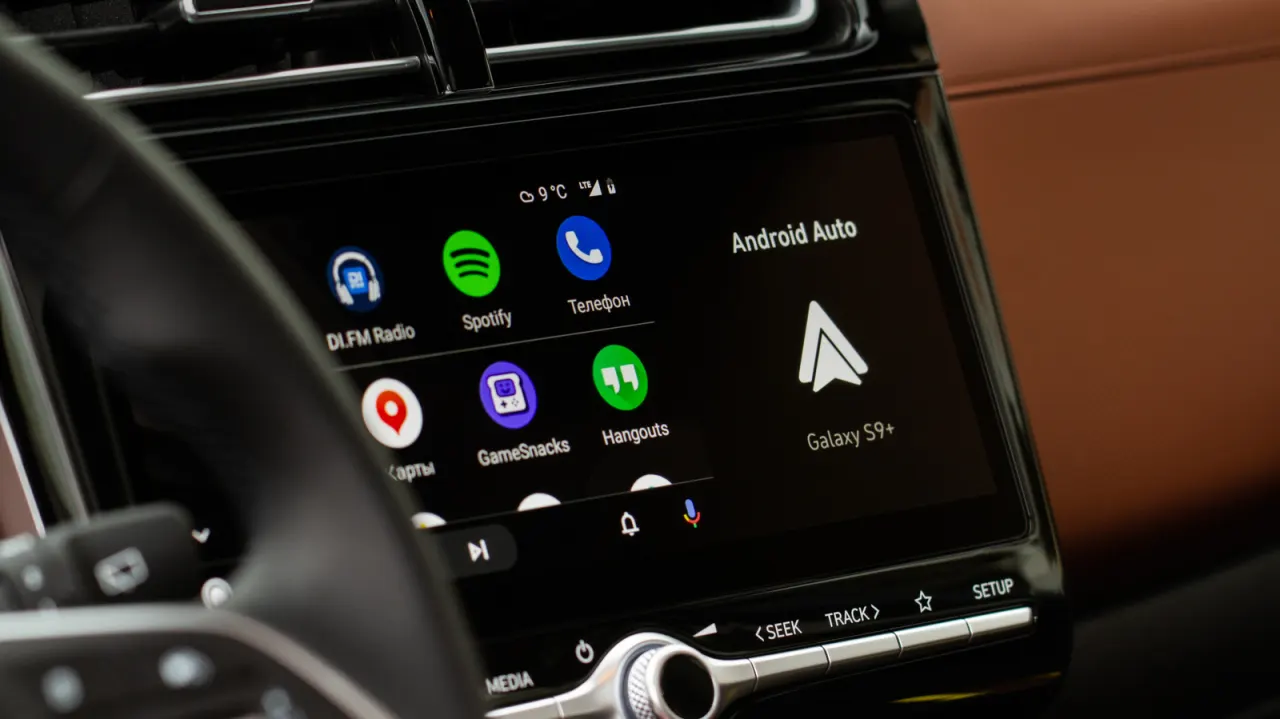
Android Auto can resume the last music, podcast or audiobook as soon as a phone connects to a car, sometimes at the previous volume. The article explains how to prevent unexpected playback, which can distract drivers or expose passengers to unwanted content.
The first step is to switch off “Start music automatically” in Android Auto’s settings under Connected devices. If playback continues, unpairing the phone from the car’s Bluetooth and reconnecting by USB may help, though results vary. Other Bluetooth devices can also trigger Spotify playback, and updates may reduce glitches, but there is no guaranteed fix across all devices and cars.
- Turn off Android Auto’s “Start music automatically” setting.
- If playback continues, test the car’s Bluetooth connection.
- Bluetooth accessories may trigger Spotify, with no universal fix.
Read the full article at the source →
Originally published by Engadget as “How to stop audio from auto-playing on Android Auto”.