Quick Start moves data between old and new iPhones
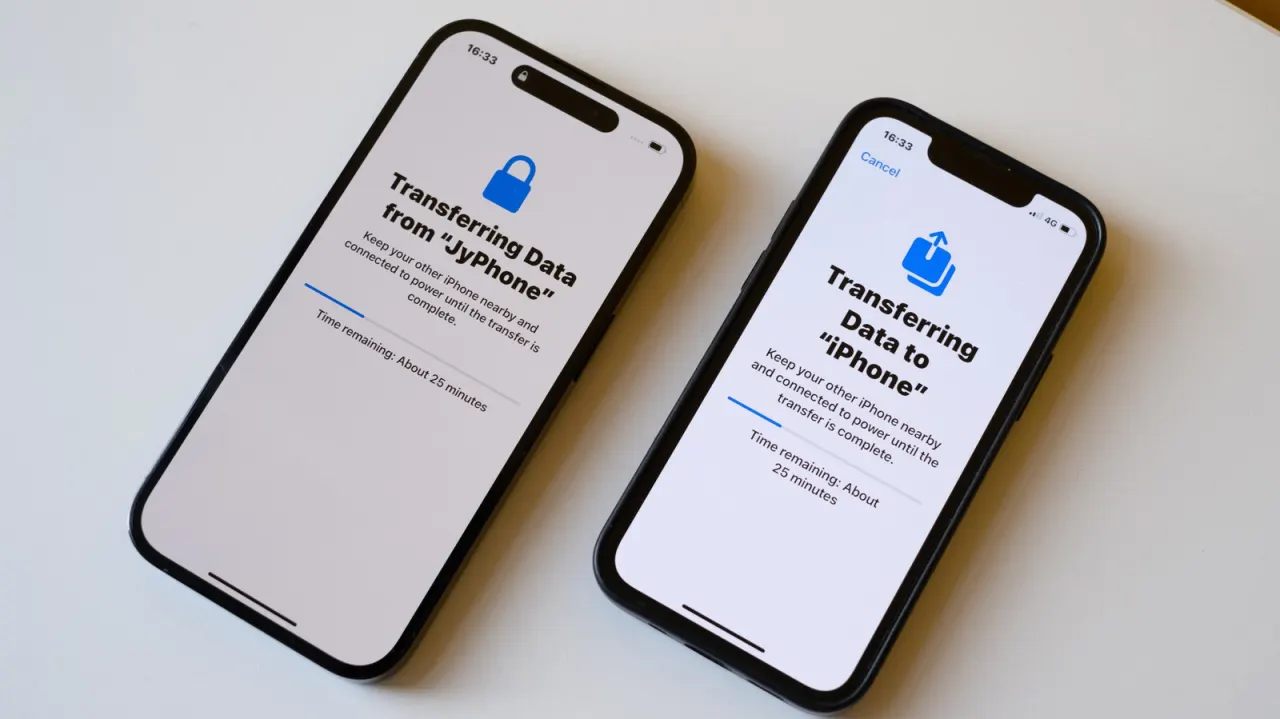
Apple's Quick Start feature has made switching to a new iPhone largely painless, replacing the old process where users risked losing settings, apps and years of accumulated data. Rather than requiring a computer, Quick Start transfers contacts, photos, messages and app settings wirelessly by placing the new device next to the old one, though a cable connection remains available as a backup if wireless transfer fails.
The process involves scanning an animation with the new iPhone's camera to pair the devices, then choosing between restoring from a recent iCloud backup or a direct transfer. Wired transfers are far faster on iPhone 15 Pro and later Pro models, which support USB 3 speeds of up to 10Gbps compared with the standard USB 2 cable included in the box. Common problems include stalled transfers from weak Wi-Fi, insufficient storage on the new device, and mismatched iOS versions between phones. If the old iPhone is unavailable, such as after a trade-in, users can instead restore from an iCloud backup or one made via a Mac or PC.
- Apple's Quick Start lets iPhone users transfer data wirelessly without a computer
- Wired transfers are much faster on iPhone 15 Pro and newer models
- Weak Wi-Fi, low storage or mismatched iOS versions can cause transfer failures
New here? Start with this
When people replace an iPhone, they may want to keep their contacts, photos, messages, apps and settings. In the past, moving this information could involve a computer and risk leaving some things behind.
Quick Start is Apple’s built-in way to set up a new iPhone using an old one nearby. The phones pair using the new phone’s camera, then information can be copied directly or brought back from a saved backup.
This matters because a phone can hold years of personal information and familiar settings. If the old phone is no longer available, a backup stored with Apple’s iCloud service or on a computer can provide another way to restore it.
Art Celebrity Culture Entertainment Gadgets Technology
Read the full article at the source →
Originally published by Engadget as “How to transfer data from your old iPhone to a new one”.