How to turn off Find My iPhone (and when you definitely should)
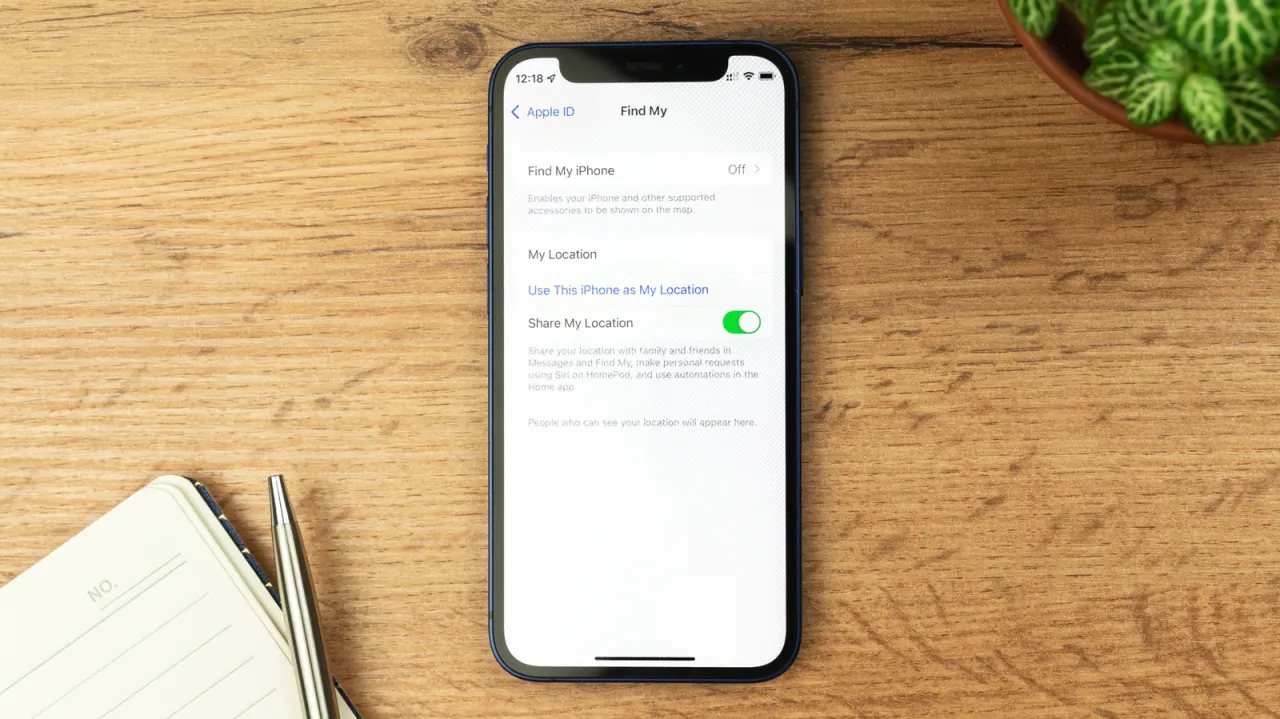
Apple's Find My service helps locate a lost, stolen or misplaced iPhone, iPad or other Apple device using a crowdsourced Bluetooth network of other Apple devices. While Apple recommends keeping it switched on at all times for security, there are specific situations where it should be turned off, such as before selling, giving away, trading in or sending a device for repair, so technicians can properly access and diagnose it.
Factory resetting an iPhone via Settings automatically disables Find My along with Activation Lock, which otherwise prevents thieves from reselling a stolen device. If a reset isn't needed, such as for repairs, Find My can be switched off manually through Settings, though this may first require disabling Stolen Device Protection, ideally done at home to avoid built-in security delays. Users can also selectively stop sharing their location with individuals via the Find My app rather than disabling the whole feature, and should note that turning off Find My entirely means a lost device can no longer be tracked at all.
- Find My should mostly stay on to protect and track your Apple device
- Turn it off only before selling, trading in or repairing a device
- Disabling it also removes Activation Lock and location-tracking ability
New here? Start with this
Find My is an Apple service that can help people locate a missing iPhone, iPad or other Apple device. It uses Bluetooth signals detected by nearby Apple devices to help show where a device is, even when it is not connected to the internet.
The service is linked to Activation Lock, which helps stop someone else using or reselling a device without the owner’s account details. Apple advises keeping Find My on, but it may need to be disabled before a device changes hands or goes in for repair.
Turning it off means the device can no longer be located through Find My. People who only want to stop sharing their location with someone can change that separately in the Find My app.