Turn an iPhone into a Wi-Fi PC game controller
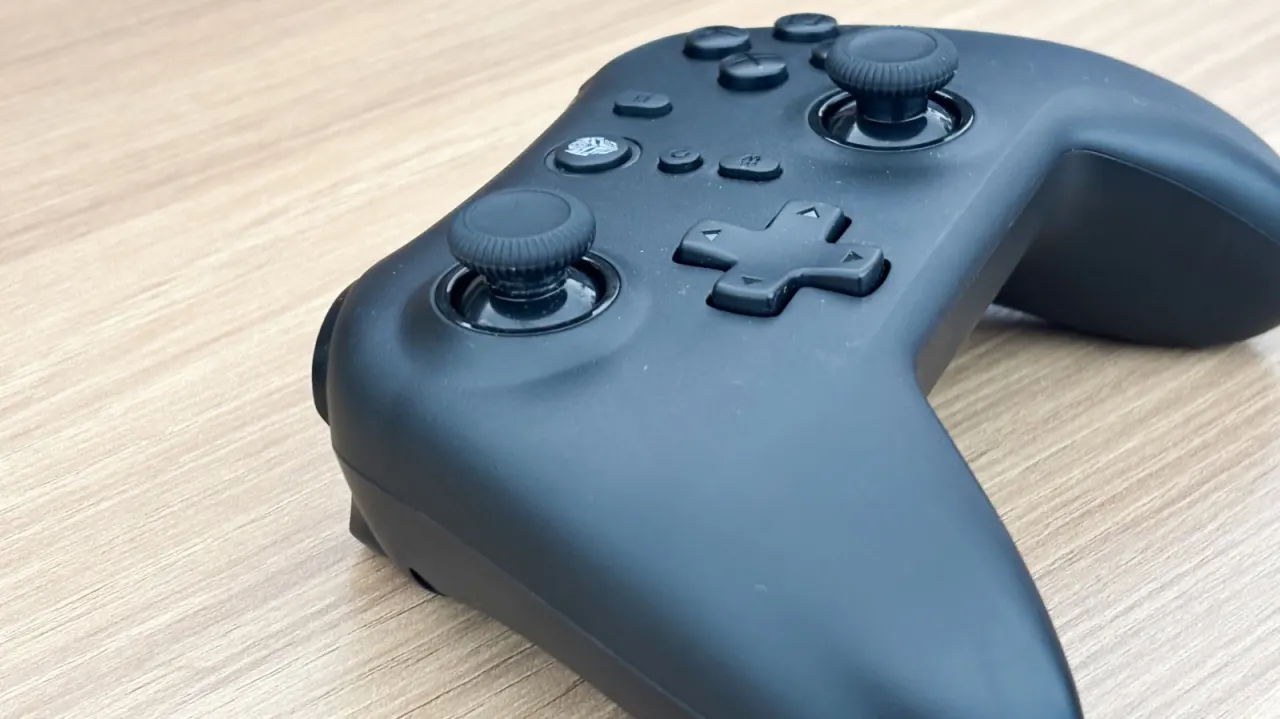
An Engadget how-to guide explains that an iPhone can be turned into a makeshift Bluetooth-style gaming controller for a PC using the free Remote Gamepad app, which works with Mac, Windows 10/11 and Linux. This offers a handy workaround when spare controllers aren't available or a user doesn't want to buy a dedicated one, though the connection actually runs over Wi-Fi rather than true Bluetooth pairing.
Setting it up involves downloading the app on the iPhone plus companion software on the PC, connecting both devices to the same Wi-Fi network, and scanning a QR code to link them; three default control layouts are provided, alongside customisable options for haptics and steering. The free version is capped at 20 minutes of use (extendable via ads), with a $3 premium unlock removing the limit. The article stresses this is a decent stopgap rather than a genuine controller replacement, since physical buttons feel better, though it notes the customisable layout could benefit users with accessibility needs, and suggests older PS4 or Xbox One pads as cheaper proper alternatives.
- Remote Gamepad app turns an iPhone into a PC game controller via Wi-Fi
- Free version limited to 20 minutes; $3 premium removes the cap
- Not a true controller replacement, but useful for accessibility or backup use
New here? Start with this
PC games can be controlled with a keyboard and mouse, or with a gamepad that has physical buttons and sticks. A phone can also act as a controller when an app links it to the computer over the home Wi-Fi network.
The iPhone app and its companion computer software handle the connection, while the player uses on-screen controls. The arrangement depends on both devices being on the same network, and the touch controls may feel different from a dedicated gamepad.
This can be useful when no controller is available, and adjustable layouts may suit some players’ needs. Dedicated controllers remain an option, including older models that may cost less than newer ones.
Entertainment Gadgets Gaming Technology
Read the full article at the source →
Originally published by Engadget as “How to turn your iPhone into a Bluetooth controller”.