How to update your GPU drivers in Windows 11
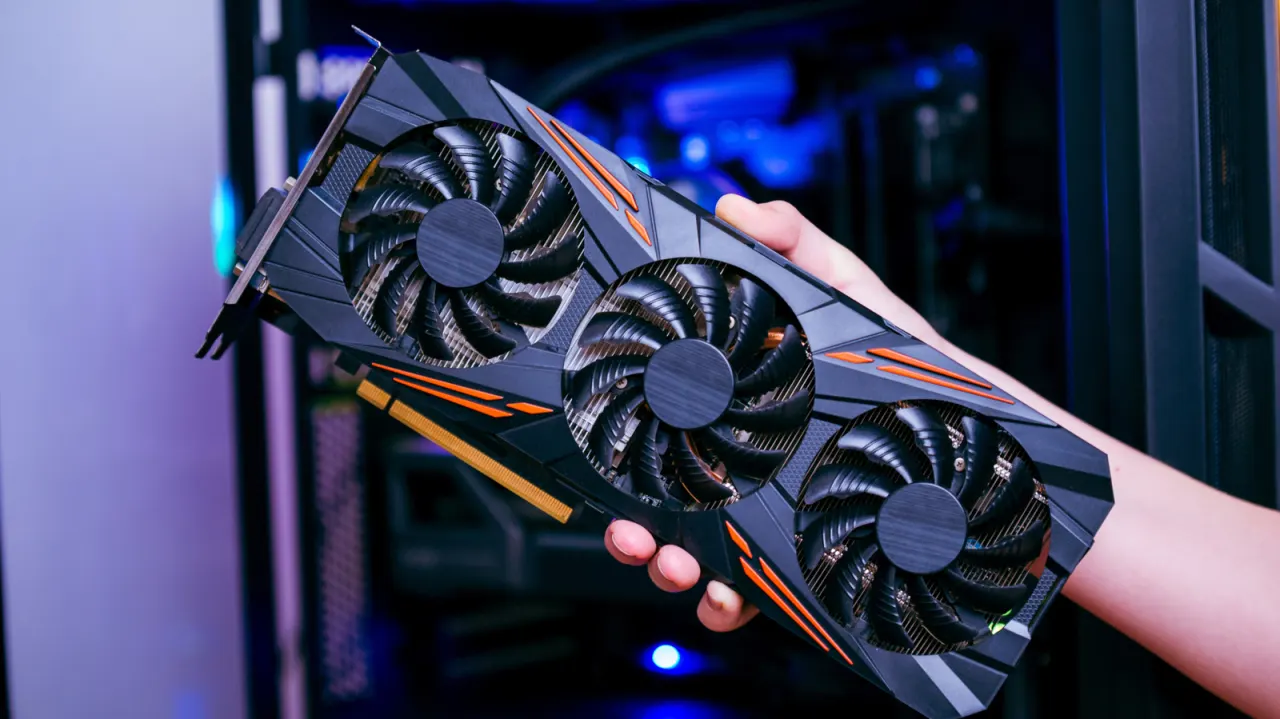
– Engadget has published a guide explaining several ways to update graphics card (GPU) drivers on a Windows 11 PC, noting that while such updates rarely bring exciting new features, they are important for fixing bugs and ensuring optimal performance, particularly for gaming. – The simplest method is through Settings > Windows Update, though this can install versions that lag behind those offered directly by manufacturers, potentially missing the latest performance gains and fixes. – Drivers can also be checked via Device Manager, by expanding "Display adapters" and using the "Update Driver" option to search automatically. – For the most up-to-date drivers, the guide recommends using manufacturer-specific software: the NVIDIA App, AMD Software: Adrenalin Edition, or Intel Graphics Software, each offering built-in update checks and installation. – Users can also manually search online for their exact GPU model plus "drivers", or visit NVIDIA's dedicated Driver Updates page to download the latest Game Ready Driver directly.
In short
- Windows Update, Device Manager or manufacturer apps can update GPU drivers.
- Manufacturer software (NVIDIA/AMD/Intel) usually offers the newest driver versions.
- Manual downloads from official sites are an alternative for specific versions.
Explained simply
A GPU, or graphics processing unit, produces the images and video shown on a computer screen. Its driver is software that helps Windows and other programmes communicate with the GPU; an older or faulty driver can affect performance or cause problems.
NVIDIA, AMD and Intel make many of the graphics chips used in Windows PCs. Microsoft distributes some drivers through Windows Update, while the manufacturers also provide their own tools and downloads.
Driver updates can fix bugs and improve how a GPU works with games and other software. The available update can depend on the PC’s graphics hardware and where its driver is obtained.
Business Markets Software Technology