How To use Claude’s Reflect dashboard and learn when it’s time to touch grass
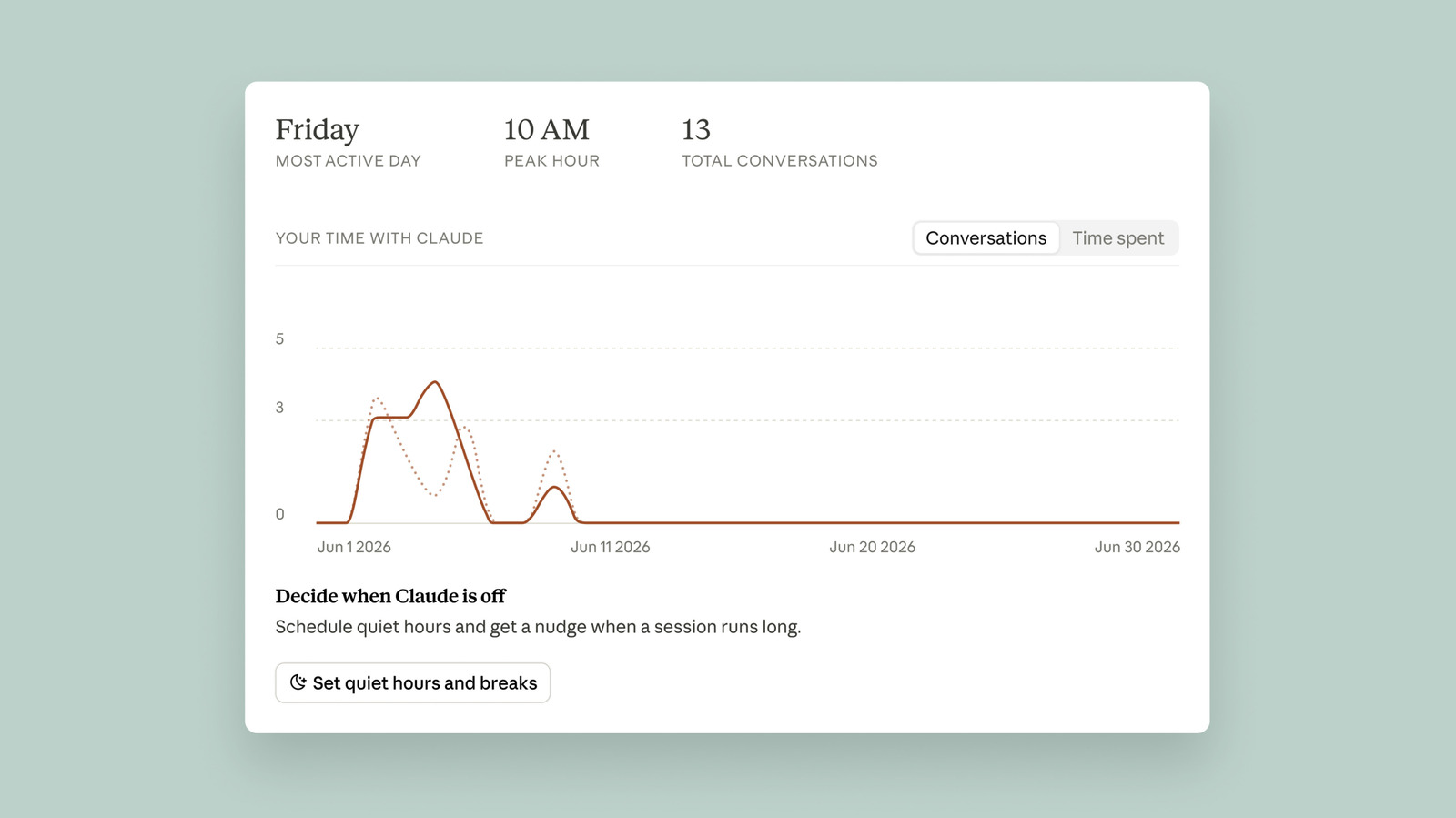
Anthropic has launched Reflect, a new dashboard within Claude's settings menu that helps users understand and manage how much time they spend using the chatbot. Described as a blend of Spotify Wrapped and Apple's Screen Time tool, it aims to encourage a more thoughtful relationship with the AI, addressing concerns that heavy Claude use could become detrimental to users' lives.
The dashboard, found under Settings > Reflect, generates a usage report covering the past one, three, six or 12 months, though it cannot yet show exact time spent, as Anthropic lacked an internal system for tracking this when development began. Users can set break reminders every 15, 30 or 45 minutes, or every few hours, and configure quiet hours to block usage at set times on specific days, though these nudges can be dismissed freely. An additional "AI fluency" section offers personalised tips, such as suggesting the Projects feature for users who repeatedly re-enter similar context.
- Anthropic's new Reflect dashboard tracks Claude usage habits
- Lets users set break reminders and daily quiet hours
- Exact time-spent tracking isn't available yet, coming later