Windows 11 Phone Link enables calls through a paired mobile phone
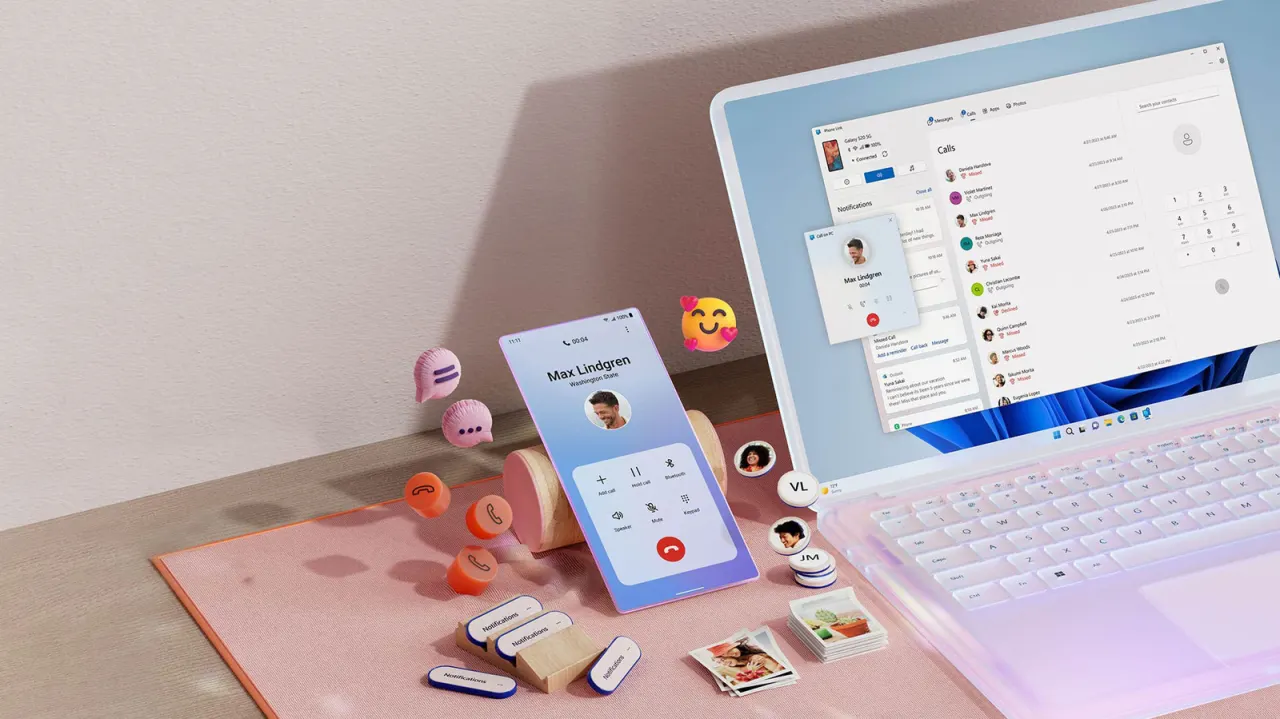
Windows 11’s Phone Link app lets users make and receive calls on their PC using their existing mobile number, which can make desk-based work and multitasking more convenient. It also syncs texts and notifications, though the available features differ between iPhones and Android phones.
To set it up, update Phone Link, pair the phone with the PC and grant the requested permissions; Bluetooth is required for calls on both platforms. Users can call synced contacts or dial a number from the Calls tab, and should keep their phone nearby for a reliable signal. iPhone users get calling, texting and notification controls, while Android users also get features such as access to their 2,000 most recent photos and extra phone and music controls.
- Phone Link routes mobile calls through a Windows 11 PC.
- Bluetooth is required for calls on both iPhone and Android.
- Android offers more Phone Link features than iPhone.
Read the full article at the source →
Originally published by Engadget as “How to use your Windows PC to make and receive phone calls”.