Improve your Android Auto experience by doing these simple things
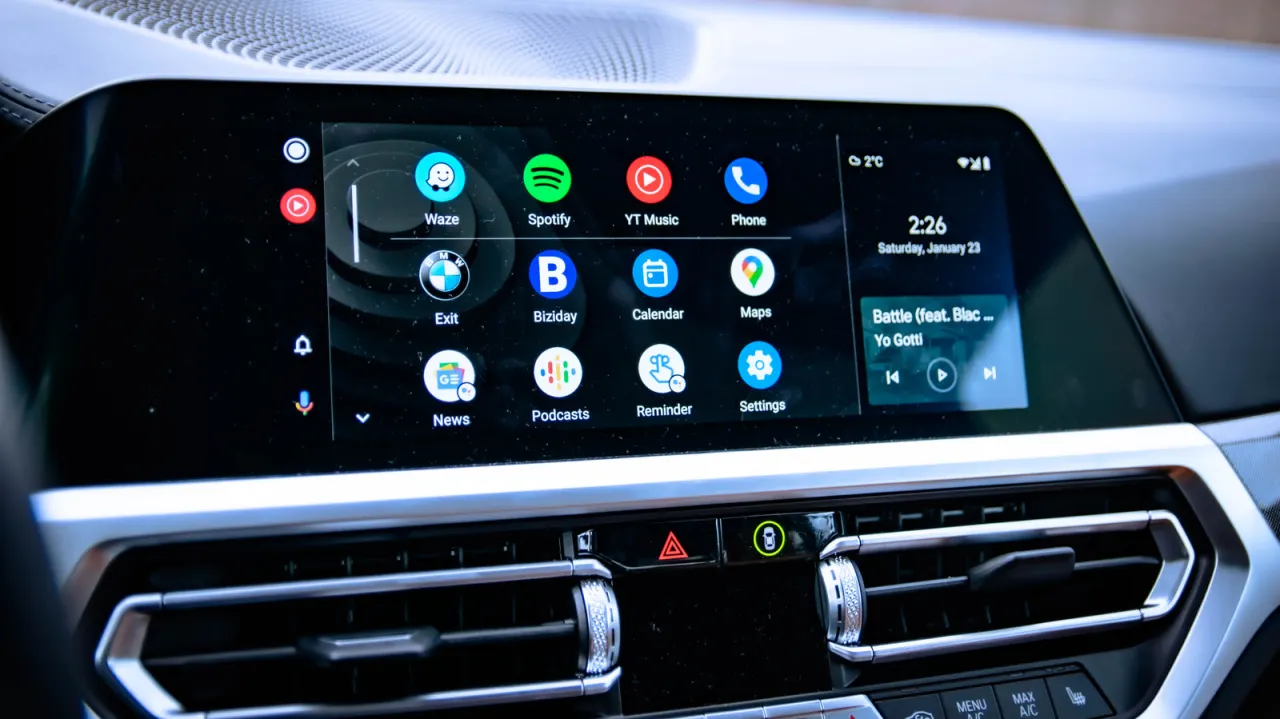
This how-to guide from Engadget outlines several lesser-known Android Auto settings that drivers can adjust to make the platform less cluttered, safer and more personalised. It notes that most people only ever use the default configuration, missing features that could reduce distractions and better suit their habits, which matters given how widely the software is used.
The article recommends decluttering the home screen via "Customize launcher" to remove unwanted app icons and reorder frequently used ones; enabling Developer Settings (by tapping "About" or "Version" around ten times) to unlock options such as forcing wireless connection, adjusting video resolution, and locking the display to a fixed day or night theme rather than switching automatically. It also mentions controlling media playback and switching to Google's Gemini assistant as further customisation options, noting that Android Auto is used in more than 250 million cars worldwide.
- Android Auto hides many useful customisation settings by default
- Customize launcher lets you remove unwanted app icons
- Developer Settings unlock wireless, resolution and theme controls
New here? Start with this
Android Auto is Google’s system for using selected phone apps through a car’s dashboard display. It can show navigation, messages and music, while letting drivers control some features by voice or through the screen.
Google makes the software, and drivers can adjust how it looks and behaves in compatible cars. Its settings include which apps appear on the screen, how the display changes between day and night, and which assistant handles voice requests.
These choices matter because a busy screen or poorly suited settings can make the system harder to use while driving. Android Auto is used in more than 250 million cars worldwide, so small changes may affect many drivers.