Improve your Apple CarPlay experience by doing these simple things
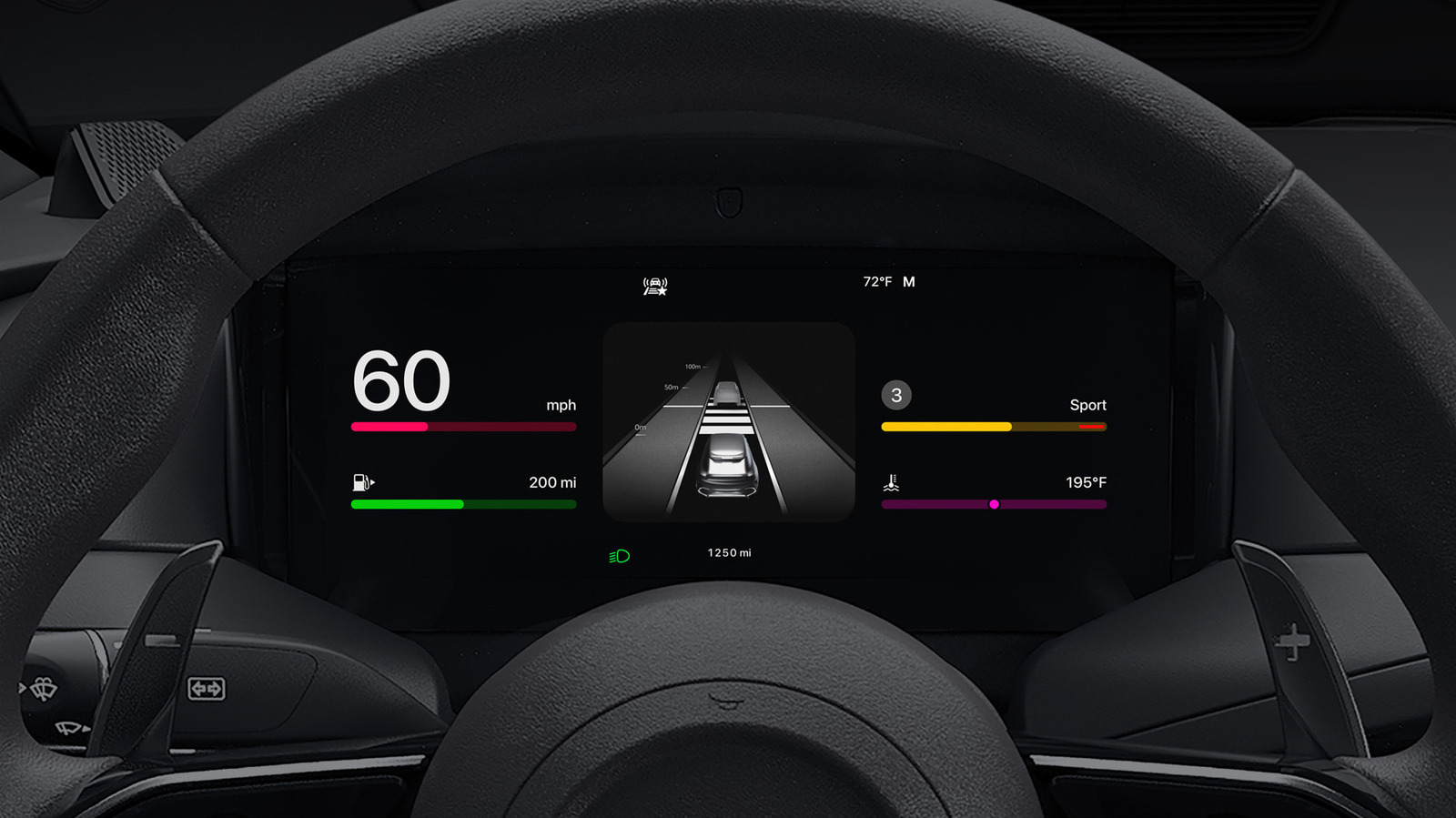
This article provides guidance on customizing Apple CarPlay to enhance your driving experience. With iOS 27 introducing new features, there are multiple ways to personalize and optimize CarPlay's functionality.
– Customize your app layout by rearranging apps on your iPhone (via Settings > General > CarPlay > select your vehicle > Apps menu) to prioritize your most-used applications
– Add widgets to your CarPlay display (available since iOS 26) for quick access to information like weather, calendar and clock
– Adjust brightness and appearance settings, including toggling between light and dark modes and customizing your wallpaper and icon colours
– Configure Siri and voice controls to suit your needs, including the improved Siri AI in iOS 27, and enable Voice Commands for hands-free app and interface control
– Enable Driving Focus to reduce notification distractions whilst driving, whilst keeping essential driving apps accessible
- Personalize CarPlay layout, widgets and appearance through iPhone settings
- iOS 27 brings improved Siri and enhanced customization options
- Use Driving Focus to minimise distracting notifications while driving