Technology news and discussion on TalkFuse.
Starlink app setting separates Wi-Fi bands for faster 5GHz connections
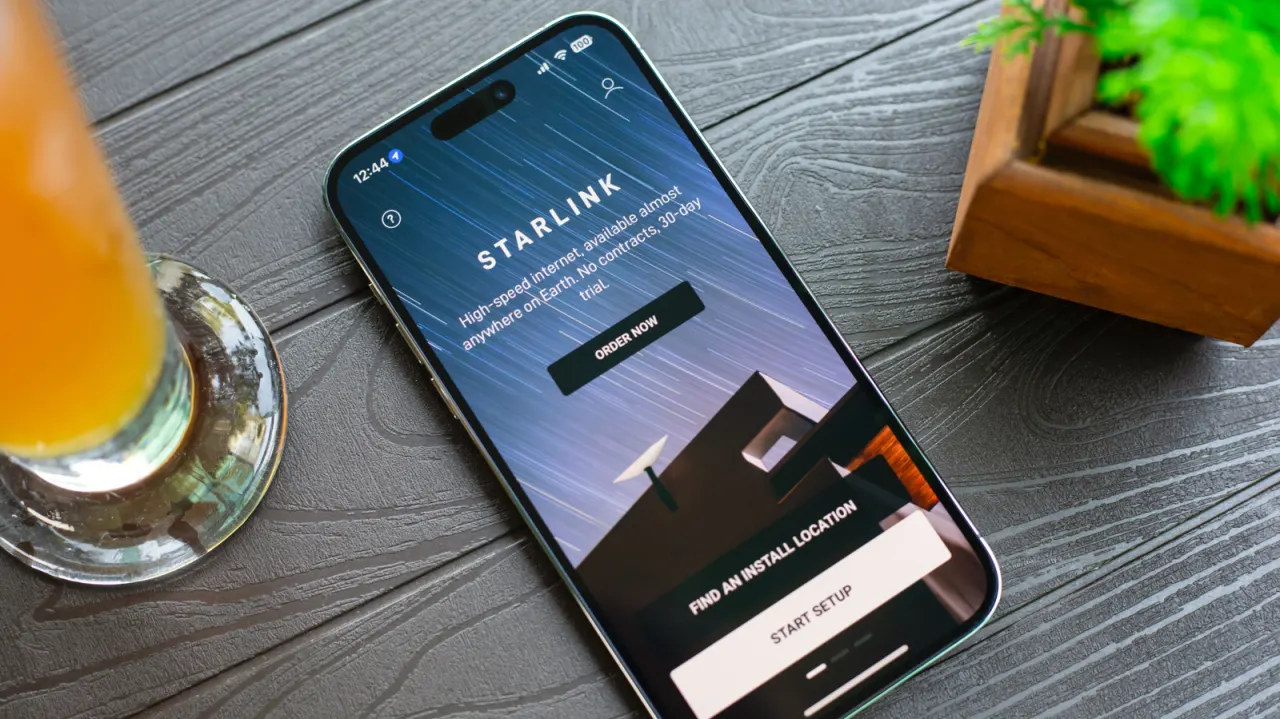
Starlink users can split their Wi-Fi into separate 2.4GHz and 5GHz networks through the app, which may improve speeds for devices that support 5GHz. The setting matters because it lets users choose a faster band directly, but can reduce convenience and cause compatibility or coverage problems.
To enable it, select “Add Network” in the Starlink app and switch on “Split Network”, then name the two networks. 2.4GHz generally reaches farther and passes through walls better, while 5GHz can offer higher speeds and more channels; typical indoor ranges are about 150 feet (45 metres) and 50 to 75 feet (15 to 25 metres), respectively. Some smart-home devices only work on 2.4GHz, and devices on separate network names may have trouble communicating, so users without existing performance issues may prefer the unified setting.
In short
- Starlink’s app can split Wi-Fi into 2.4GHz and 5GHz networks.
- 5GHz may be faster, while 2.4GHz offers greater range.
- Splitting can complicate device compatibility and switching.
Read the full article at the source →
Originally published by Engadget as “Improve your Starlink Wi-Fi speed with this app setting”.