Technology news and discussion on TalkFuse.
Starlink app setting separates Wi-Fi bands for faster 5GHz connections
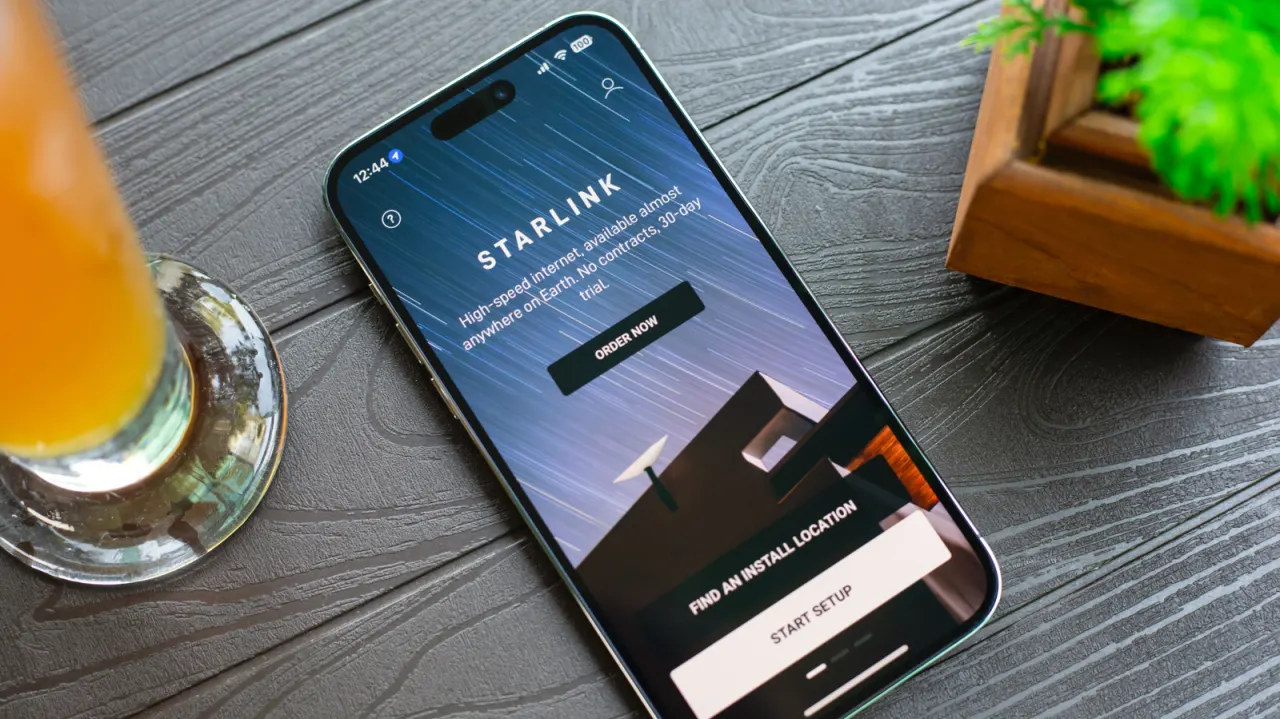
Starlink users can split their Wi-Fi into separate 2.4GHz and 5GHz networks through the app, which may improve speeds for devices that support 5GHz. The setting matters because it lets users choose a faster band directly, but can reduce convenience and cause compatibility or coverage problems.
To enable it, select “Add Network” in the Starlink app and switch on “Split Network”, then name the two networks. 2.4GHz generally reaches farther and passes through walls better, while 5GHz can offer higher speeds and more channels; typical indoor ranges are about 150 feet (45 metres) and 50 to 75 feet (15 to 25 metres), respectively. Some smart-home devices only work on 2.4GHz, and devices on separate network names may have trouble communicating, so users without existing performance issues may prefer the unified setting.
In short
- Starlink’s app can split Wi-Fi into 2.4GHz and 5GHz networks.
- 5GHz may be faster, while 2.4GHz offers greater range.
- Splitting can complicate device compatibility and switching.
Steelman: both sides, in good faith
The strongest fair case each way — we don't pick a winner.
The case for
Splitting the bands lets users connect compatible devices directly to 5GHz, which can offer higher speeds and more channels. It may help people who need better performance and are willing to choose the appropriate network for each device.
The case against
Keeping one unified network is simpler: devices can use the band that suits them without users managing separate names. It may also avoid setup problems for smart-home devices limited to 2.4GHz, weaker 5GHz coverage through walls, or communication issues between devices on separate networks.
Explained simply
Starlink is a satellite internet service that connects homes and other locations through a dish and a Wi-Fi router. The router can use two radio bands: 2.4GHz, which generally reaches farther through walls, and 5GHz, which can provide higher speeds over shorter distances.
The Starlink app lets users keep both bands under one network name or give them separate names. Separate names allow compatible devices to be directed to 5GHz, while some smart-home devices only support 2.4GHz and devices on different networks may not communicate easily.
Read the full article at the source →
Originally published by Engadget as “Improve your Starlink Wi-Fi speed with this app setting”.