Technology news and discussion on TalkFuse.
iOS 27 bug makes Google Maps and Waze banners obscure CarPlay maps
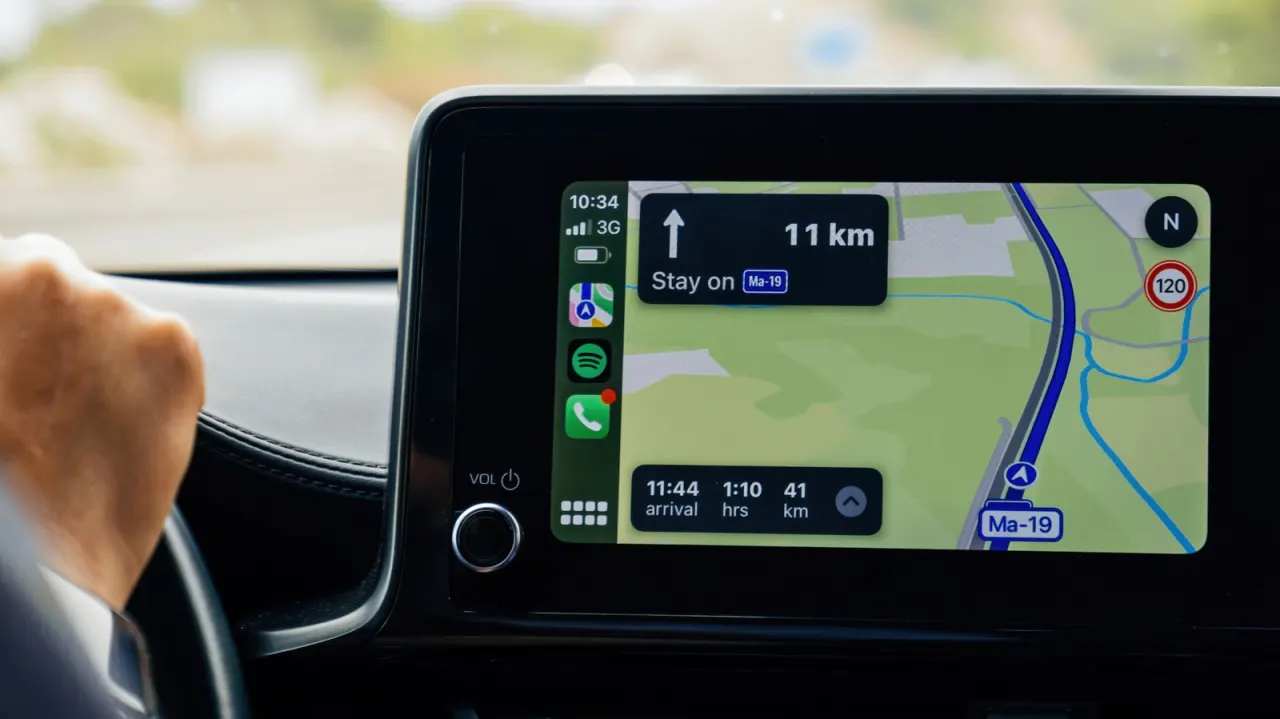
An iOS 27 bug appears to be causing Google Maps and Waze navigation banners to overlap the map in CarPlay, making directions harder to follow. An Apple engineer has acknowledged the issue, which matters because the fault seems to lie in iOS rather than in the navigation apps.
CarPlay uses an Apple-designed template to display information from third-party navigation apps, and the update appears to have stopped it reporting the usable map area correctly. Smaller car displays are more affected; Apple Maps is not affected. Updating or reinstalling Google Maps or Waze is unlikely to help, though disabling Smart Display Zoom may reduce banner size in some cars. The bug was still present in the first iOS 27.3 developer beta.
In short
- iOS 27 appears to make Google Maps and Waze banners cover the CarPlay map.
- Smaller car screens are more affected; Apple Maps is unaffected.
- Turning off Smart Display Zoom may help some drivers temporarily.
Explained simply
CarPlay is Apple's system for showing parts of an iPhone on a car's built-in screen. Navigation apps such as Google Maps and Waze use it to show a map with directions, including small banners that announce upcoming turns.
Since the iOS 27 update, some drivers have reported that these banners sit on top of the map itself, covering part of the road ahead. The problem is most noticeable on smaller car displays, while Apple's own Maps app is not reported to be affected.
CarPlay depends on both Apple's software and the third-party apps that run on it, so a fault in one can affect how the other appears. Drivers rely on clear directions while driving, which is why even a visual problem of this kind is closely watched.
Read the full article at the source →
Originally published by Engadget as “iOS 27 could be messing up your CarPlay experience with Google Maps and Waze”.